01
Telephone communication
Telephone calls made it possible for two people to communicate while being physically separated.
Screen sharing, online meetings and team collaboration can be fast and easy. Bring colleagues and customers together in real time, share your screen directly from the browser and keep work moving without unnecessary complexity.
Modern web conferencing software makes online collaboration simple and cost-effective. Use video and audio conferencing, chat, webinars, screen sharing and browser-based meetings across desktop, mobile and room systems.
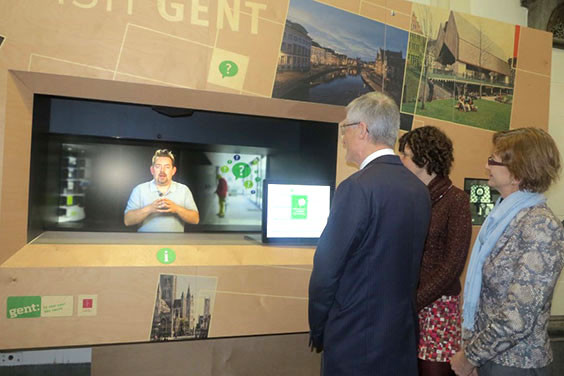
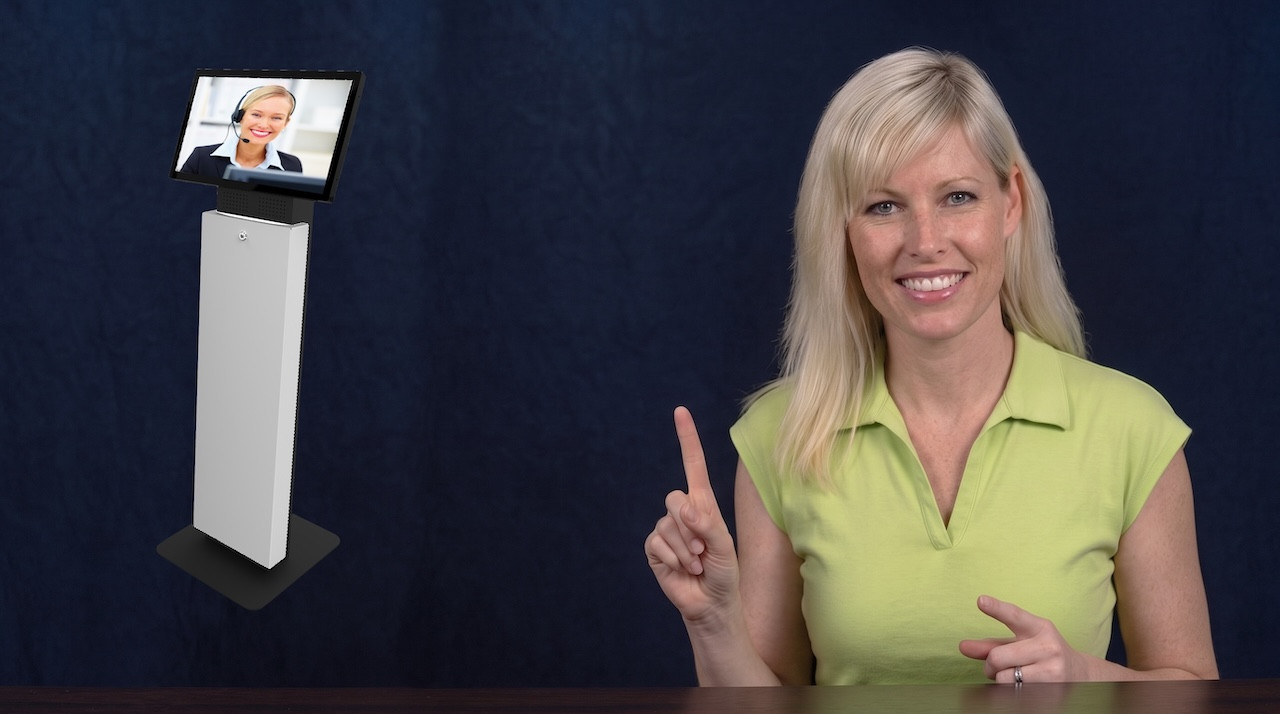
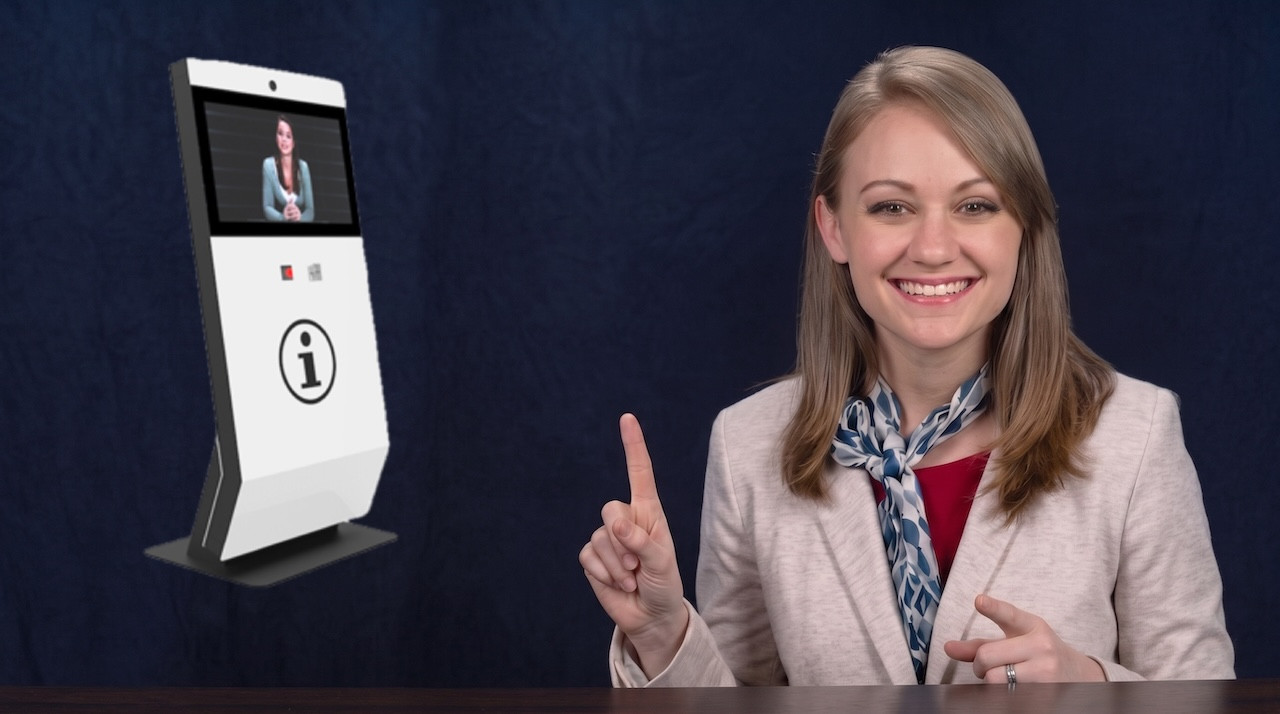


Online meetings bring people into the same conversation without requiring them to be in the same room. Modern web conferencing extends that idea with screen sharing, video, audio, chat and browser-based collaboration.
Telephone calls made it possible for two people to communicate while being physically separated.
Conference calls extended remote communication to several participants without requiring a shared meeting room.
Video added visual interaction, allowing people to see who they are speaking with during a remote conversation.
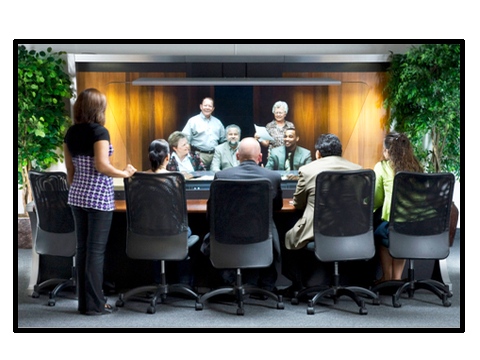
Instead of bringing people into a virtual meeting, video can bring a remote person into a physical meeting space.
Many organizations operate smaller offices, satellite locations, business centres, industrial sites, healthcare facilities and other buildings where having a full-time meeting host at every location can be difficult to justify.
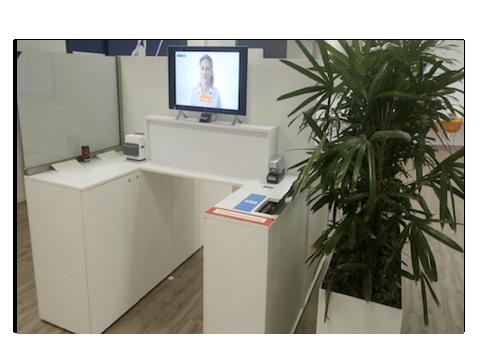
Traditionally, an organization might leave the desk unattended, ask participants to call a telephone number, use a sign-in book or install a self-service participant system.
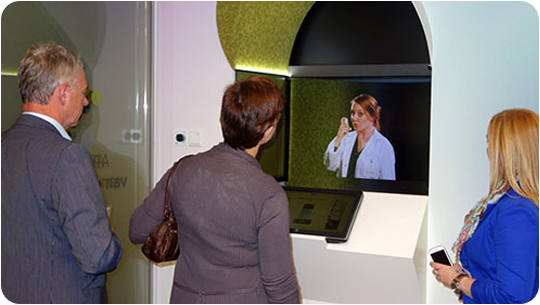
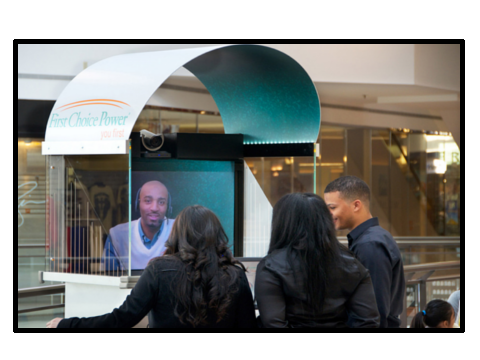
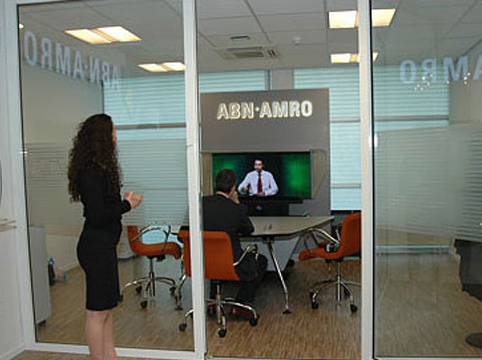
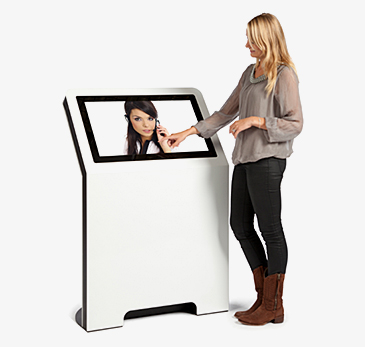
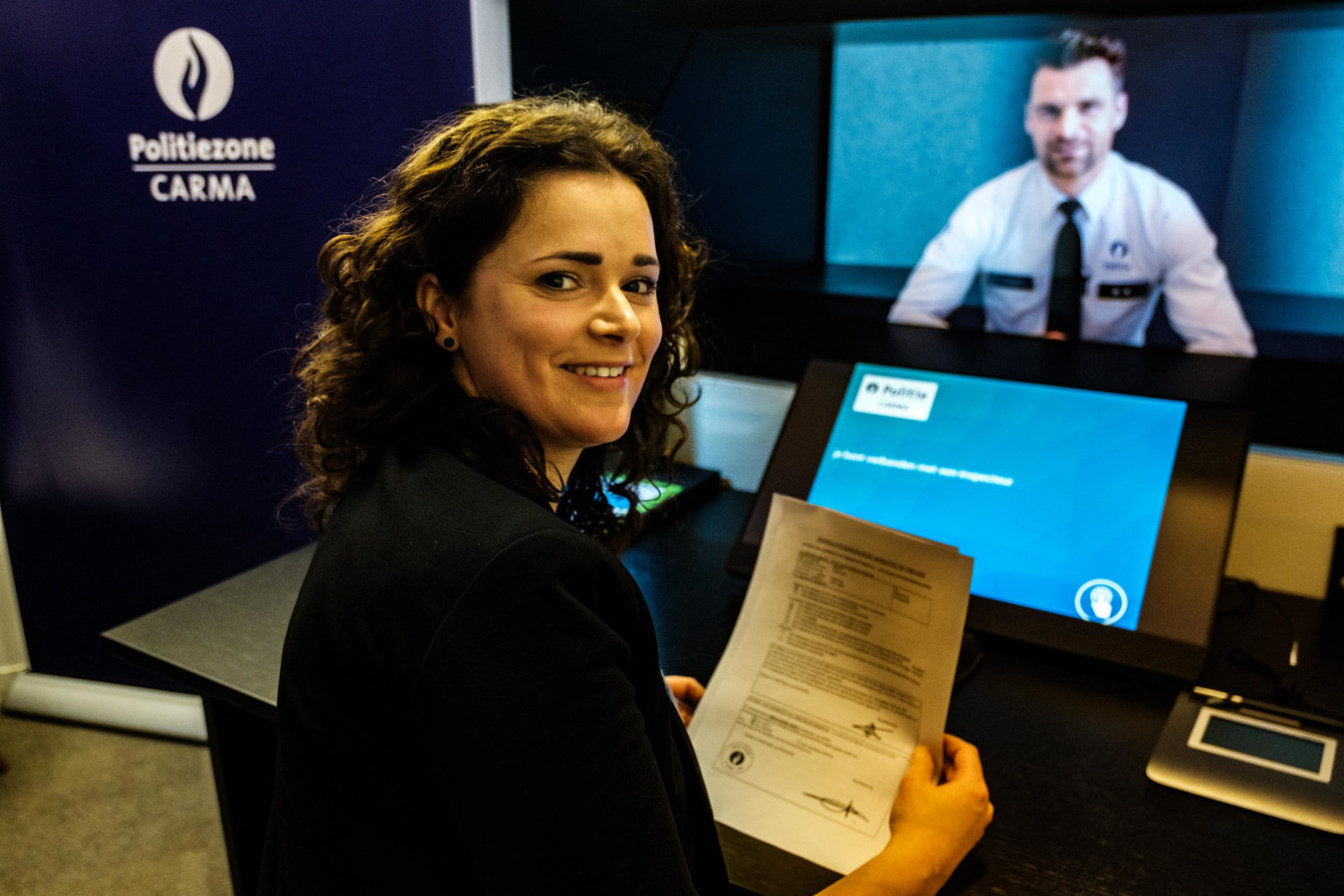
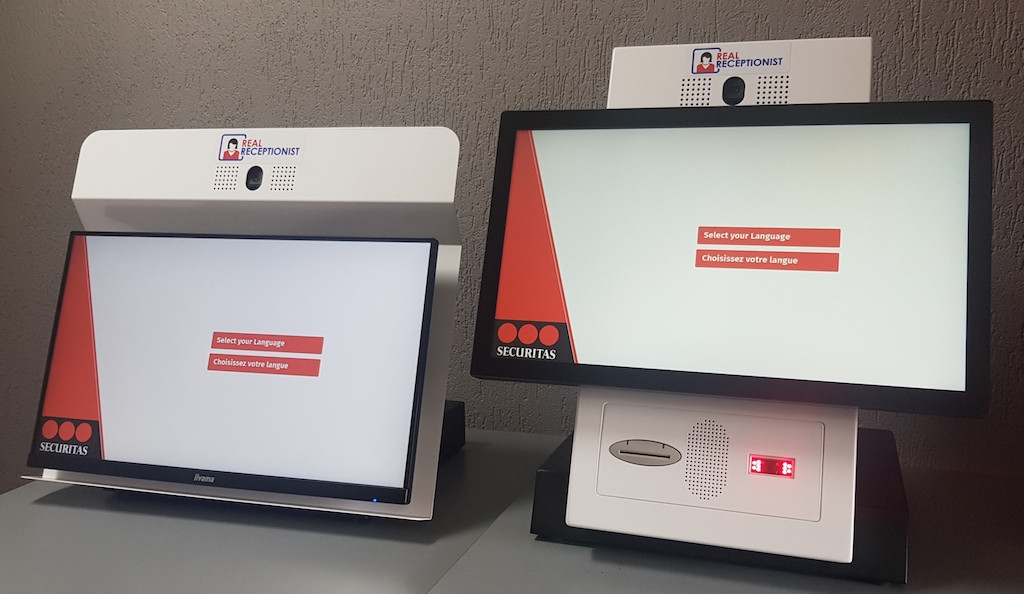
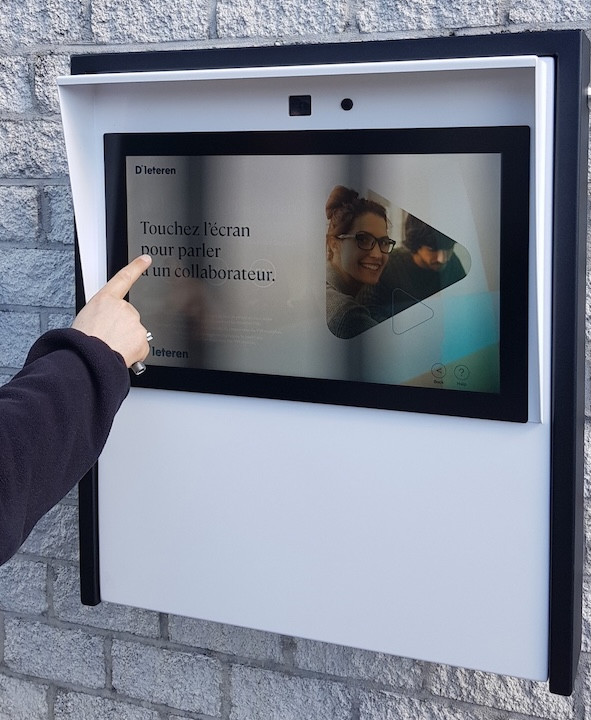
Remote video collaboration creates another possibility: a participant can approach a meeting interface or screen and establish a live connection with a meeting host who is working somewhere else.
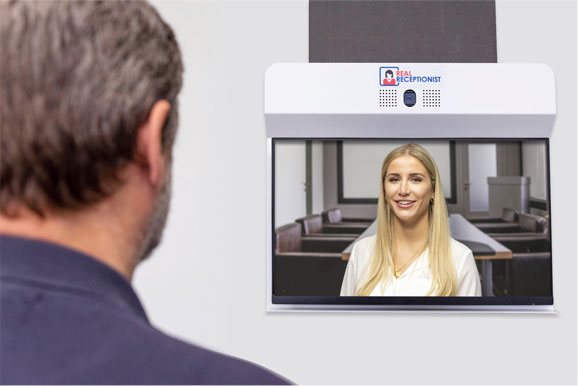
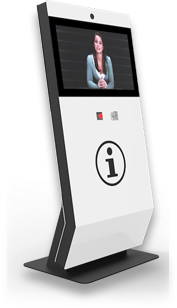
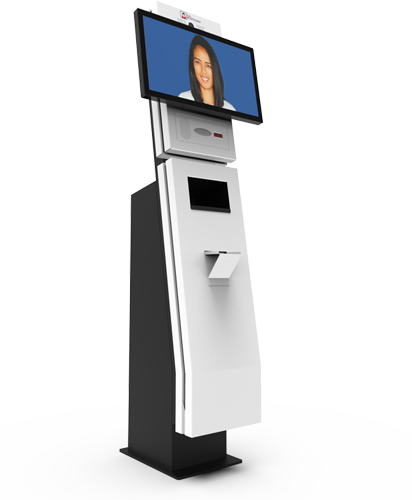
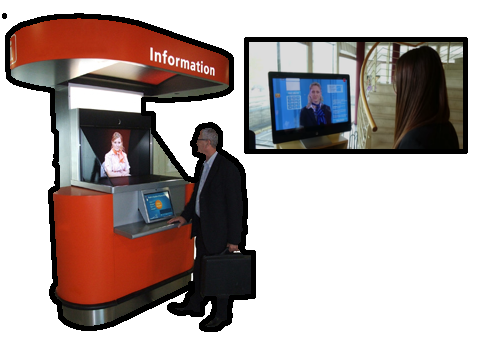
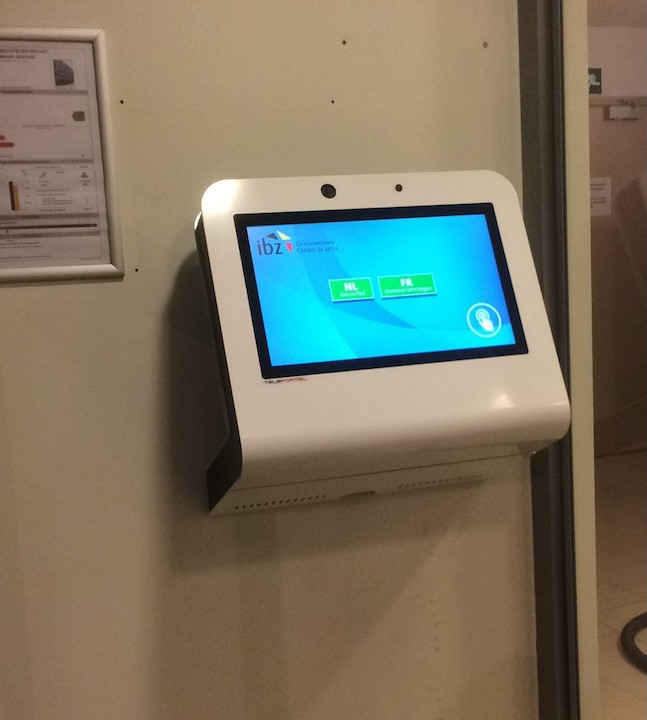
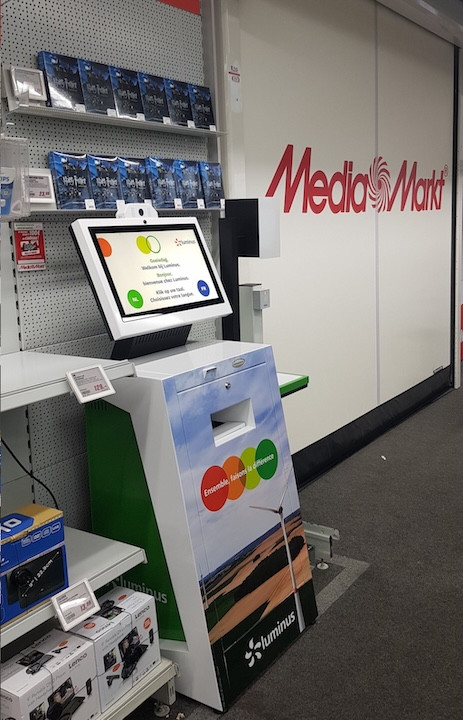
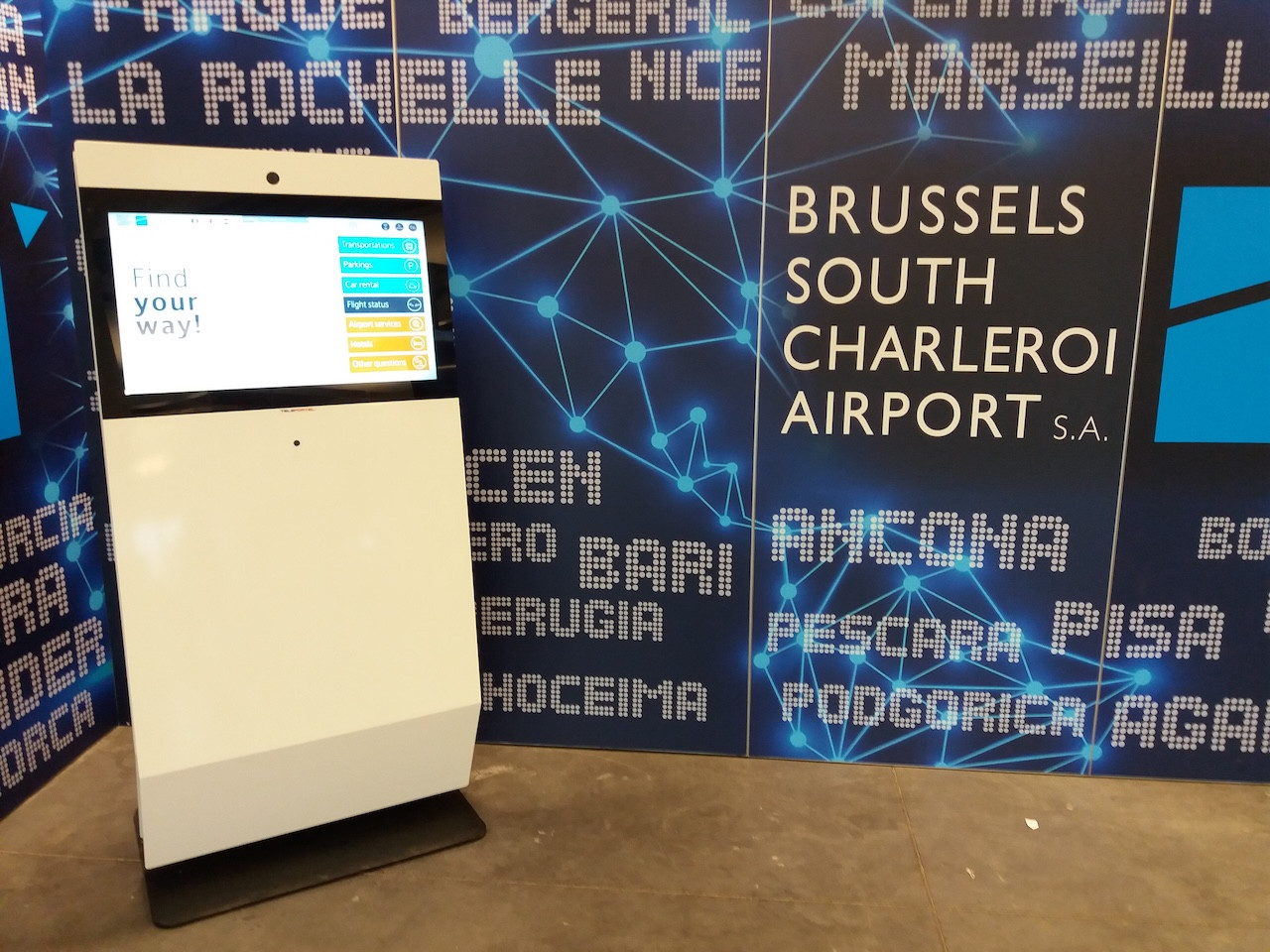
Combine Teleportel software with the touchscreen format that best matches your collaboration environment and team collaboration process.
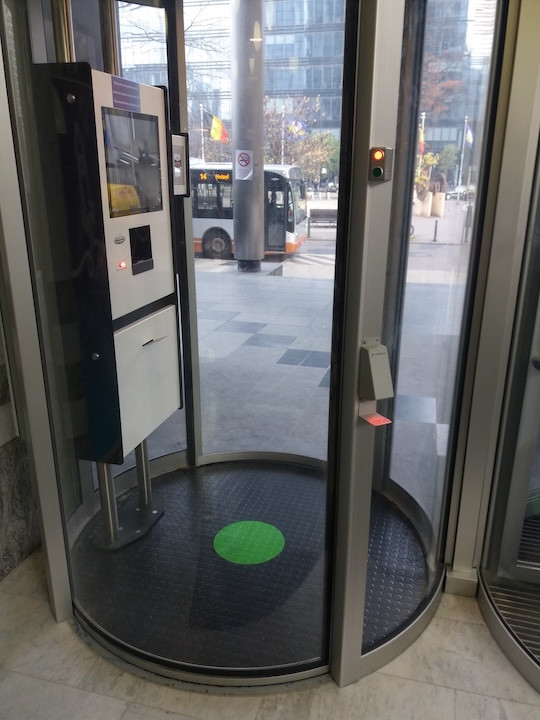
Collaboration requirements vary by location. Digital team collaboration can support the way guests, patients, contractors and other participants arrive in different environments.
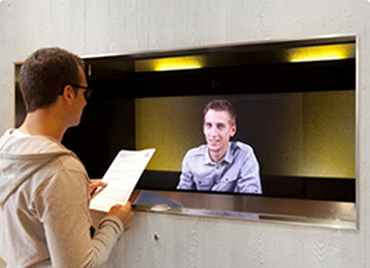
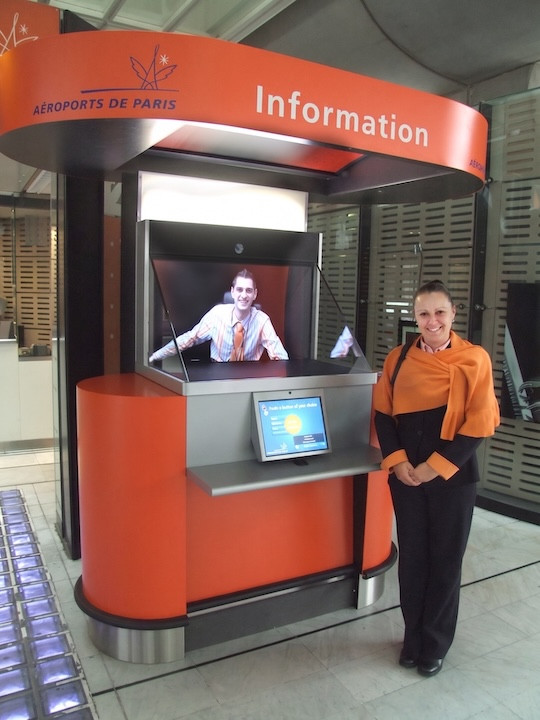
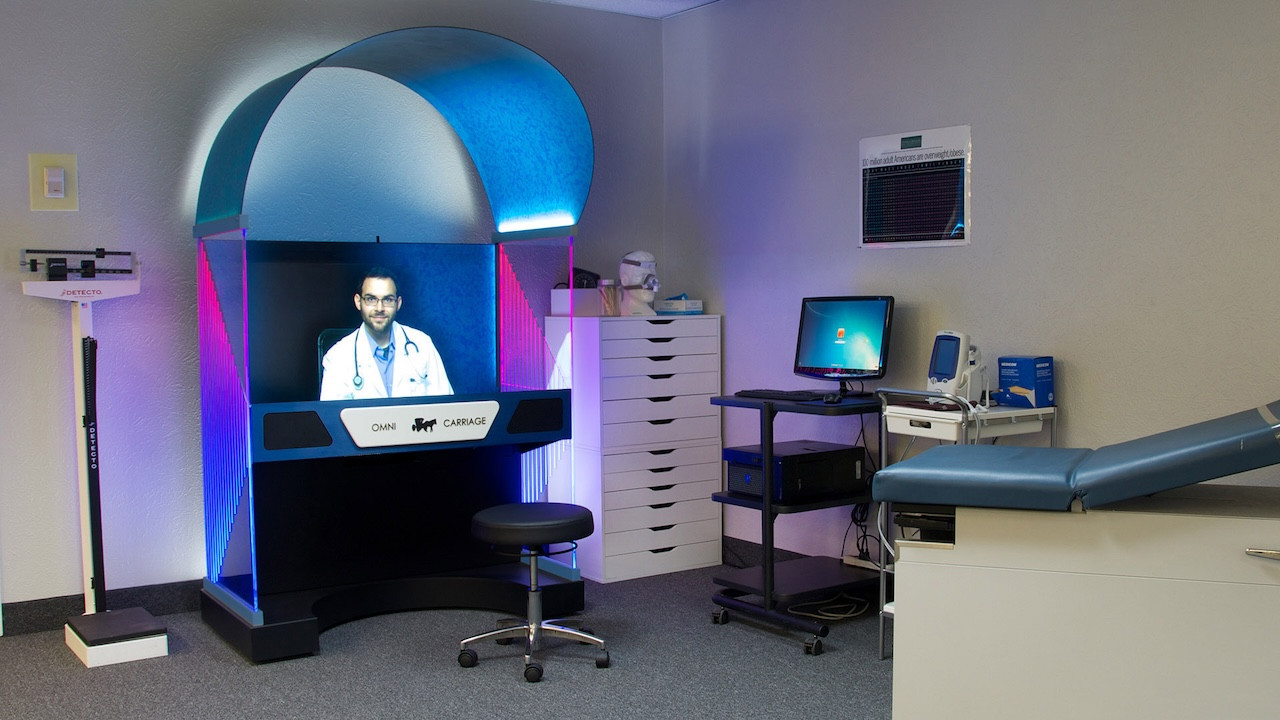
Teleportel's patented 3D Holographical Reality™ is designed around presence rather than simply displaying a remote video feed. The meeting host appears life-sized and in 3D, with aligned eye contact, while the camera and screen remain outside the participant's view.
The effect is intentionally different from ordinary 2D displays and from consumer “3D TV” concepts that require goggles. No glasses are needed. The objective is an immersive, authentic interaction in which the person on the other side feels much closer to being in the same room.
The sound is also positioned so that it seems to come from the person rather than from an obvious loudspeaker, reinforcing the overall sense of presence.
More About Holographical Reality™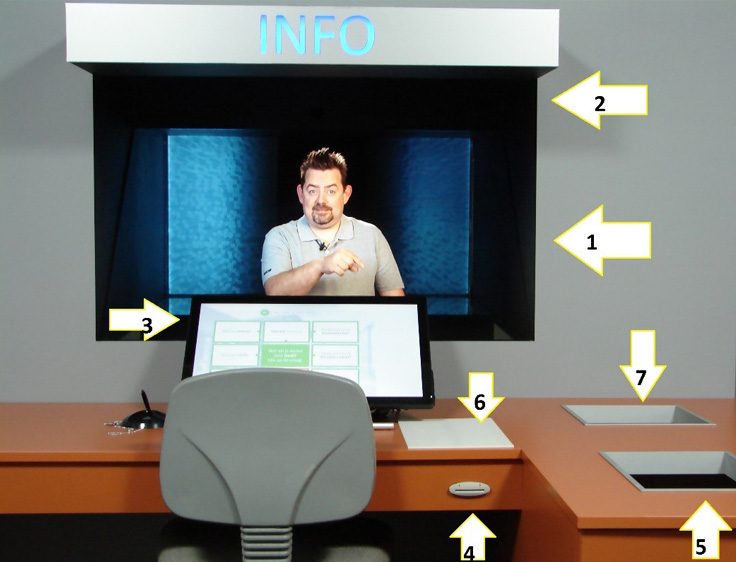
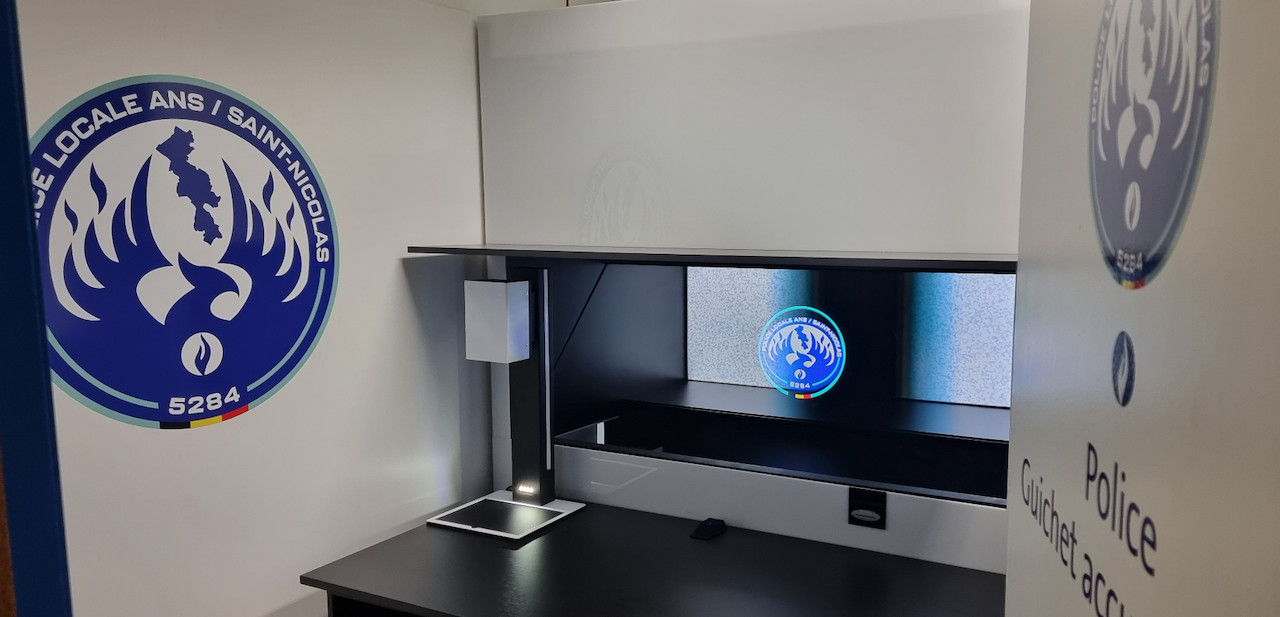
Teleportel In-Wall™ installations can be adapted around the architecture, collaboration workflow, branding and peripheral equipment required at each site.
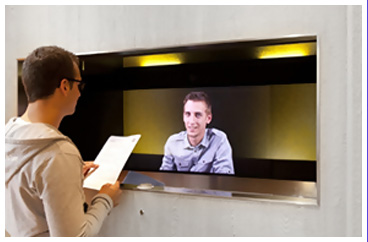
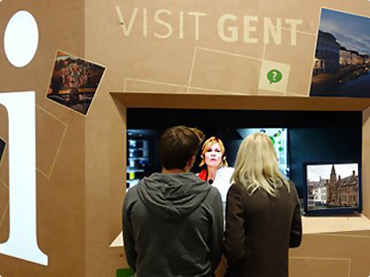
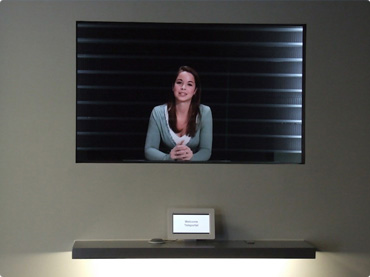
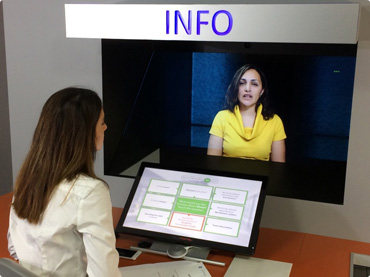
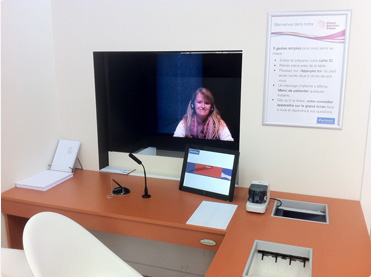
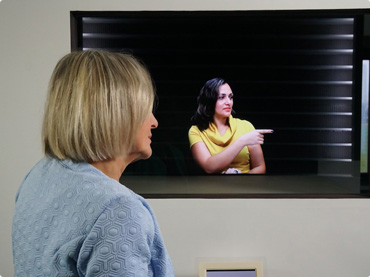
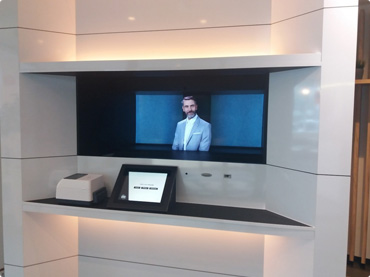
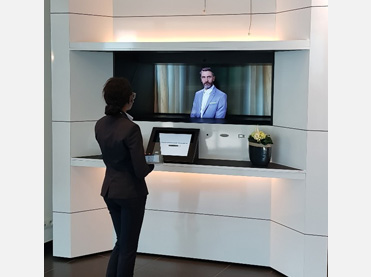
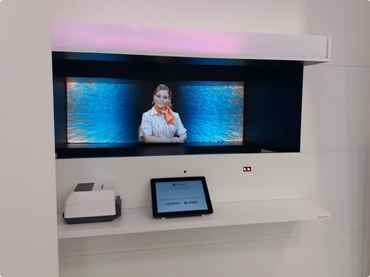
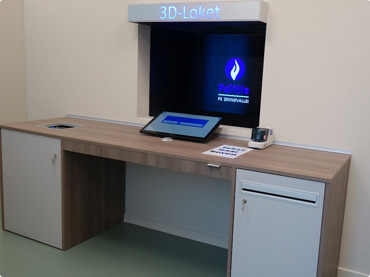
Not really. A screen is an interface. What matters is what happens on the other side of it.
Routine participant steps can be handled digitally, including registration, instructions and basic arrival information.
When a participant has a question or needs assistance, live video and screen sharing can bring a meeting host or employee directly into the interaction.
Digital automation and human assistance can work together rather than forcing organizations to choose one or the other.
The result is not necessarily a replacement for human collaboration. It is a different way of delivering human collaboration.
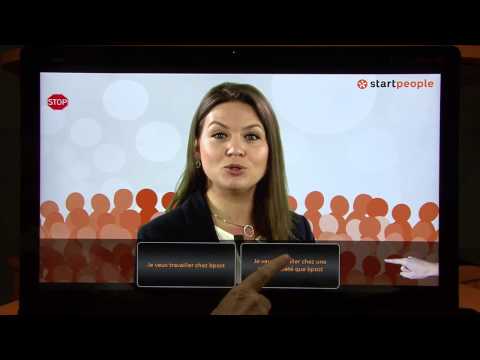
Telephone communication is efficient, but it removes much of the visual interaction that happens during a face-to-face conversation.
With video, the participant can see who they are speaking to and the remote meeting host can see the participant. This can make the interaction feel more immediate and personal.
For someone visiting an unfamiliar location, having a visible person available to answer questions and provide guidance can also be more reassuring than interacting only with an anonymous automated system.
This is why video communication can be useful beyond traditional meetings: it can support situations where people need to communicate across distance while maintaining human interaction.
A online meetings setup can combine live video and screen sharing with participant management technology so the conversation becomes part of the complete arrival journey.
Connect participants with a meeting host, employee or specialist in another office, building or city.
Collect participant information digitally as part of the arrival and collaboration process.
Support expected participants whose details or appointment information are known before they arrive.
Help inform the appropriate employee, department or host when a participant requires attention.
Use QR-based interactions where they form part of the configured participant journey.
Incorporate participant identification or badge printing into the broader collaboration workflow.
Connect the collaboration experience with access-related processes where appropriate for the environment.
Use appointment or calendar information to support expected arrivals and participant assistance.
Provide useful instructions and routine information before transferring the participant to a person when necessary.
Online meetings can be practical when an organization needs human participant assistance but does not need someone permanently stationed at every meeting room.
One collaboration team can potentially support participants across several locations rather than being physically stationed at each site.
Remote assistance can help participants at locations where employees are only physically present at certain times.
Sites that do not require continuous collaboration can combine live assistance with self-service options.
The same remote-presence concept can support customer service desks, information points and similar environments.
One of the more interesting developments in communication technology is the gradual disappearance of the boundary between physical and remote interaction.
A person does not necessarily have to be physically present in a building to interact with someone who is there.
Video can make a online meetingsist visible. A meeting screen or touchscreen can provide the physical point of interaction. Software can manage routine steps around the conversation.
Together, these technologies can turn remote communication into a practical participant experience.
See Screen Sharing & Web Conferencing Examples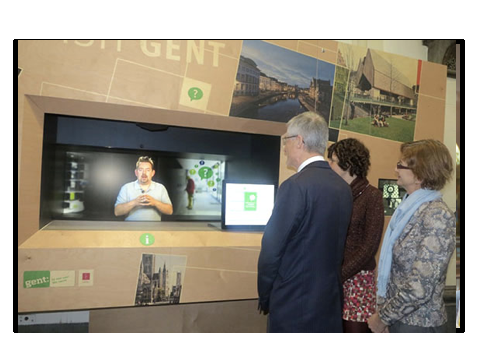
Online meetings brings together the physical and digital participant experience: the meeting host can be remote while the interaction still feels local.
Teleportel explores ways to connect people across locations through digital and video-based collaboration solutions. Combine digital self-service with human interaction and decide when routine participant processes should be automated and when a real person should become involved.
Quick answers about online meetings, video collaboration systems, meeting interfaces and remote human assistance.
A online meetingsist is a meeting host or employee who assists participants without being physically located at the same collaboration desk. Video communication can allow the participant and meeting host to see and speak with each other from different locations.
A participant typically approaches a meeting interface, touchscreen or video terminal. The system can provide information or support routine participant steps and, when human assistance is needed, connect the participant with a online meetingsist through live video and screen sharing.
Not necessarily. The screen or meeting screen is simply the interface. Online meetings can keep a real person involved while allowing that person to work from another location. Routine processes can also be handled digitally where appropriate.
Depending on the setup, a meeting interface can provide information, support meeting access or meeting invitations, use QR codes, support notifications, badge printing, access-related processes and appointment information, and provide a point for live video and screen sharing communication.
Online meetings can be useful for companies with several offices because a collaboration team can potentially assist participants at more than one location without having someone permanently stationed at every meeting room.
Possible environments include smaller offices, satellite locations, business centres, industrial sites, healthcare facilities, information points and buildings where participant traffic changes throughout the day.
Video conferencing normally brings remote participants together for a meeting. Online meetings uses similar video communication technology for a different purpose: bringing a remote person into a physical participant or collaboration interaction.
Yes. Routine participant processes can be handled digitally while questions or situations that require communication can be directed to a meeting host, employee or specialist through live video and screen sharing.