01
Audio conferencing
Useful when participants primarily need a reliable voice connection for business discussions.
Small business owners need practical ways to stay connected with clients and colleagues without traveling for every meeting. Conference call and web video conferencing services can combine voice, video and online collaboration for one-to-one conversations and group meetings.
As communication technology evolves, one-to-one video calling and browser-based meetings are becoming increasingly important alongside traditional teleconferencing. The right service depends on how your business communicates, who needs to join and which features matter most.


There is no single conferencing service that fits every organization. A useful comparison starts with your actual meeting requirements: audio or video, one-to-one or group communication, participant access, collaboration features and how frequently the service will be used.
Useful when participants primarily need a reliable voice connection for business discussions.
Add face-to-face communication when seeing clients or colleagues improves the conversation.
Bring several participants together without requiring everyone to travel to the same location.
Consider whether participants need chat, content sharing or other tools while the meeting is taking place.
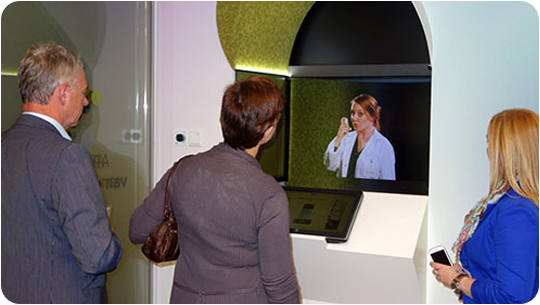
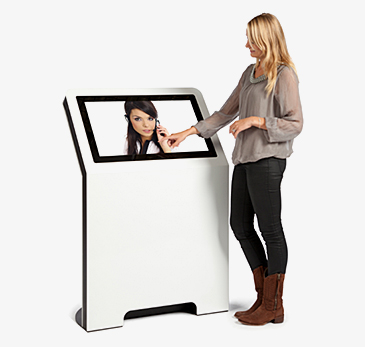
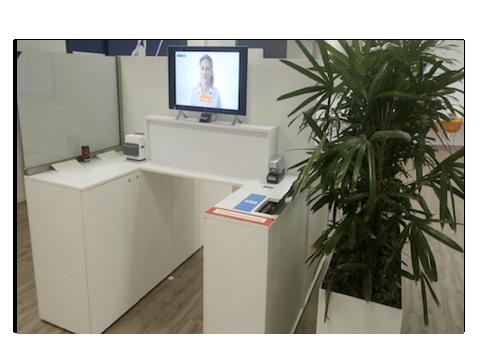
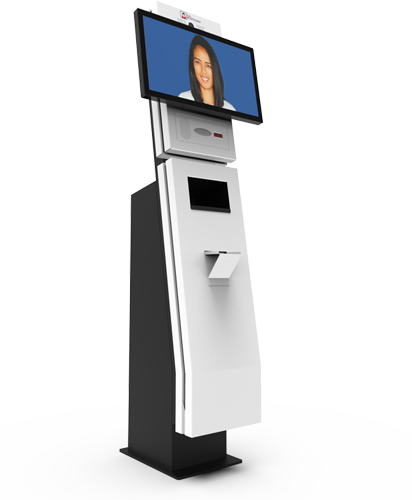
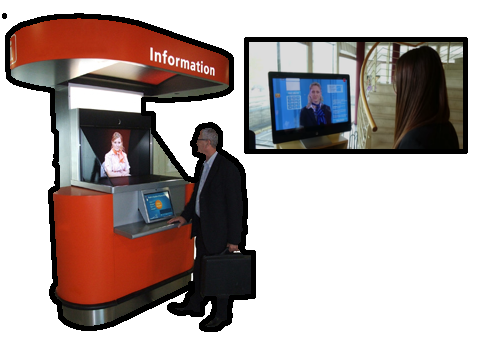
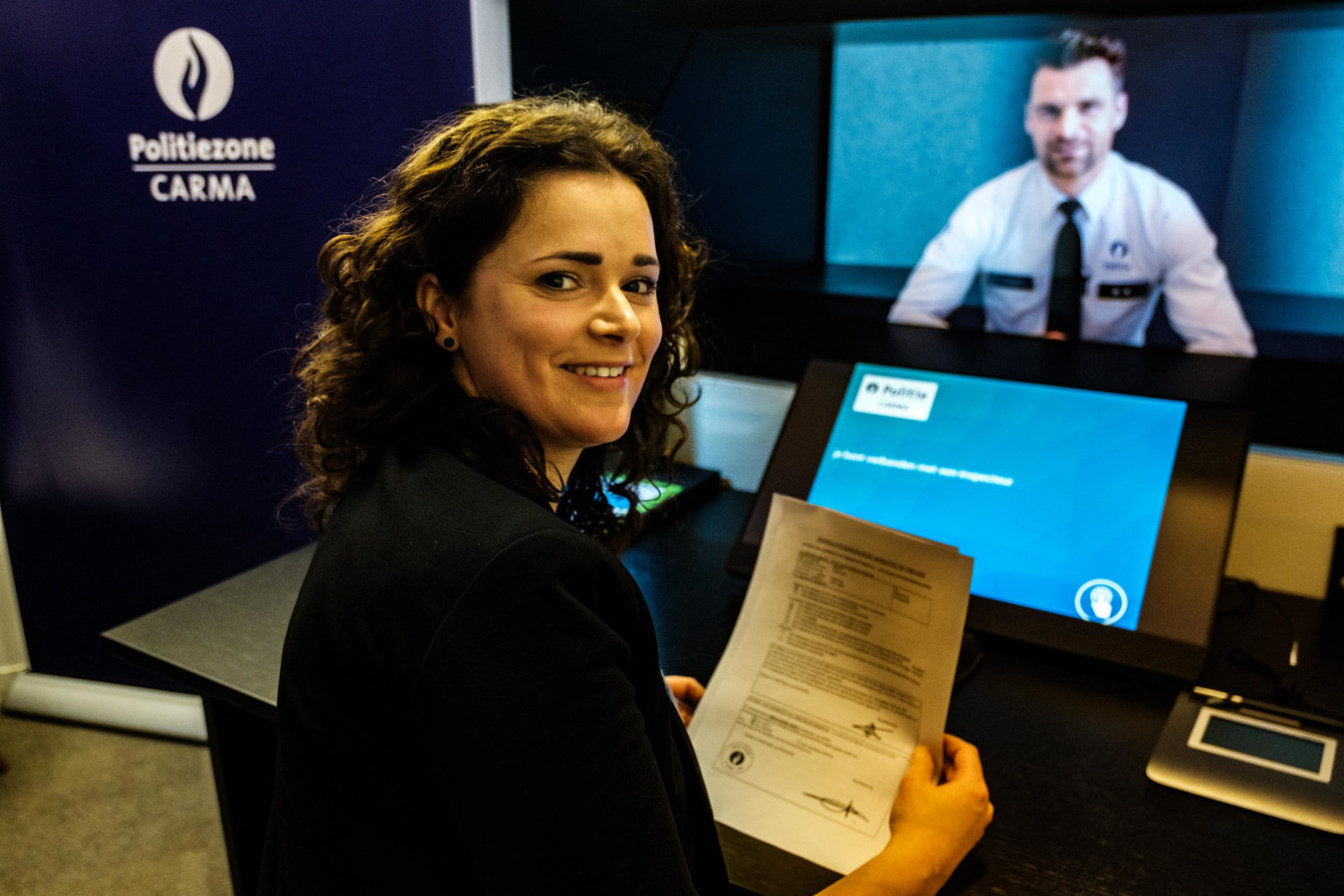
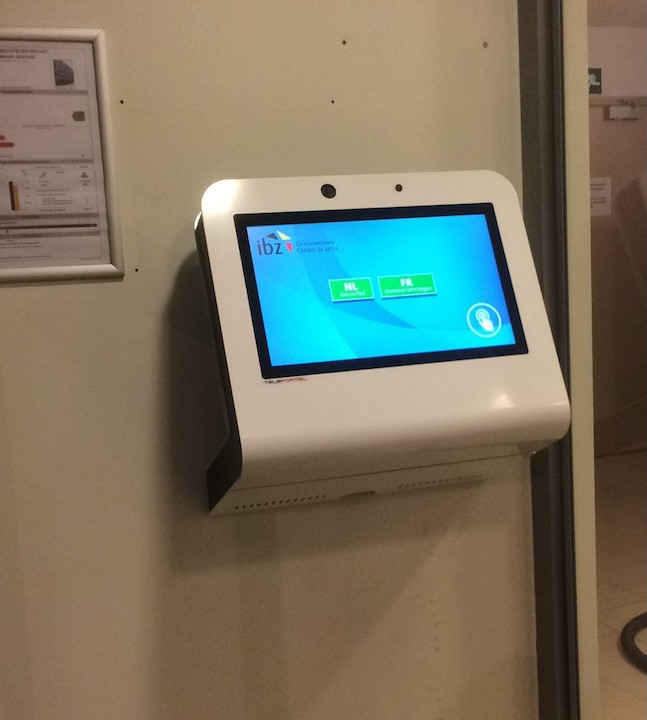
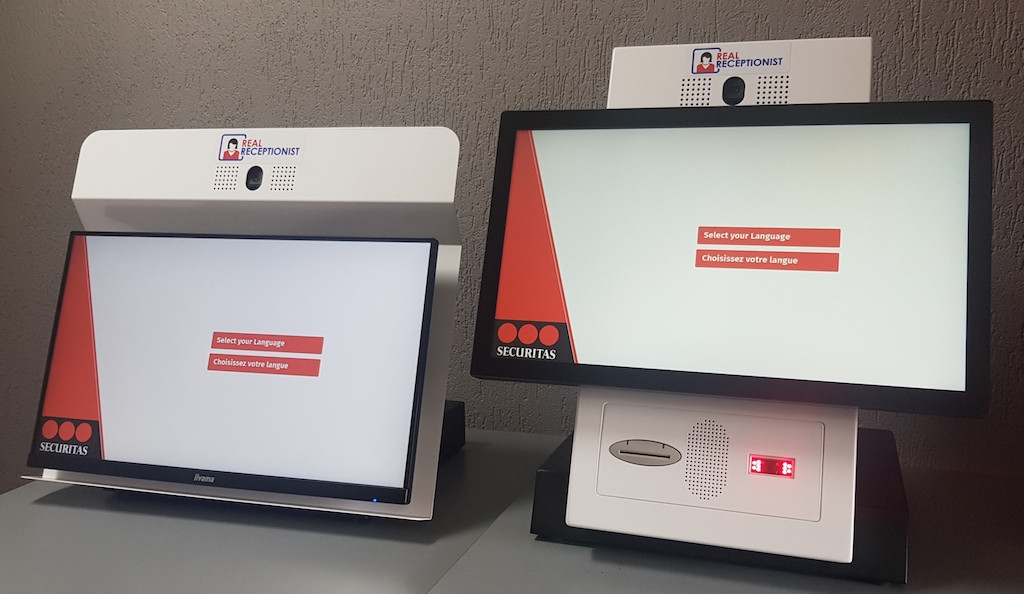
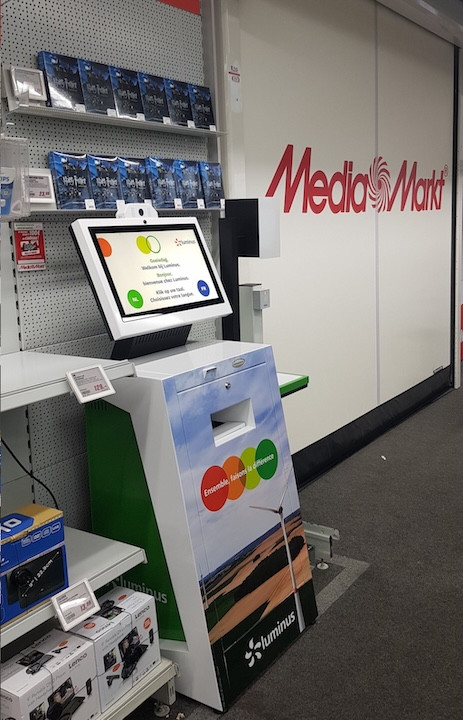
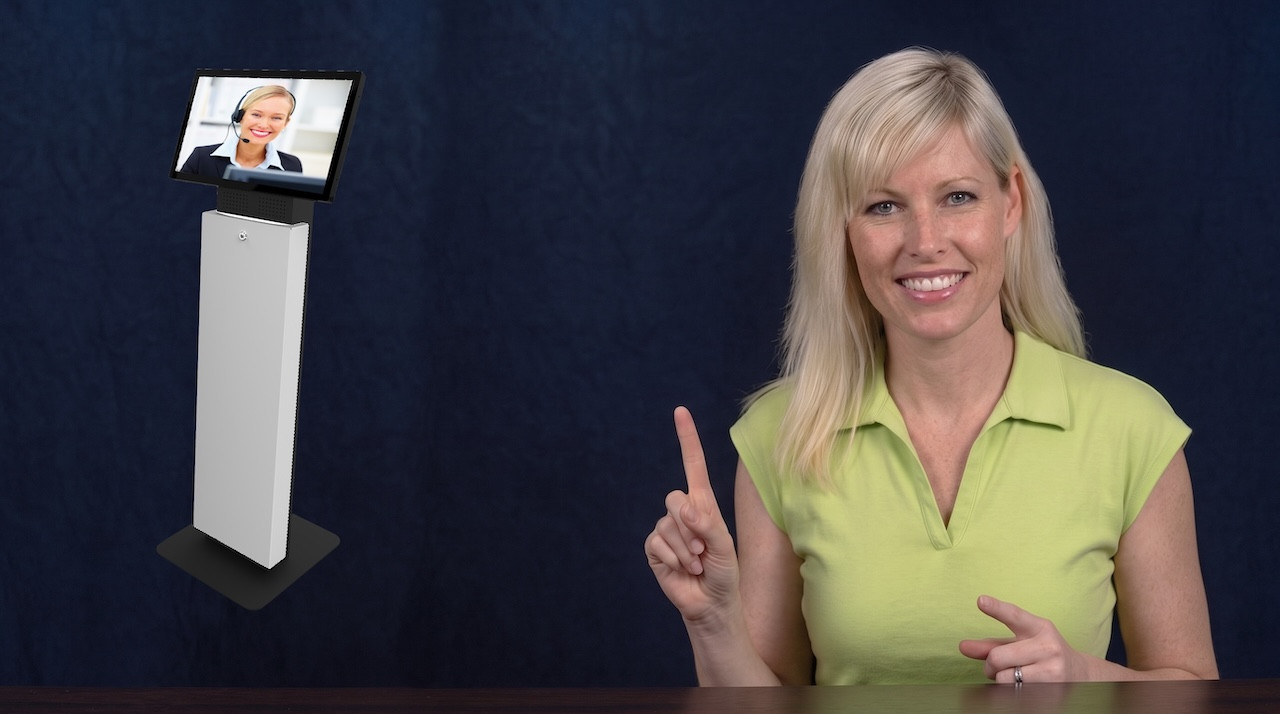
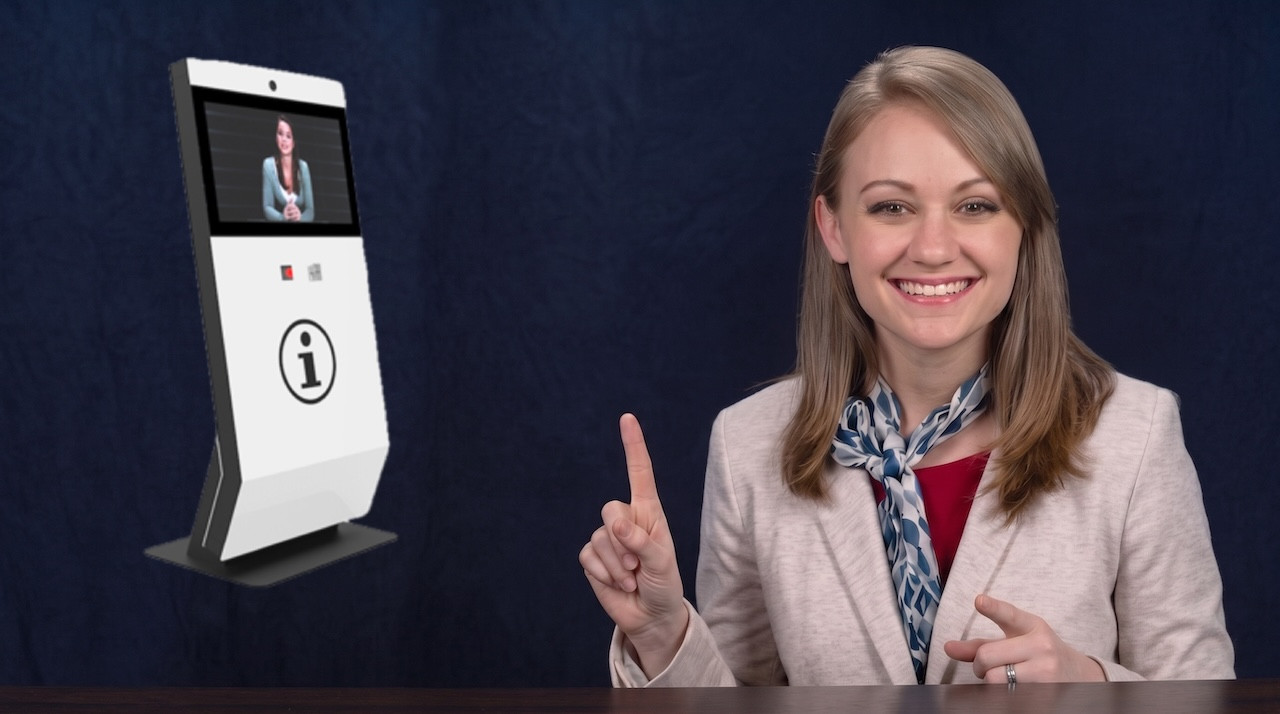
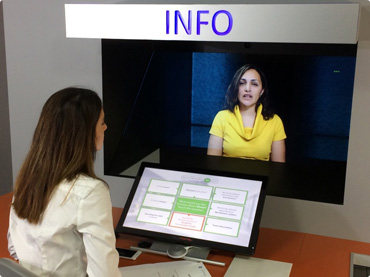
Combine Teleportel software with the touchscreen format that best matches your reception environment and visitor management process.
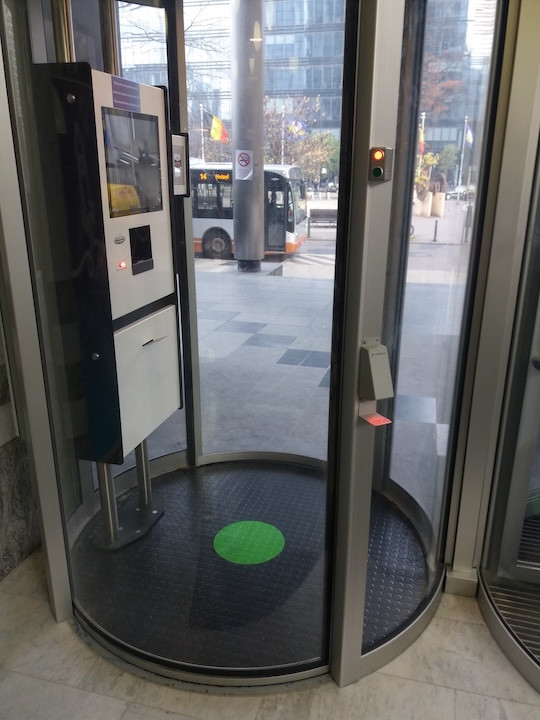
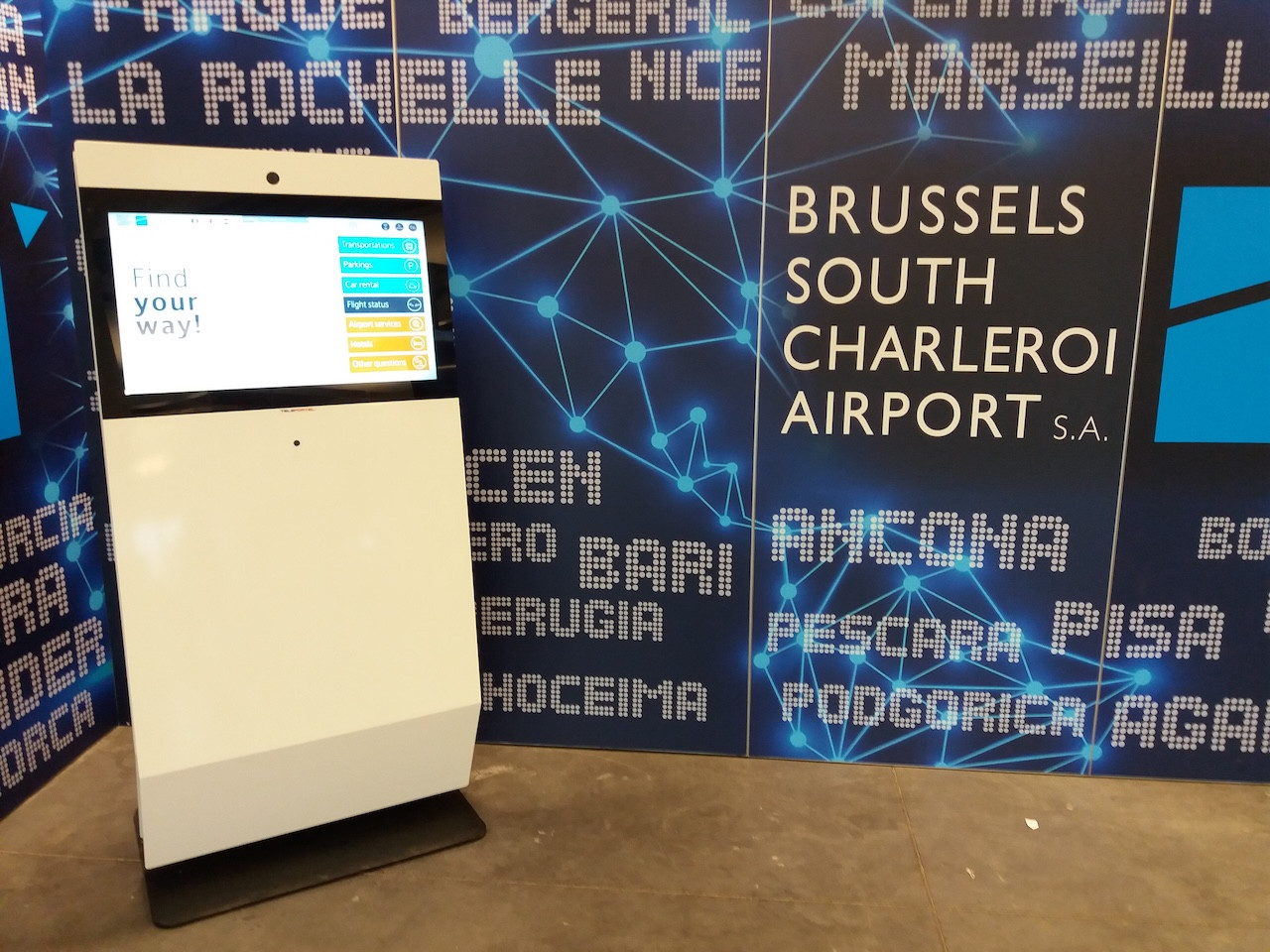
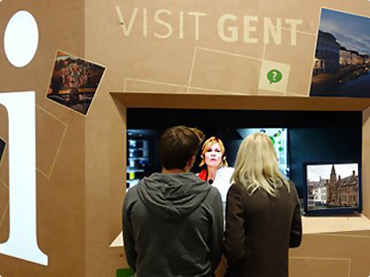
Reception requirements vary by location. Digital visitor management can support the way guests, patients, contractors and other visitors arrive in different environments.
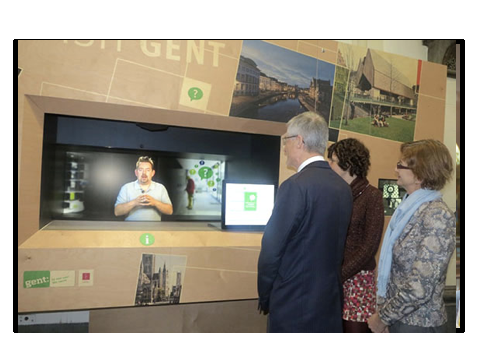
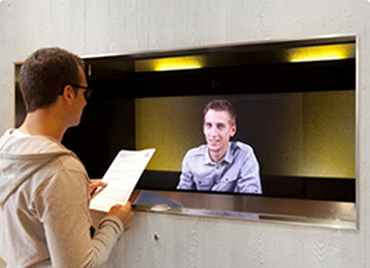
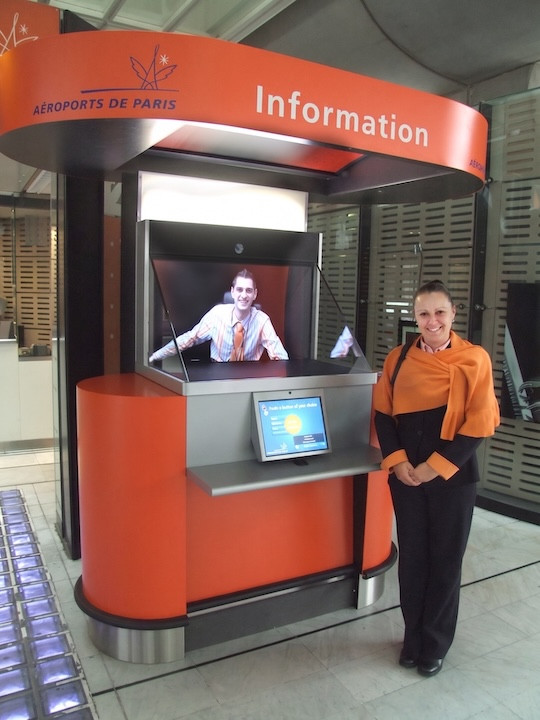
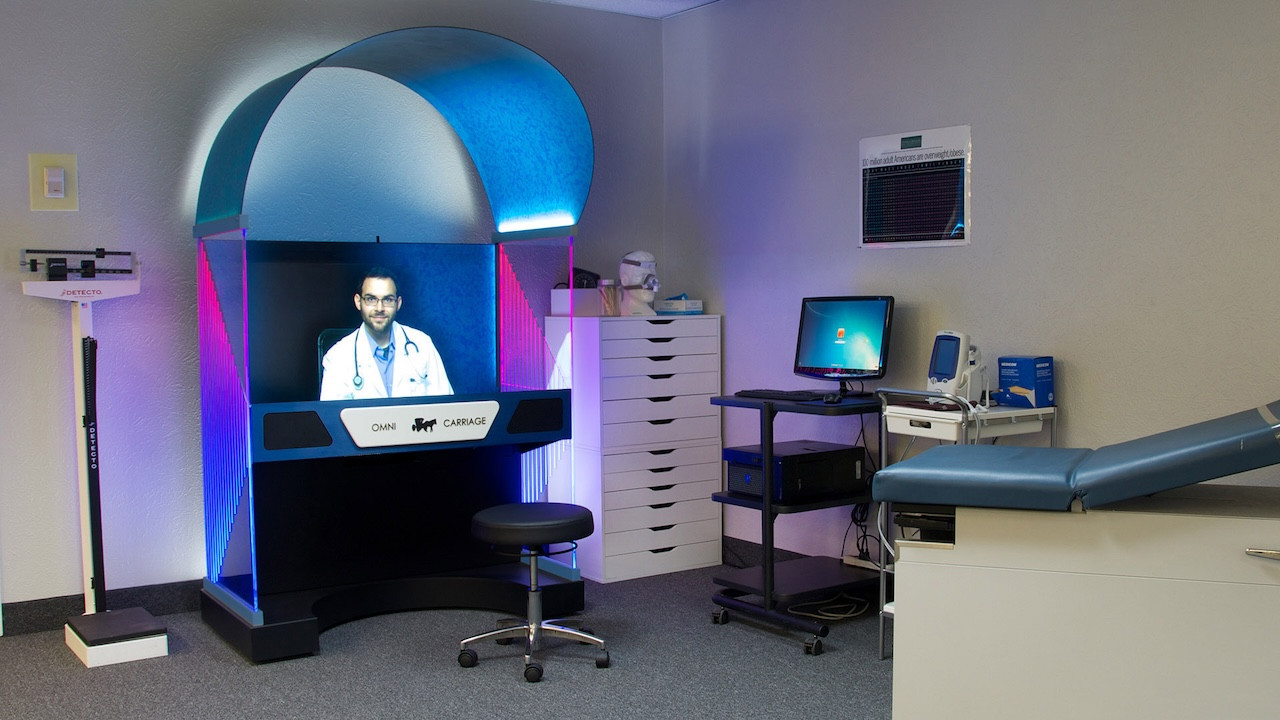
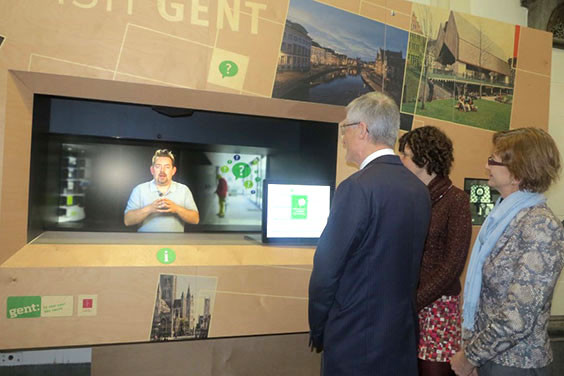
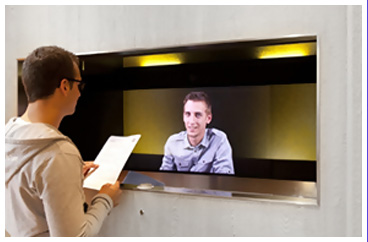
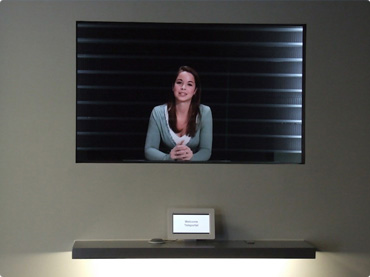
Teleportel's patented 3D Holographical Reality™ is designed around presence rather than simply displaying a remote video feed. The receptionist appears life-sized and in 3D, with aligned eye contact, while the camera and screen remain outside the visitor's view.
The effect is intentionally different from ordinary 2D displays and from consumer “3D TV” concepts that require goggles. No glasses are needed. The objective is an immersive, authentic interaction in which the person on the other side feels much closer to being in the same room.
The sound is also positioned so that it seems to come from the person rather than from an obvious loudspeaker, reinforcing the overall sense of presence.
More About Holographical Reality™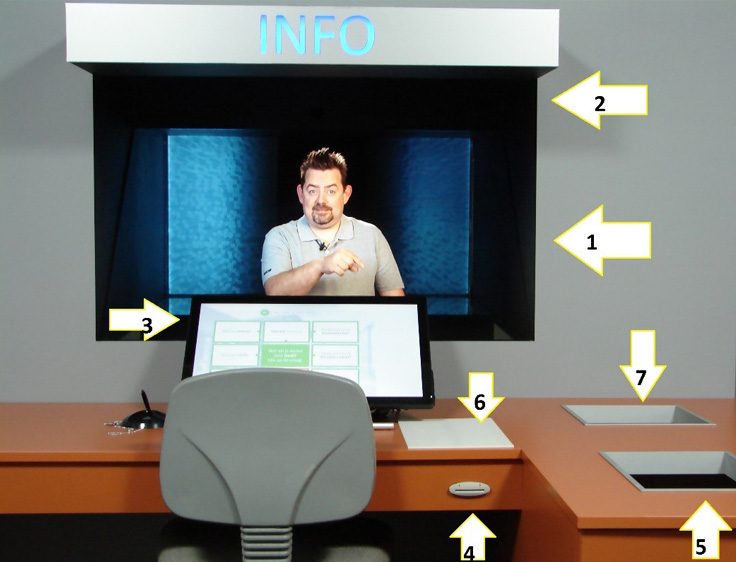
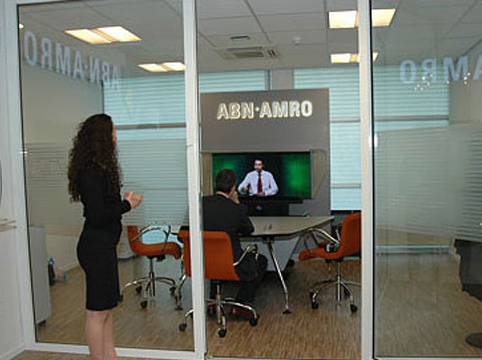
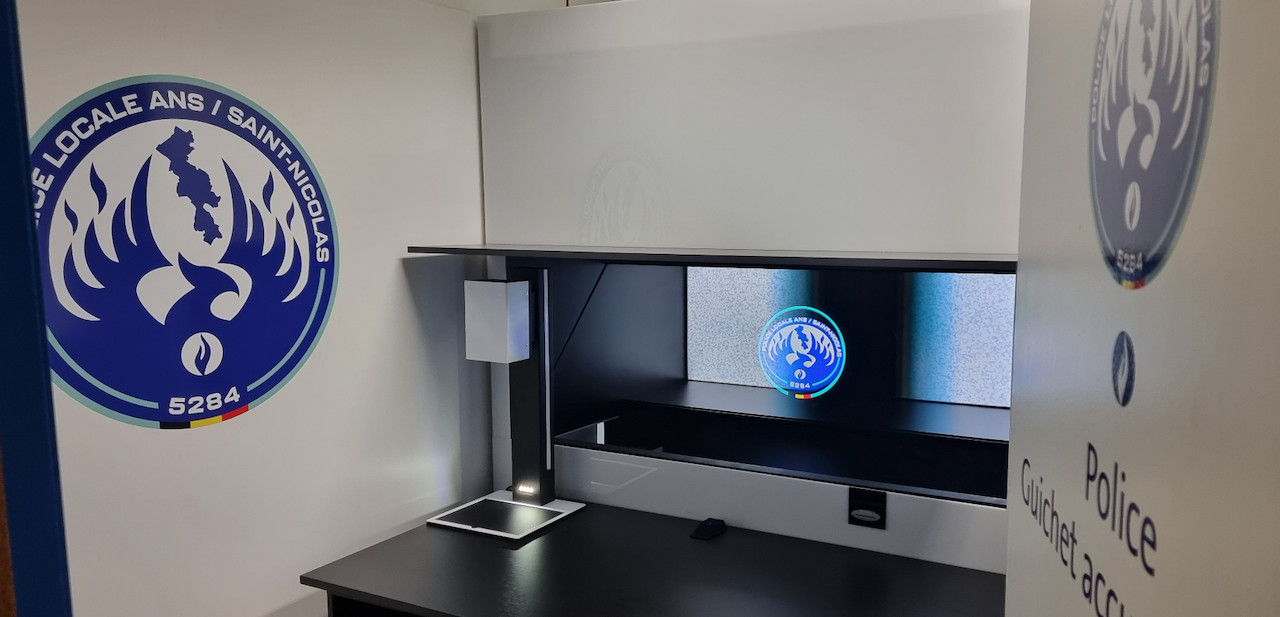
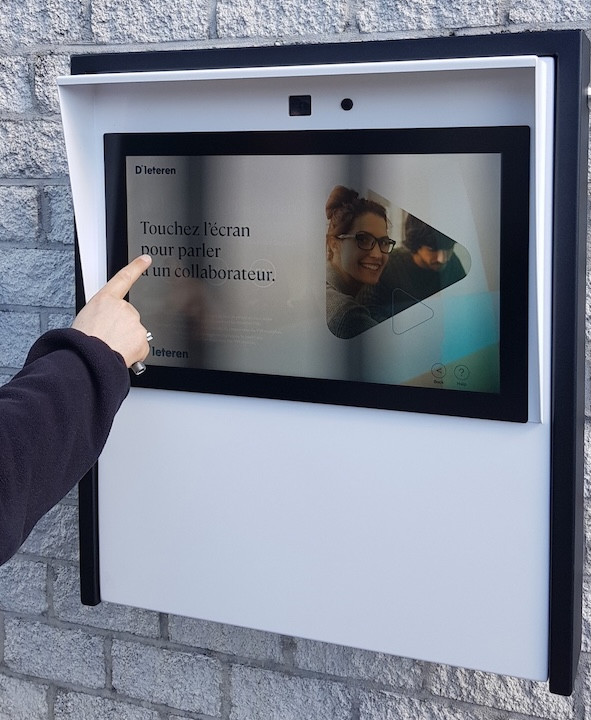
Teleportel In-Wall™ installations can be adapted around the architecture, reception workflow, branding and peripheral equipment required at each site.
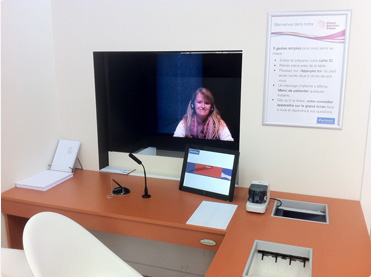
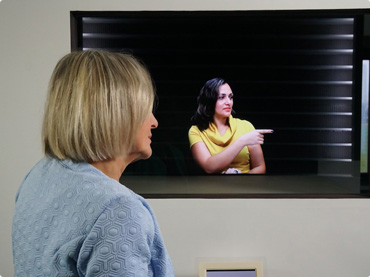
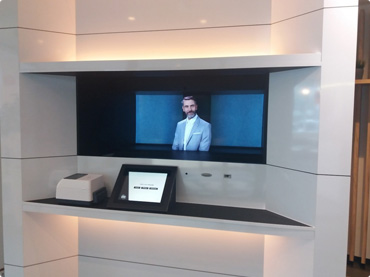
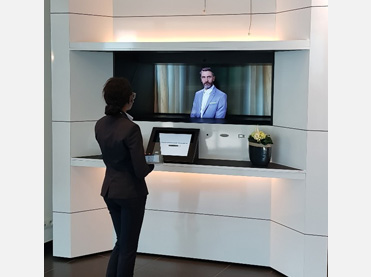
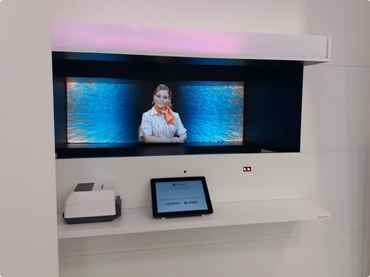
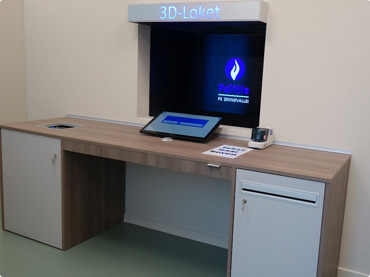
Teleconference services can help small business owners maintain regular contact with customers, employees, suppliers and partners while reducing the need for routine travel.
Use voice or video communication for consultations, project discussions and follow-up conversations with clients in other locations.
Connect colleagues who work remotely, travel frequently or operate from different offices.
Bring external partners and suppliers into meetings without requiring everyone to be physically present.
Video conferencing is not limited to large scheduled meetings. For many businesses, some of the most useful interactions are direct one-to-one conversations.
As communication technology develops, simple video calling can provide a more personal alternative to an ordinary telephone call while retaining the convenience of remote communication.

Free and paid conferencing plans can differ substantially. Rather than selecting a service by name alone, compare the features that affect how your organization actually communicates.
Check whether the service supports audio calls, one-to-one video, group video meetings or a combination of these.
Consider how easily clients and colleagues can join and whether browser, desktop or mobile access is available.
Compare participant limits against the size of the meetings your business normally conducts.
Look beyond the word “free” and review meeting duration, participant limits and feature restrictions.
Determine whether chat, content sharing or other collaboration functions are required during meetings.
Choose the service that matches your workflow rather than paying for features your organization will rarely use.
A side-by-side comparison is most useful when it answers one question: which conferencing service best matches the way your business communicates?
Conference call providers compete for business customers, and free plans can provide a practical starting point. However, the value of a free service depends on the capabilities and restrictions attached to that plan.
Check how many people can join before deciding whether a free plan is suitable for your typical meetings.
Some free services may limit how long a meeting can run, which can matter for consultations and longer team discussions.
Video, recording, collaboration, administration or other capabilities may differ between free and paid service levels.
Instead of relying on an outdated ranking of individual providers, use a feature checklist that remains relevant as conferencing products and plans change.
Audio conferencing, one-to-one video, group video, text chat and other communication channels.
Browser joining, desktop support, mobile access and the amount of setup required for outside participants.
Content sharing, data collaboration and other tools needed to work together during the session.
Maximum participants, group-meeting support and whether the service can scale with your organization.
Compare free-plan limits, paid tiers and any restrictions that affect your normal meeting pattern.
Consider whether the platform is convenient not only for employees but also for clients, visitors and other people outside the organization.
Feature lists matter, but ease of access matters too. A conferencing platform becomes less useful when clients or colleagues struggle to join the conversation.
For business communication, evaluate the complete participant experience: how the invitation works, whether software must be installed, which devices are supported and how quickly a participant can move from invitation to conversation.
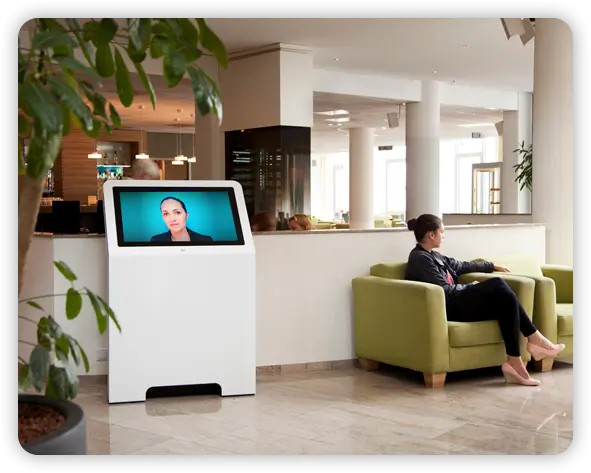
Traditional conferencing brings invited participants into a meeting. Other business scenarios require customers, visitors or partners to reach the right person when assistance is needed.
Bring known participants together at an agreed time for a planned business discussion.
Create a faster route to face-to-face communication when a conversation needs to happen immediately.
Extend remote human interaction beyond internal meetings to customers, visitors and other external users.
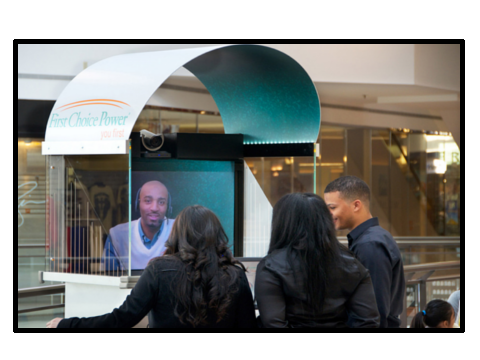
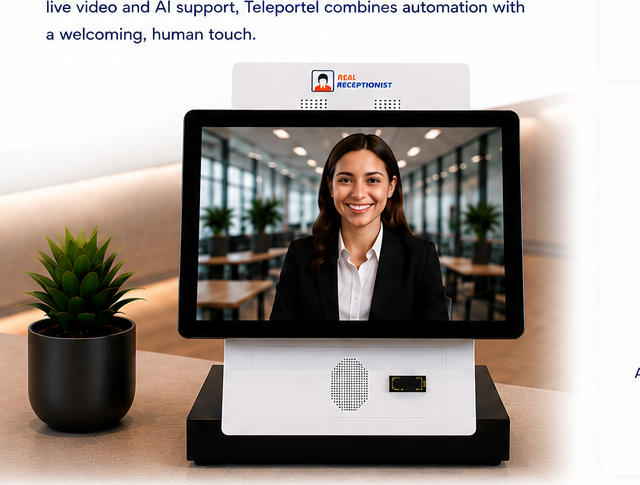
Teleportel solutions extend live video communication beyond conventional conference calls. Depending on the application, organizations can create direct communication points for customers, visitors and employees across browsers, reception environments and other digital or physical touchpoints.
This is useful when the goal is not simply to schedule another online meeting, but to make a real person available remotely when and where the interaction is needed.
Explore Teleportel Examples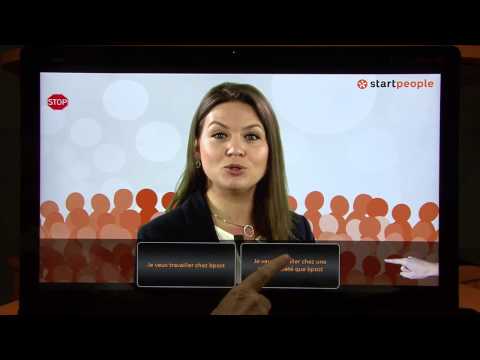
Start with the conversations your business needs to support, then compare platforms against those requirements.
Identify whether you mainly conduct one-to-one calls, internal team meetings, client consultations or larger group sessions.
Separate must-have capabilities such as video or browser access from features that are useful but not essential.
Review the provider's current free and paid plans because conferencing features, limits and pricing can change over time.
Key answers for small businesses comparing remote meeting and video communication options.
A conference call service connects multiple participants remotely for an audio or, depending on the platform, video-enabled meeting.
They can be suitable for some businesses, provided the participant, duration and feature limits match the organization's needs.
Web video conferencing allows participants to see and hear one another remotely through an internet-connected conferencing environment.
Video adds face-to-face visual communication, which can be useful for client consultations, team discussions and other personal interactions.
Compare meeting types, participant limits, ease of joining, device support, collaboration features and restrictions on free or paid plans.
No. Conferencing products, features and pricing evolve. Historical rankings can provide context, but current provider information should be checked before making a buying decision.
Choosing a conference call service is less about finding a universal “best” platform and more about finding the right match. Compare how each option handles your real meeting types, participants, devices and collaboration requirements.
Explore Teleportel solutions for live video communication across business, customer-facing and visitor environments.
Answers about free conference calls, web video conferencing and choosing teleconference services for a small business.
The best service depends on the business's meeting types, number of participants, device requirements, collaboration needs and budget. Compare current plans against those requirements rather than relying on a single universal ranking.
Yes. Some conferencing providers offer free plans, but participant limits, meeting duration and available features can vary.
Compare participant capacity, meeting duration, audio and video support, browser and mobile access, collaboration capabilities and restrictions that apply to the free plan.
Teleconferencing commonly refers to remote meetings using telecommunications, often audio, while video conferencing adds live visual communication between participants.
Yes. Video conferencing can support client consultations, project meetings, demonstrations and other face-to-face conversations without requiring travel.
It provides a direct face-to-face communication channel for conversations where a full group meeting is unnecessary.
No. A 2017 comparison can be historical context, but conferencing services change frequently. Current features, limits, pricing and availability should be verified with each provider.
That depends on the platform. Some conferencing environments support browser access, while others may use desktop or mobile applications.
Yes. Depending on the service, web conferencing can include chat, content sharing and other collaboration capabilities.
Teleportel also focuses on live remote video interaction for customer-facing, visitor and business environments, extending video communication beyond conventional scheduled online meetings.