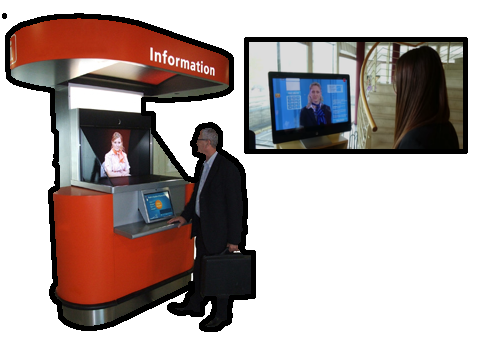
Human reception
A real person welcomes, listens to and assists visitors remotely.
Which conference call service is right for you? Modern services can bring together audio conferencing, face-to-face video meetings, group calls and online web conferencing for employees, customers, partners and visitors.
Conference call services compete on ease of use, participant capacity, audio and video quality, screen sharing and flexible access. From one-to-one sessions to larger groups, the right platform should make it simple to connect without adding unnecessary complexity.
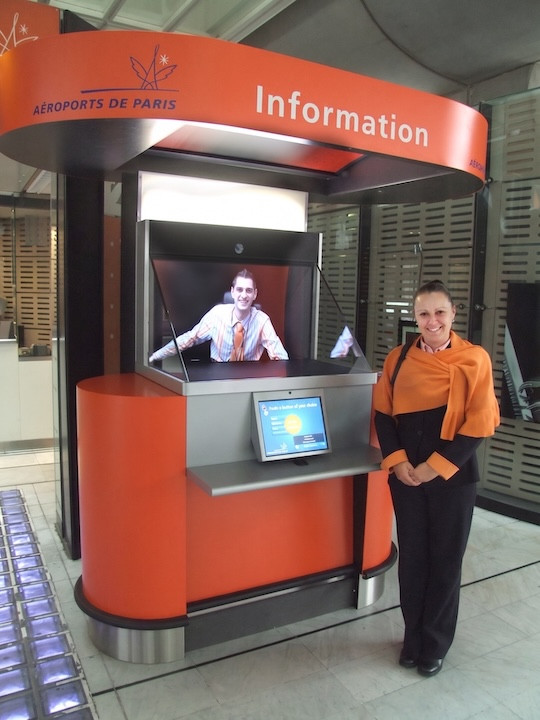
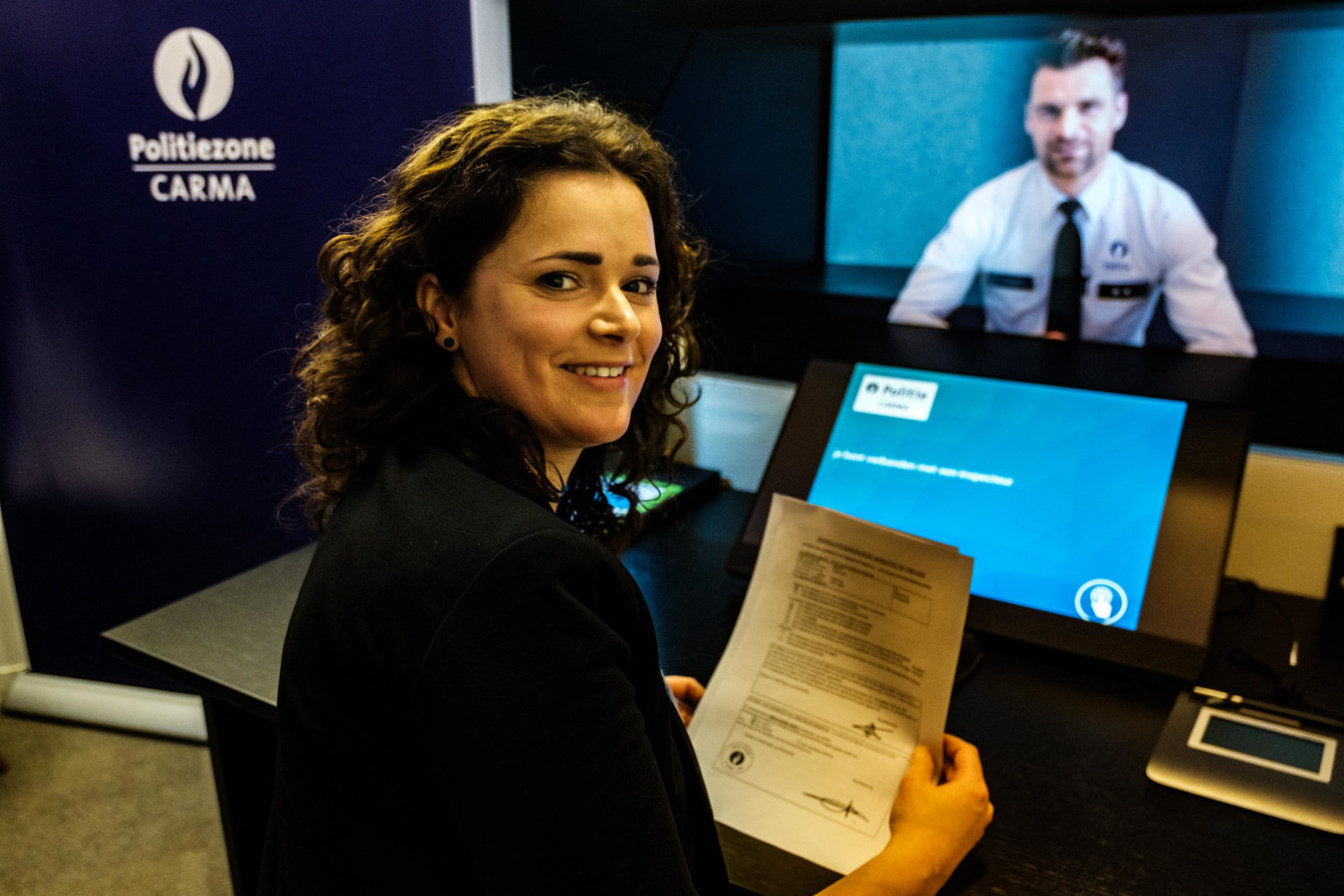
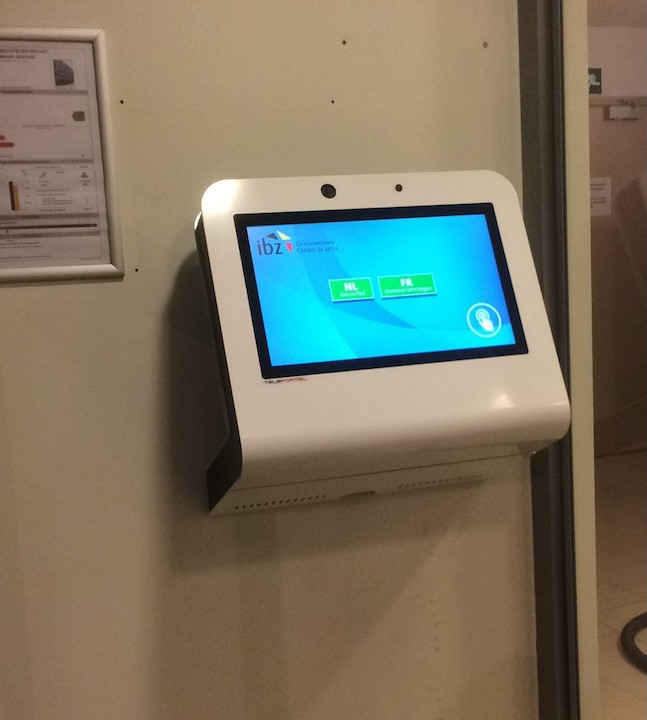
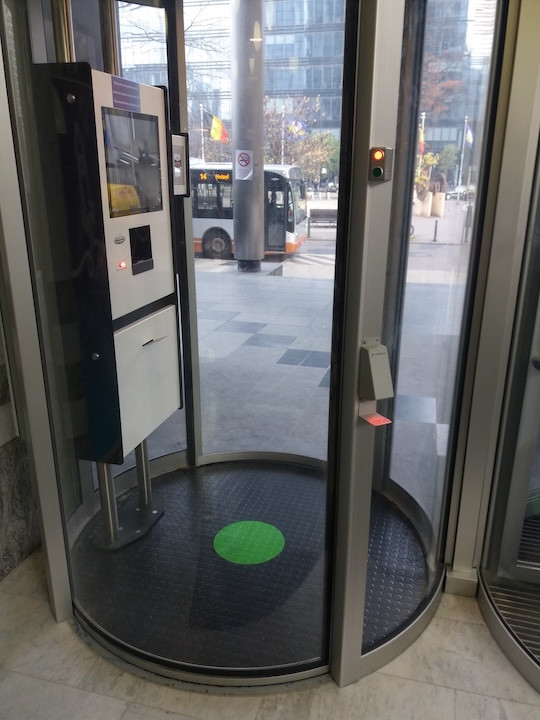
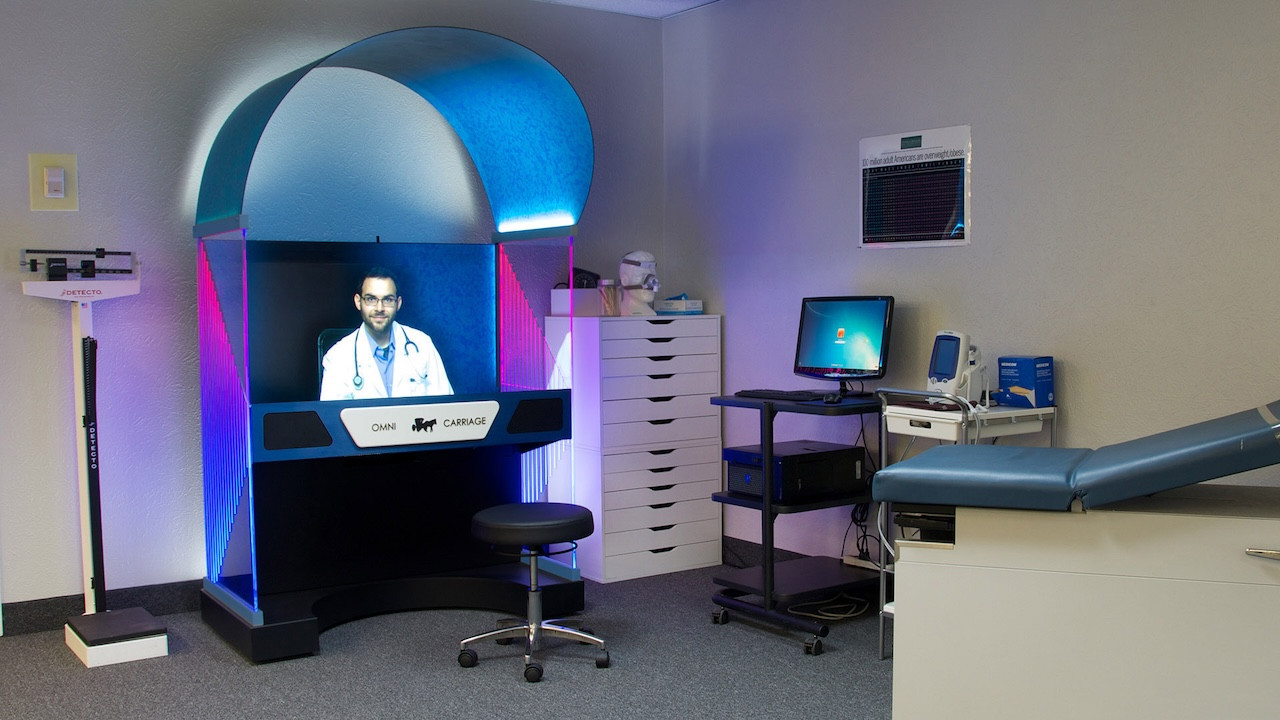
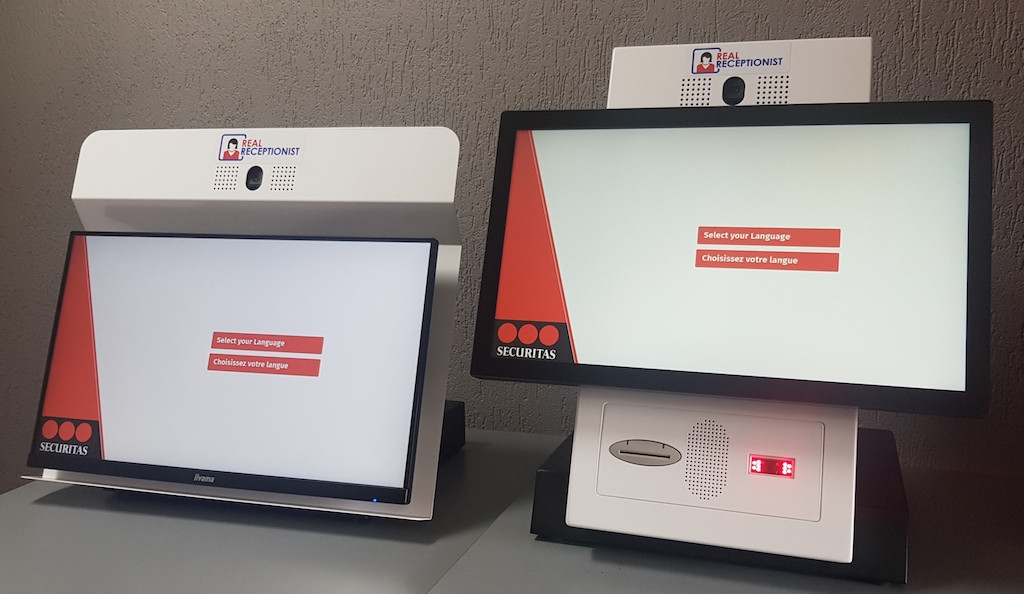
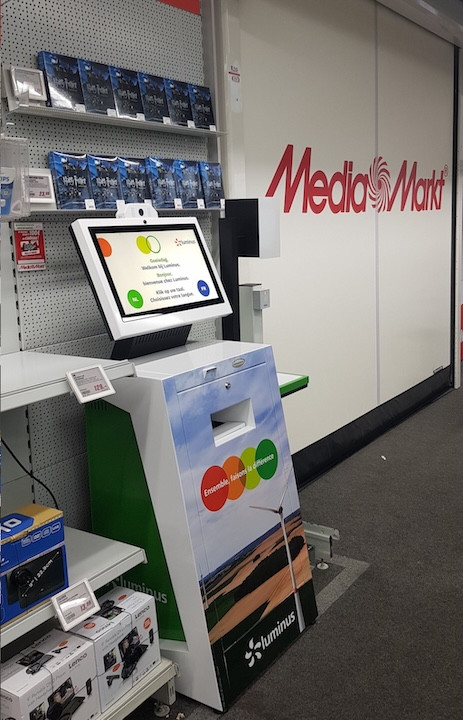
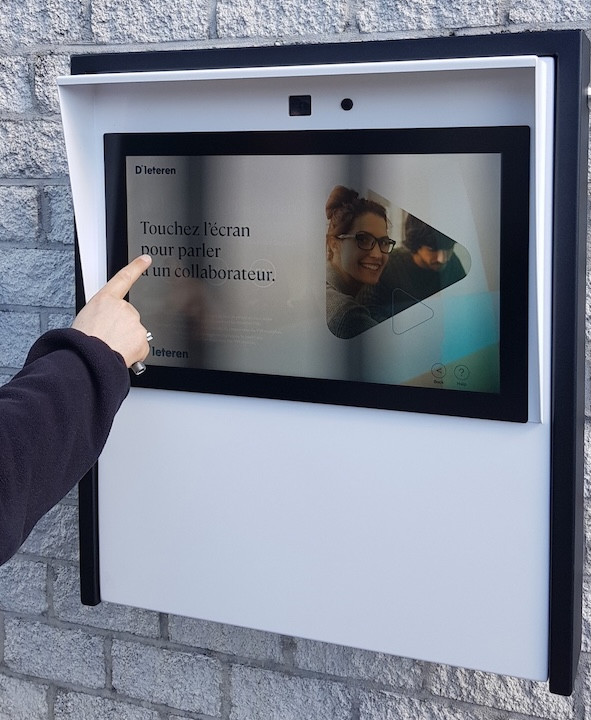
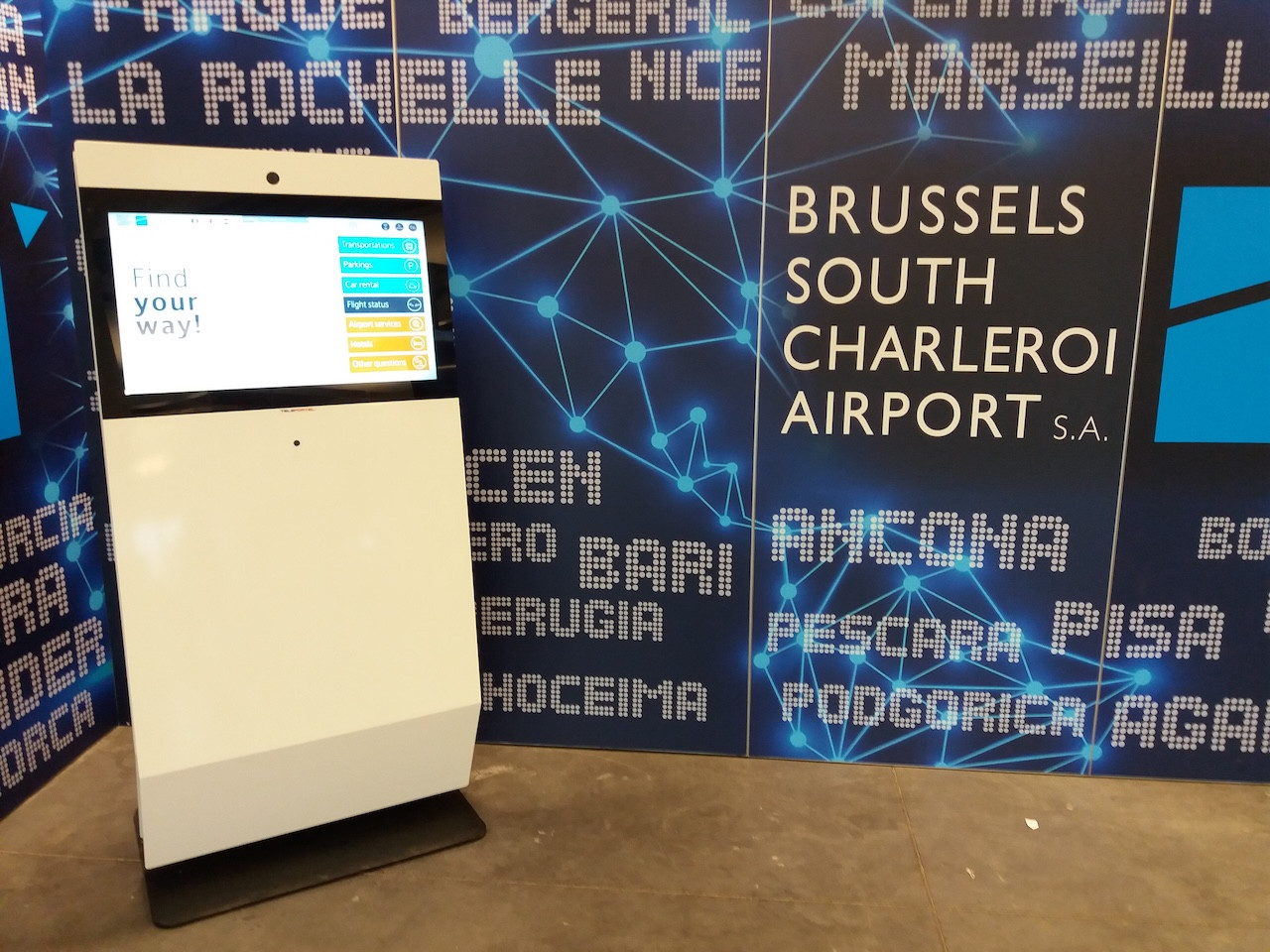
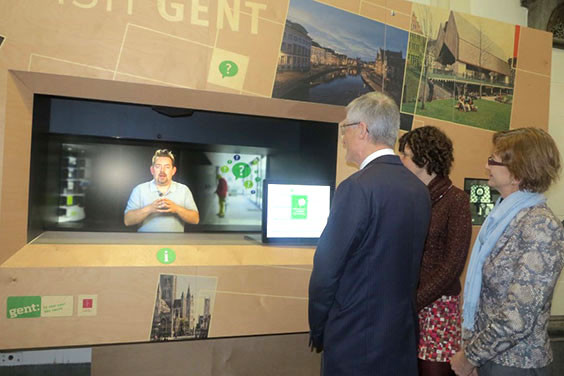
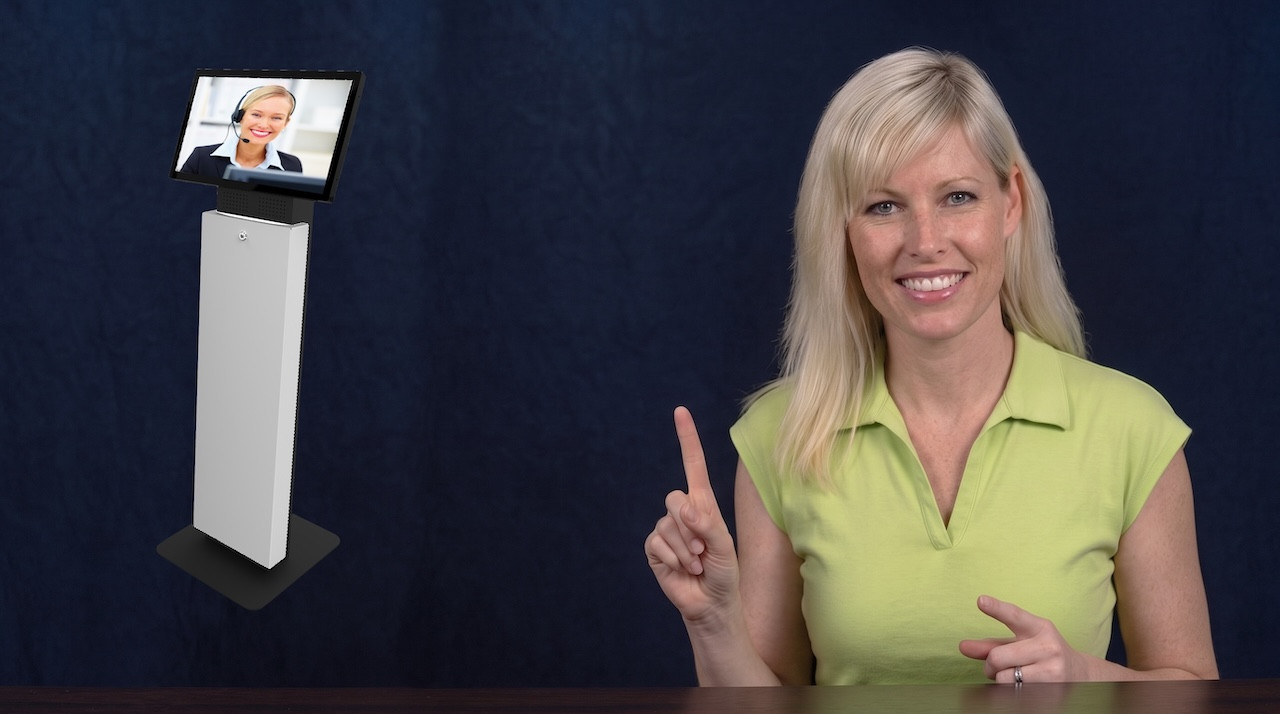
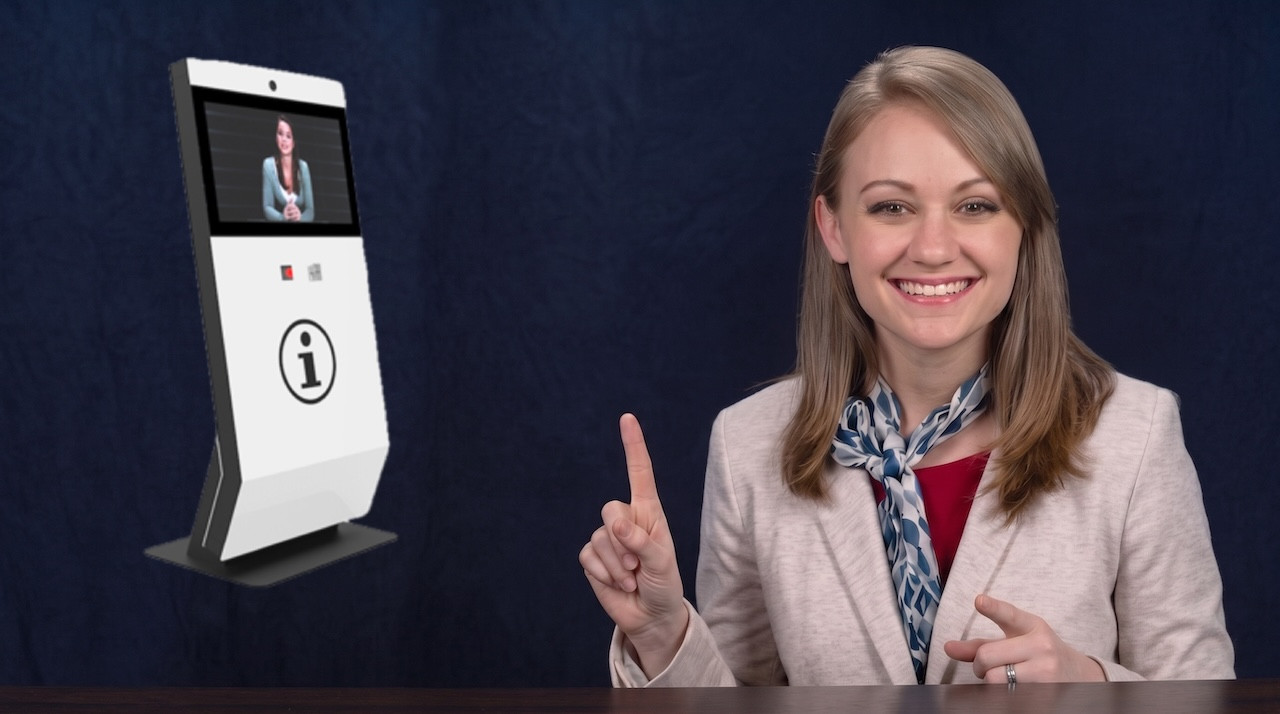
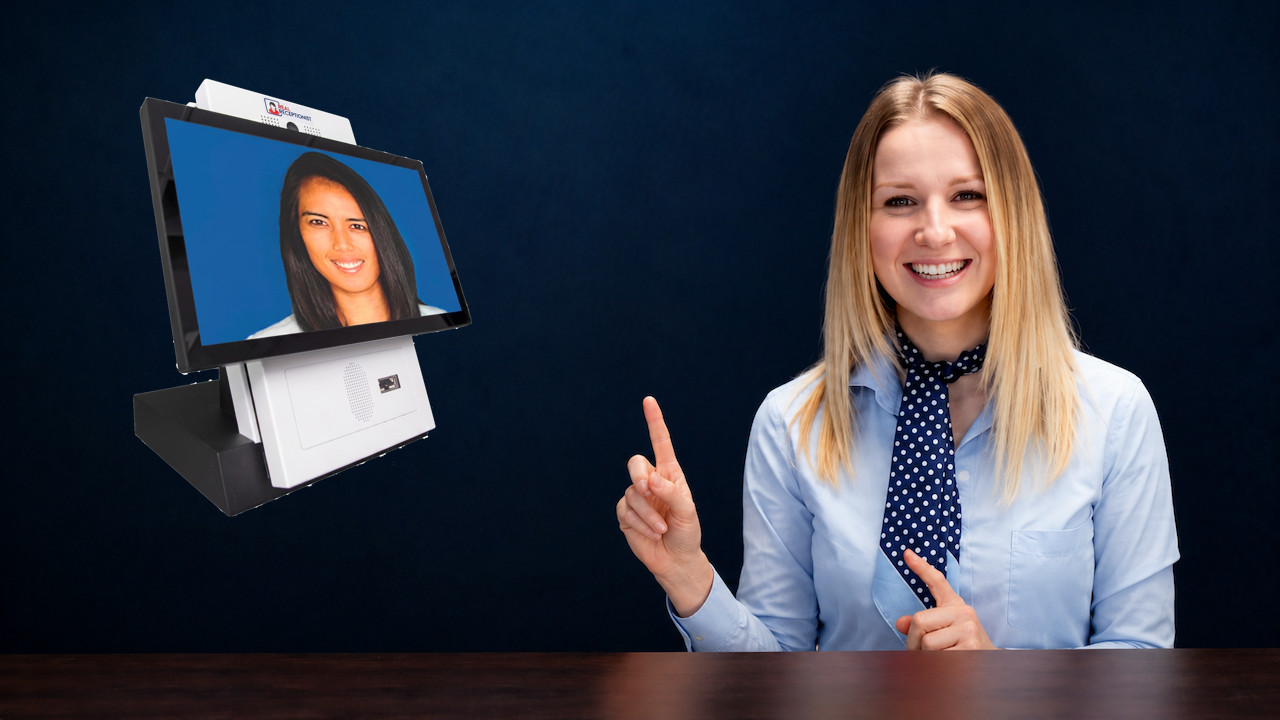

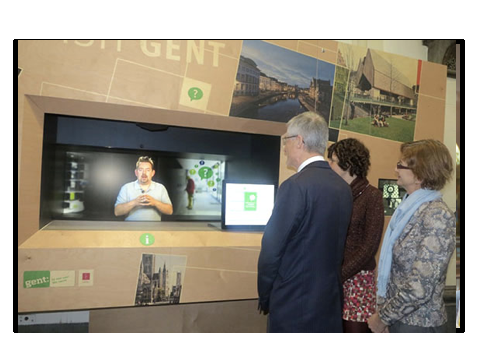
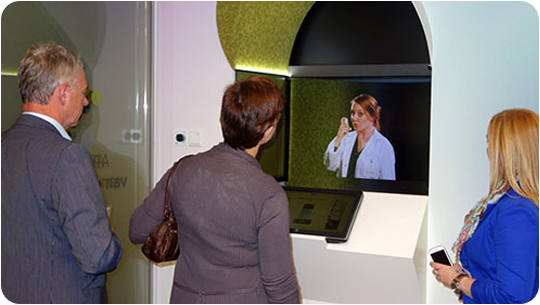
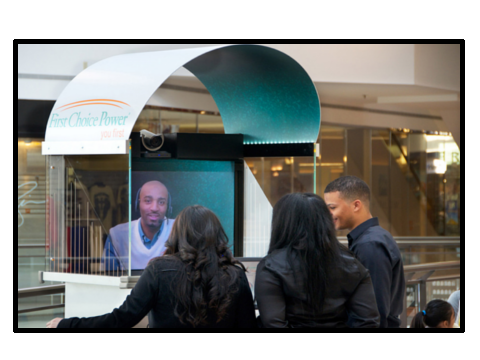
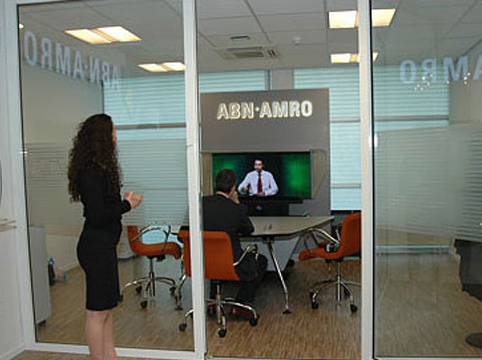
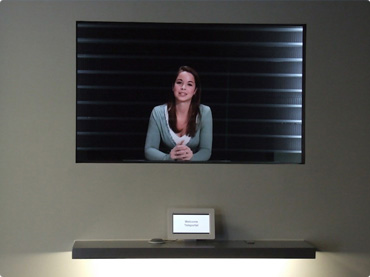
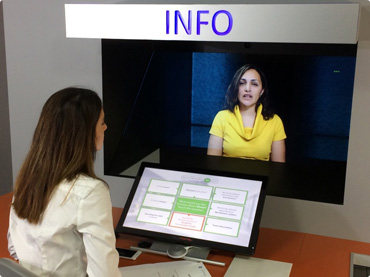
Yes. A receptionist can work from another location while appearing in front of the visitor life-size, in 3D and live.
A real person welcomes, listens to and assists visitors remotely.
An organization can rethink how its reception teams are distributed across multiple locations.
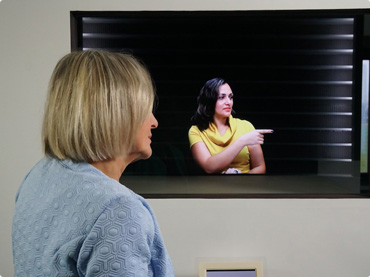
An advisor or specialist can assist remotely while maintaining a strong sense of presence.
An expert can be made accessible wherever a permanent physical presence is not required.
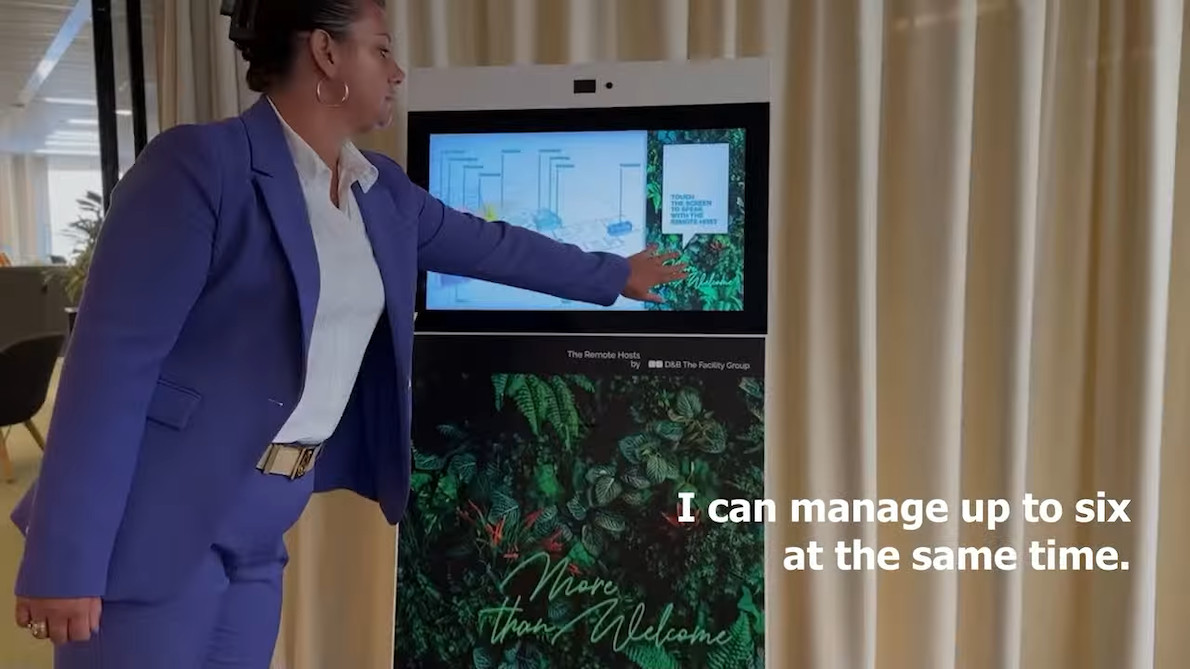
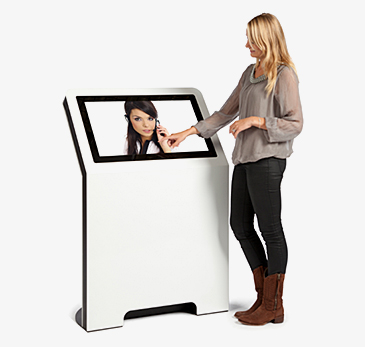
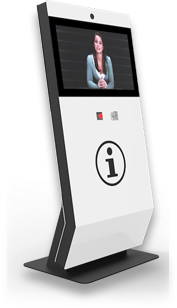
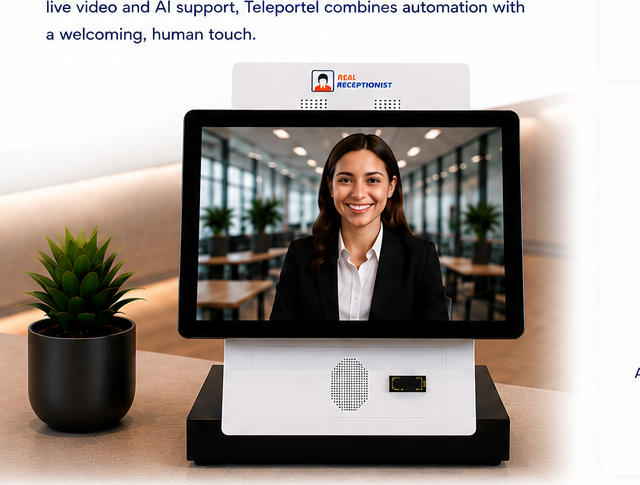
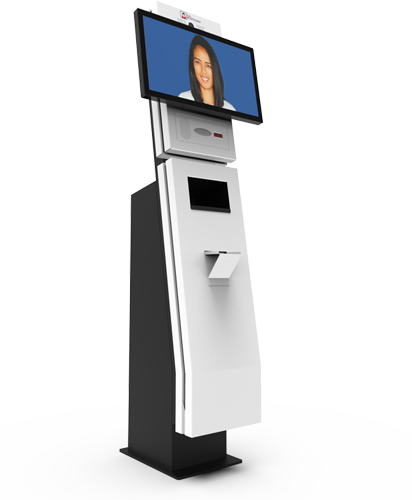
Combine Teleportel software with the touchscreen format that best matches your reception environment and visitor management process.
Reception requirements vary by location. Digital visitor management can support the way guests, patients, contractors and other visitors arrive in different environments.
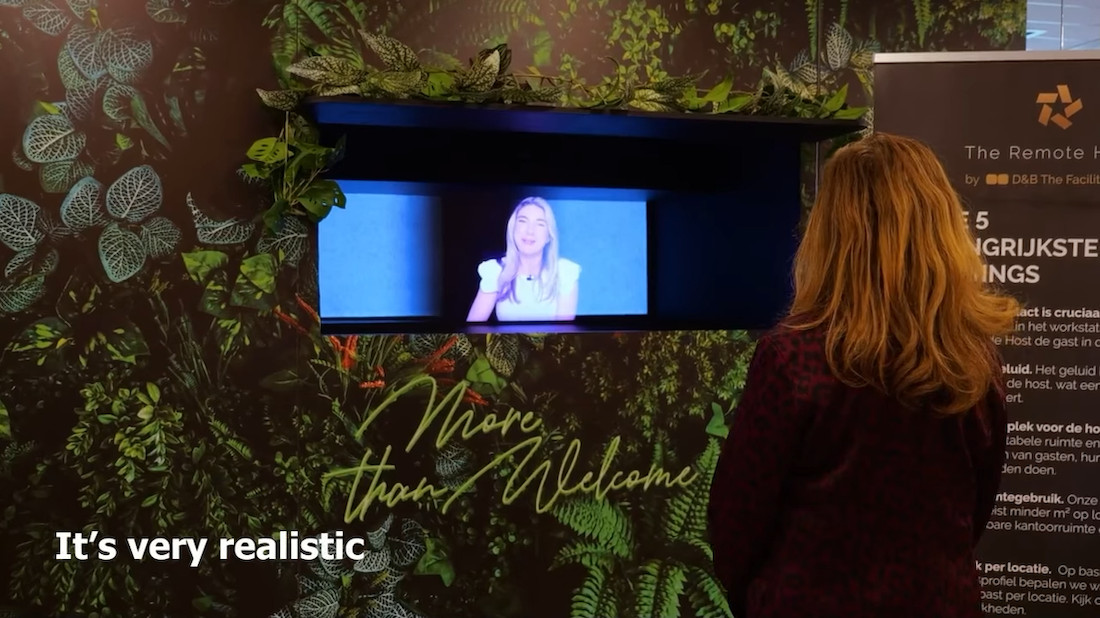
Teleportel's patented 3D Holographical Reality™ is designed around presence rather than simply displaying a remote video feed. The receptionist appears life-sized and in 3D, with aligned eye contact, while the camera and screen remain outside the visitor's view.
The effect is intentionally different from ordinary 2D displays and from consumer “3D TV” concepts that require goggles. No glasses are needed. The objective is an immersive, authentic interaction in which the person on the other side feels much closer to being in the same room.
The sound is also positioned so that it seems to come from the person rather than from an obvious loudspeaker, reinforcing the overall sense of presence.
More About Holographical Reality™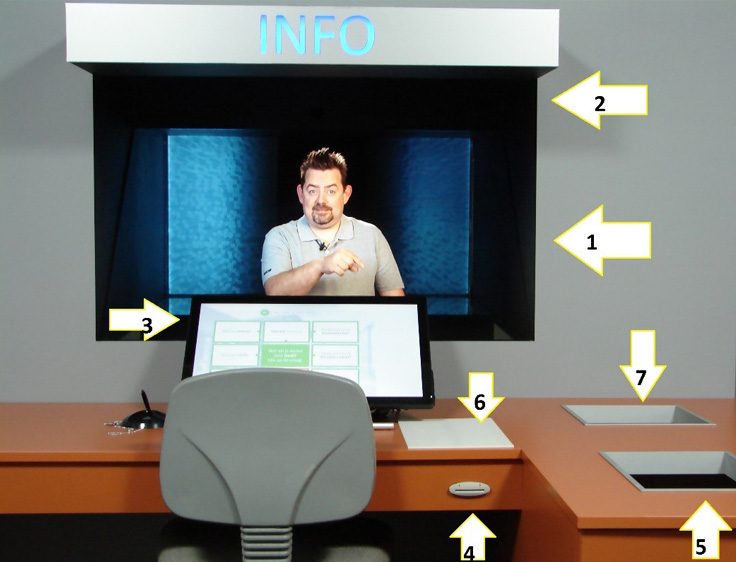
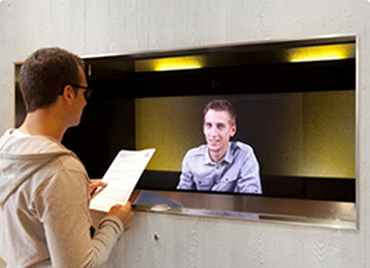
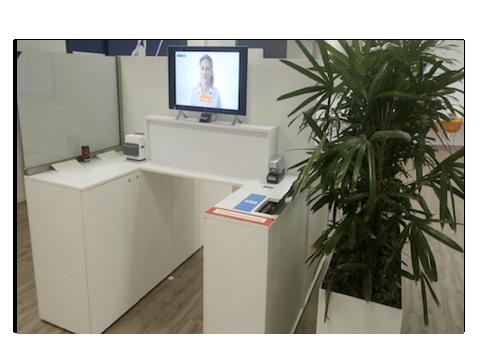
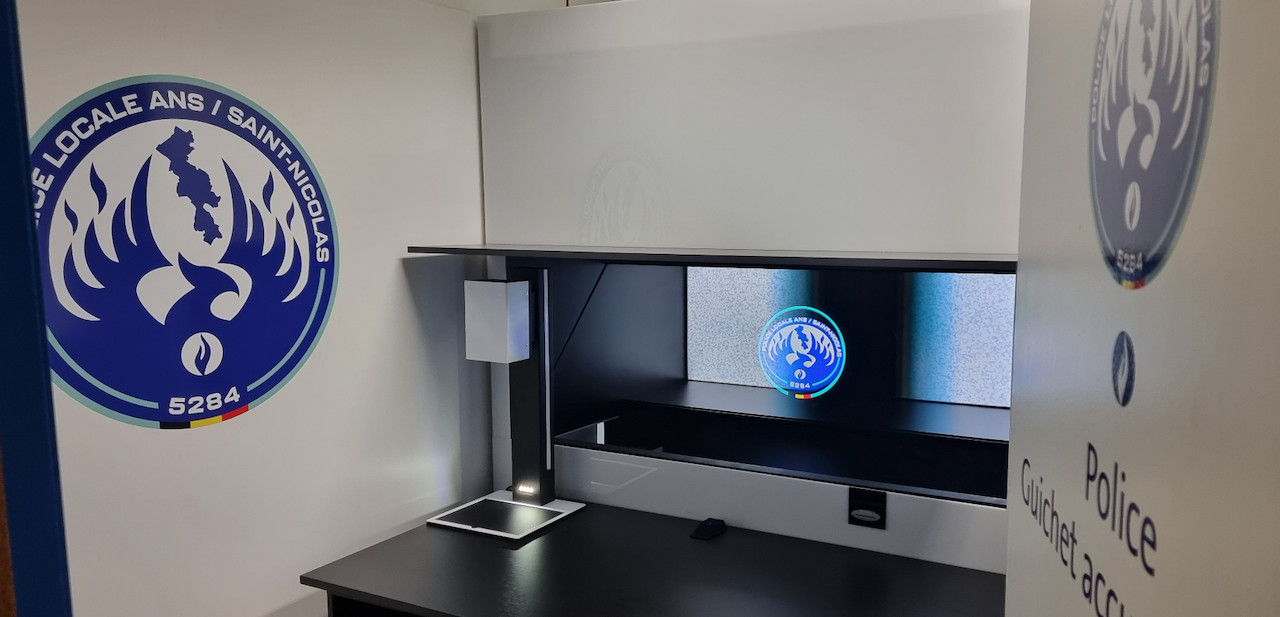
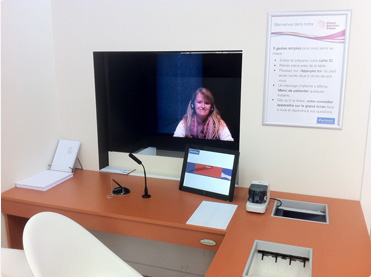
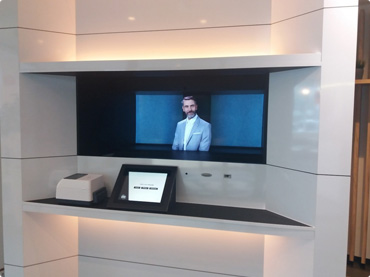
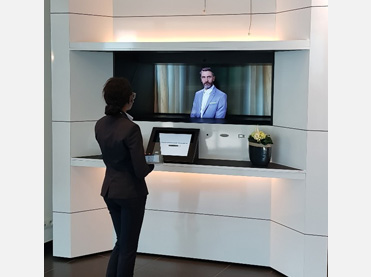
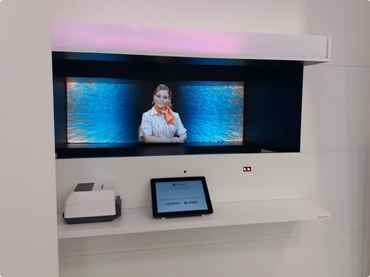
Teleportel In-Wall™ installations can be adapted around the architecture, reception workflow, branding and peripheral equipment required at each site.
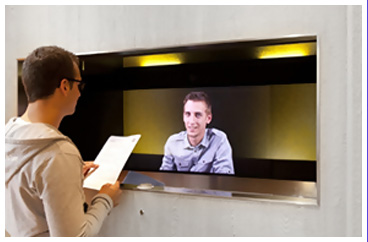
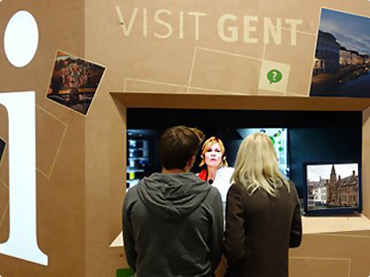
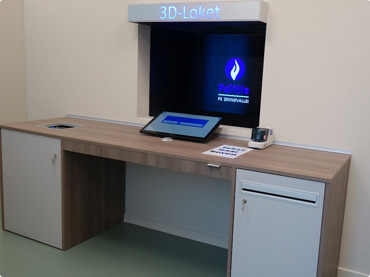
Teleportel also offers intelligent parcel locker systems that automate package delivery, securely store parcels and can combine self-service with live remote human assistance. For organizations already developing remote communication, reception or customer service, parcel lockers extend the same digital-service approach into physical deliveries.
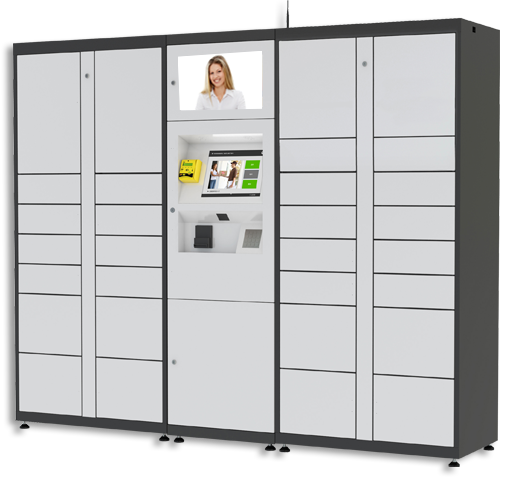
Secure electronic lockers provide a convenient collection point for mail and packages while reducing dependence on direct handover.
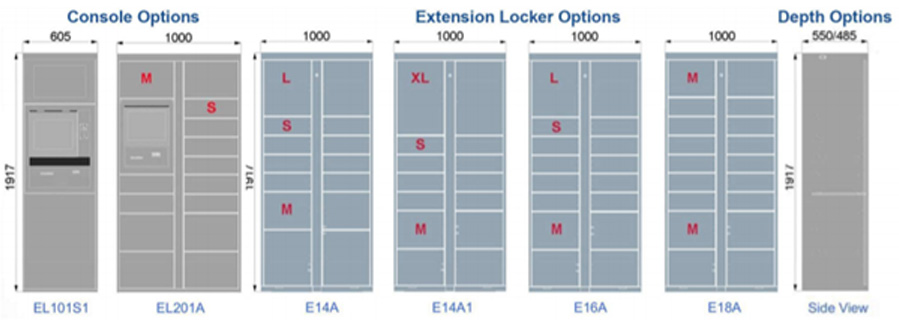
Modular locker configurations can support different parcel volumes and environments as part of a wider delivery-management process.
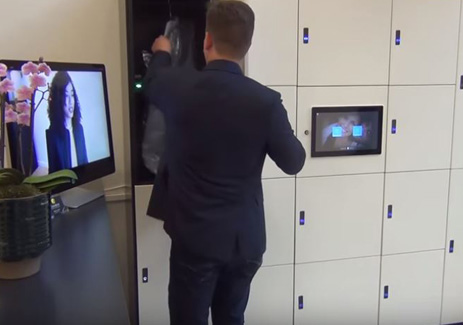
Teleportel’s experience in live interaction makes it possible to combine automated service with access to a remote person whenever assistance is needed.
Parcel delivery can be automated without making service impersonal. Discover Teleportel’s intelligent parcel locker technology for secure package storage, collection and digitally assisted customer service.
A free conference call service can be perfectly suitable when you only need to bring a few people together from time to time. It keeps things simple and lets you get started without adding another expense.
Once online meetings become part of everyday business, priorities may change. You may need more meeting control, greater capacity, connections with other business tools or support when something goes wrong.
The right service is therefore not simply the one that is free. It is the one that fits your day-to-day communication needs and can keep up as those needs change.

The technology is relevant when an organization wants to bring a person, advisor, expert or content closer to its audience without requiring them to be physically present in the same location.
Remote reception with human presence and live interaction.
Bring in a product specialist or advisor from another location.
Provide access to agents or specialists from different service points.
Bring a remote person into an event without requiring physical travel.
Present and explain a product remotely with direct human interaction.
Answer visitor questions in public or professional environments.
Create a remote human contact point that is more immersive than a conventional screen.
Make a specialist accessible from another location.
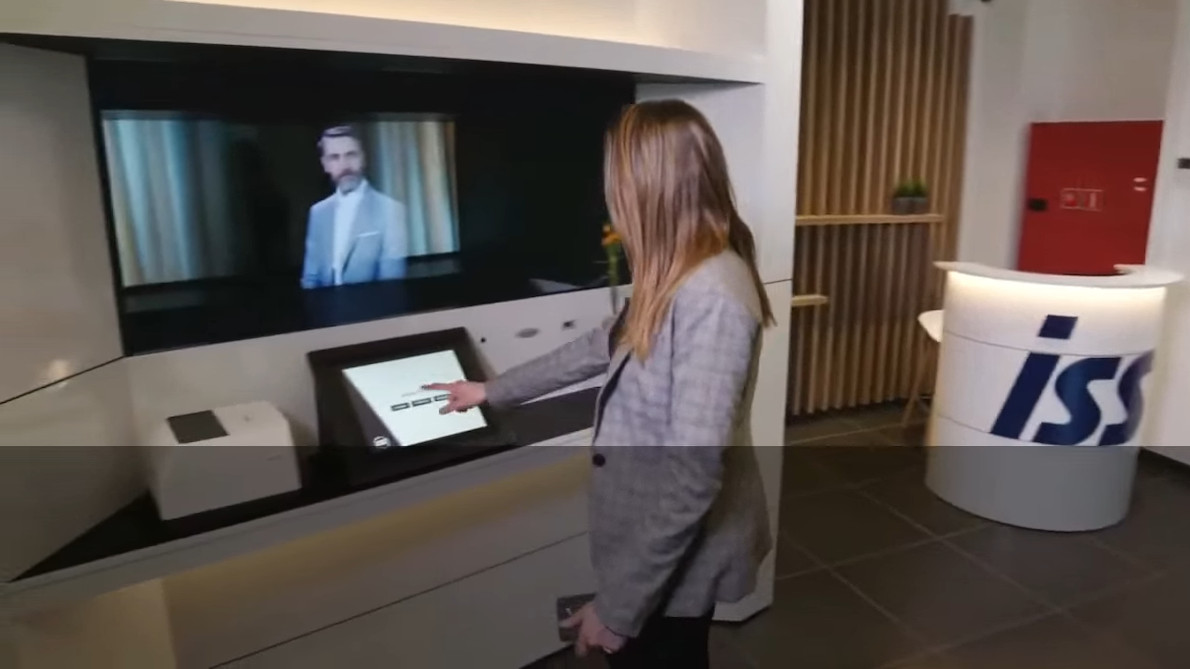
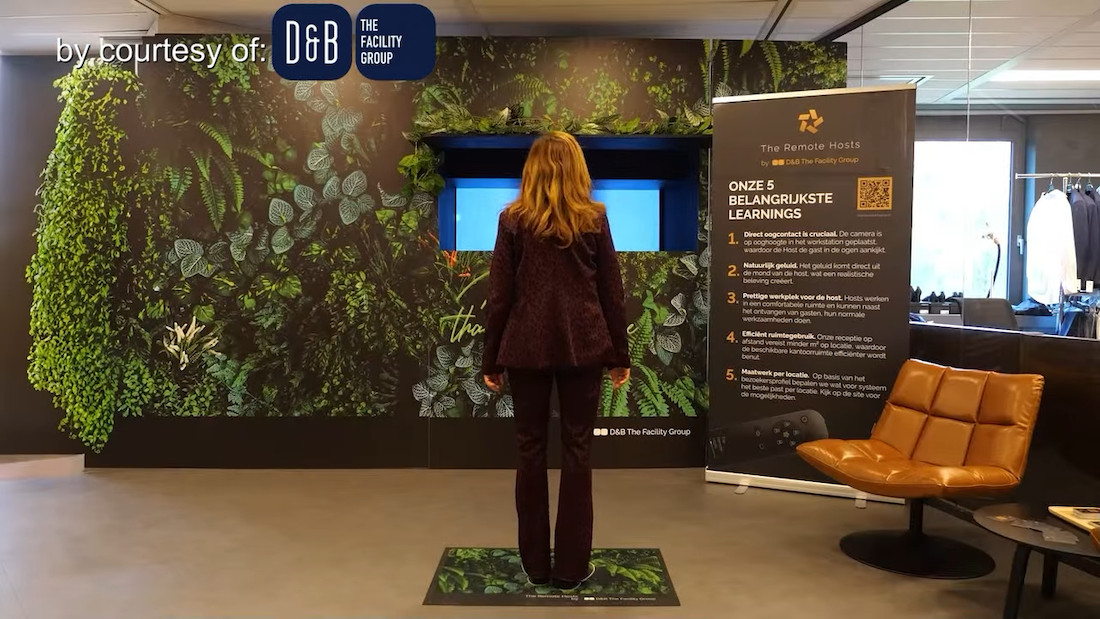
Video communication is not only useful for meetings between colleagues. Businesses can also use it to stay in touch with customers, suppliers, partners and visitors.
When video communication is available directly through a website, people can connect without having to install additional software or learn a new platform. This can make it easier to start a conversation when someone needs help or wants to speak to the right person.
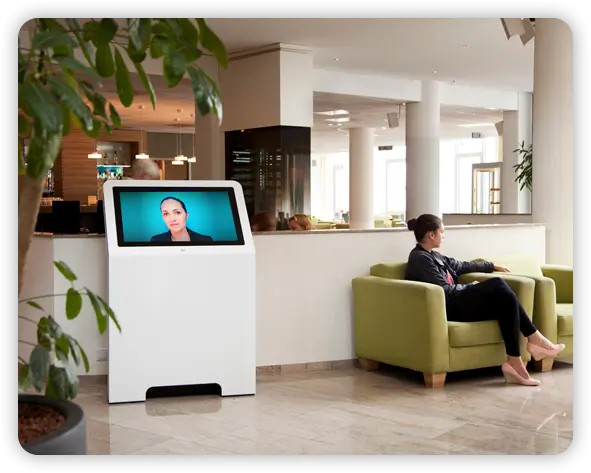
Businesses increasingly use a mix of email, messaging, video calls and online reception depending on who they need to reach and how they want to communicate.
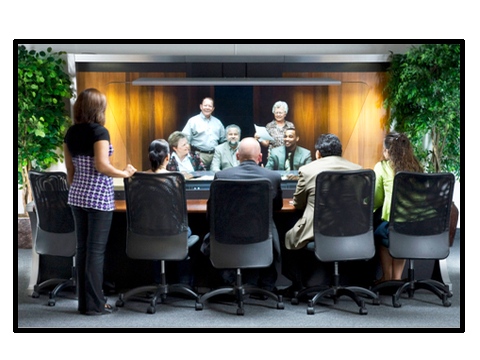
Video calls can help teams work together when employees are based in different offices or remote locations.
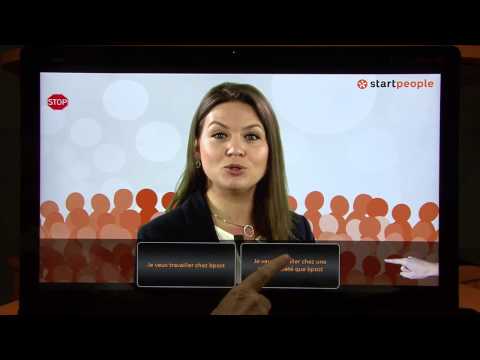
Website-based video can connect customers, suppliers, partners or visitors directly with an employee.
Video provides a more personal way to communicate without requiring everyone to be physically present in the same place.
Teleportel combines 3D presence with hardware and software components that can support business operations depending on the configuration.
Reception, identification, registration and visitor journey management.
Documents, badges and other materials can be integrated into the process.
Compatible peripherals can complement the reception or service experience.
Remote human presence can be integrated with business procedures and IT systems.
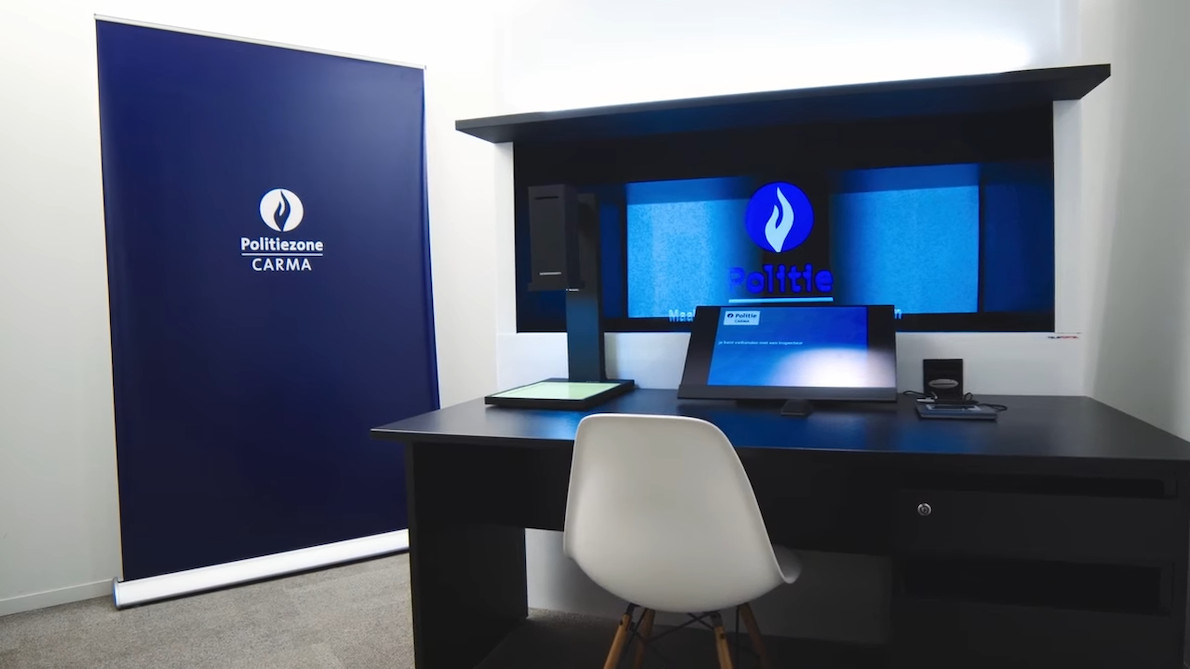
The term “holographic display” commonly describes a system that creates the impression that a person, product or 3D content appears in physical space rather than on a flat screen. Several technologies exist, but not all of them provide genuine remote human interaction.
A remote person can appear life-size and in three dimensions within the visitor’s environment.
It is not limited to an avatar: a real person can be transmitted live and interact in real time.
Teleportel Agent Workstations are designed to enable aligned eye contact, creating an interaction closer to a face-to-face conversation.
Holographical Reality™ is not based on traditional holography. Teleportel uses proprietary technology to create a natural sense of 3D presence without glasses or a headset.
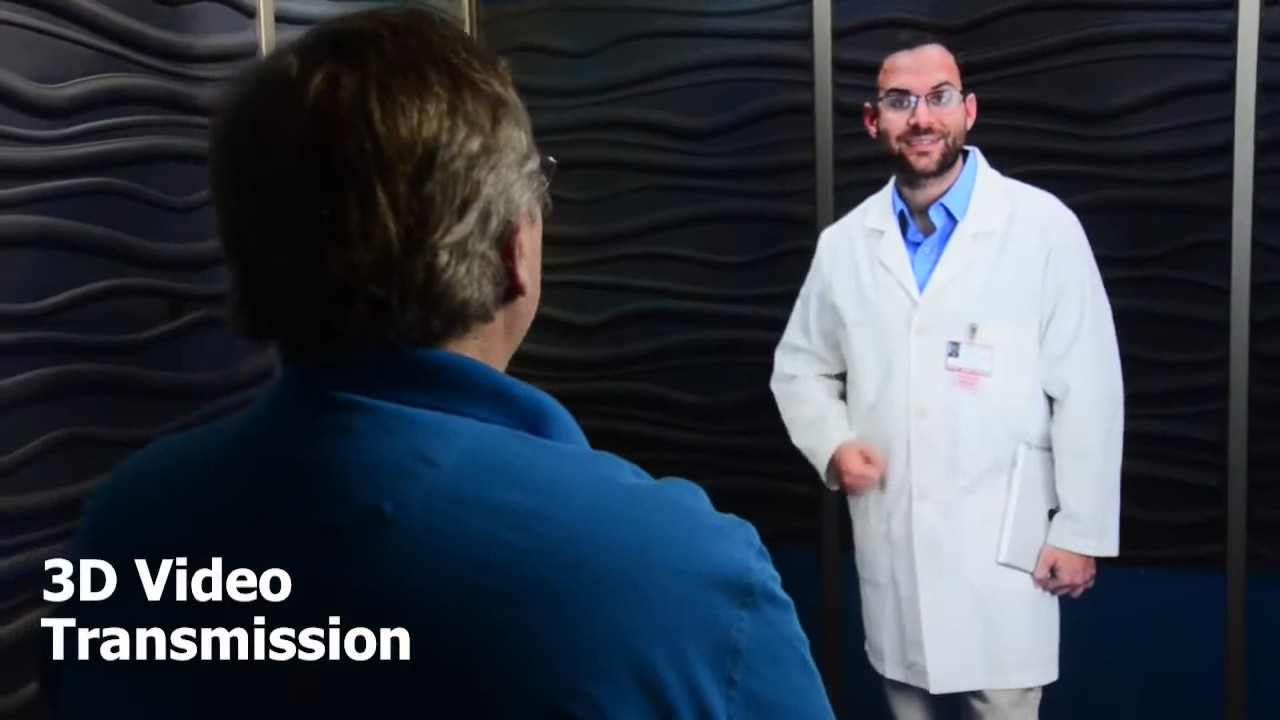
Human scale brings the experience closer to an in-person encounter.
The person is visually integrated into the space rather than confined to a video window.
Communication designed to support naturally aligned eye contact.
No VR headset or 3D glasses are required for the visitor.
A real person can see, hear and assist the other person remotely.
The screen and camera can be concealed so the interaction remains the focus.
3D presence can be connected to reception and service operations.
Digitize services without turning every interaction into an impersonal exchange with a machine.
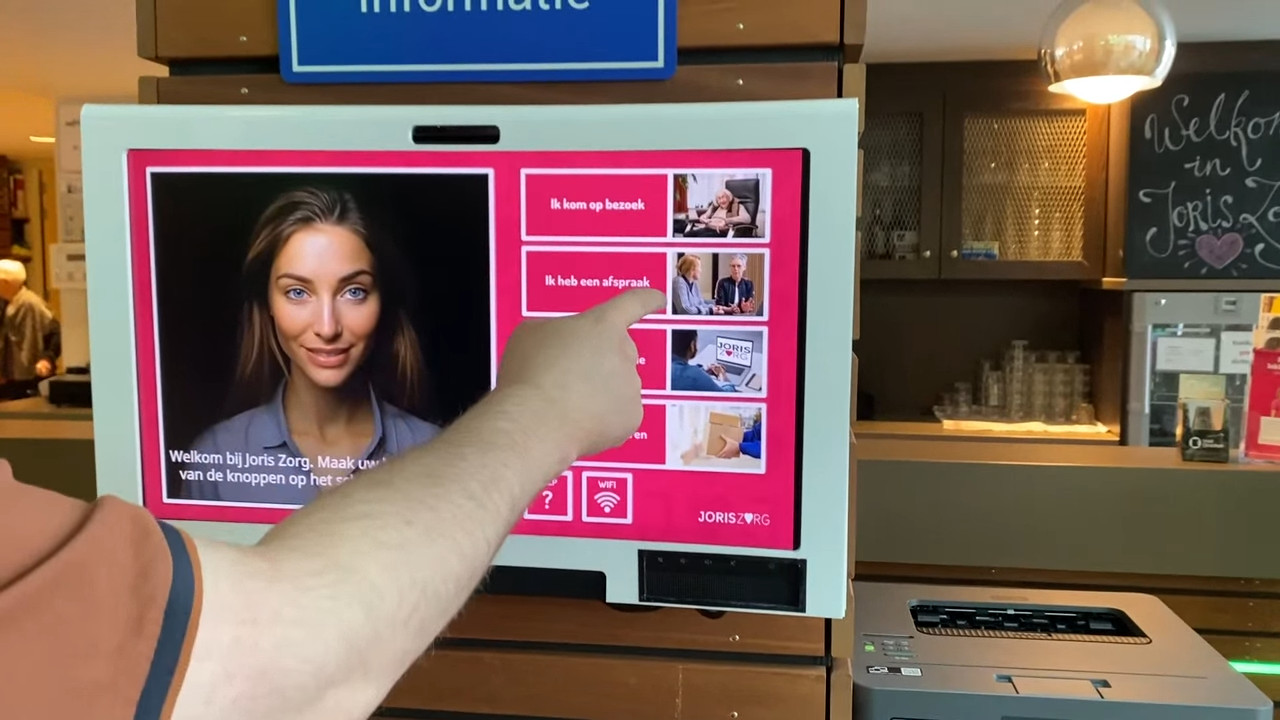
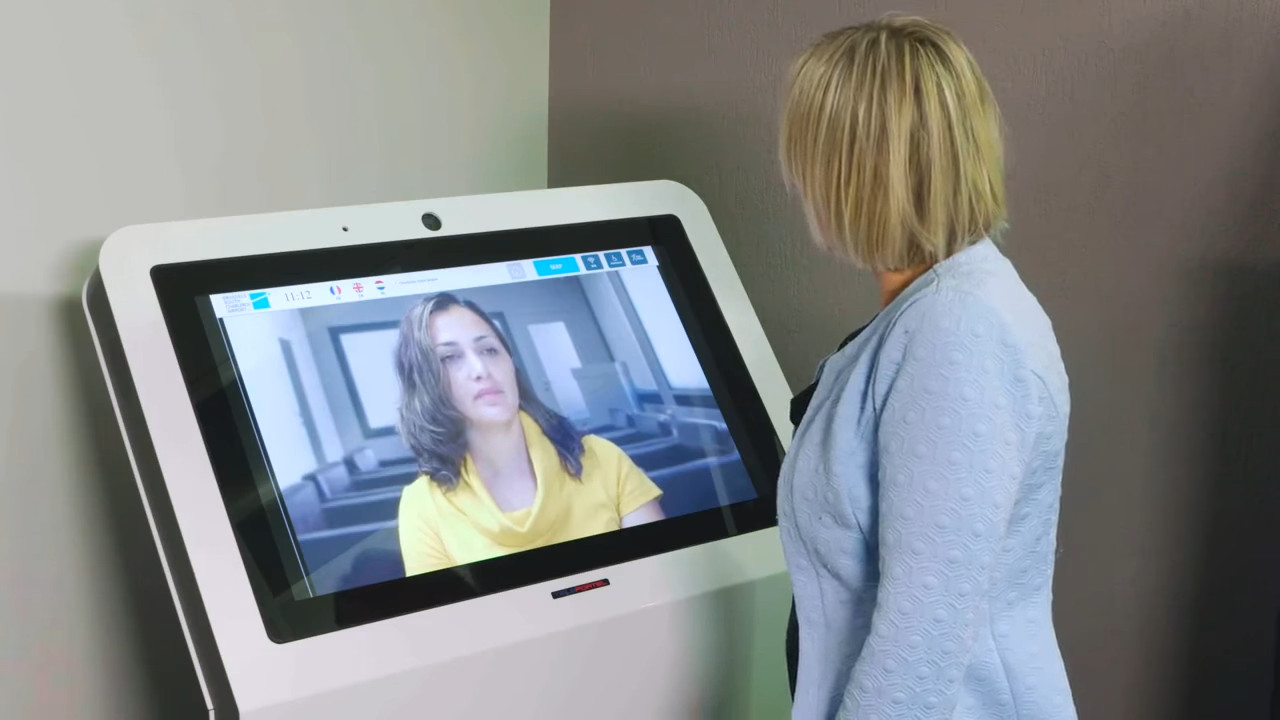
3D presence + real person + real time + eye contact + interaction + business processes. This combination distinguishes a professional presence solution from a simple display system.
Business video communication can extend beyond conference rooms and scheduled online meetings. Video can give customers or visitors a direct way to contact an employee through a company website or another digital touchpoint.
This can support remote customer service, virtual reception, consultations and other situations where an organization wants to provide personal assistance to someone outside the company.
Discuss Your Video Communication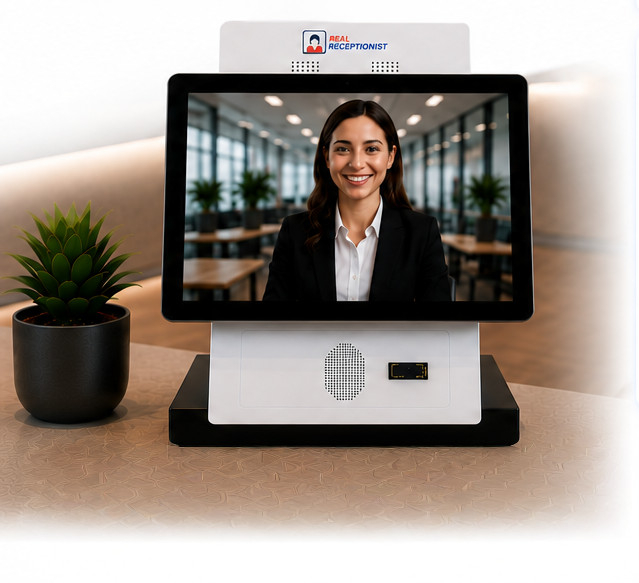
The objective is not simply to create a “wow” effect, but to make remote human interaction feel more natural.
A person can be in another city, another building or another country and still speak, listen, answer questions and assist a visitor in real time.
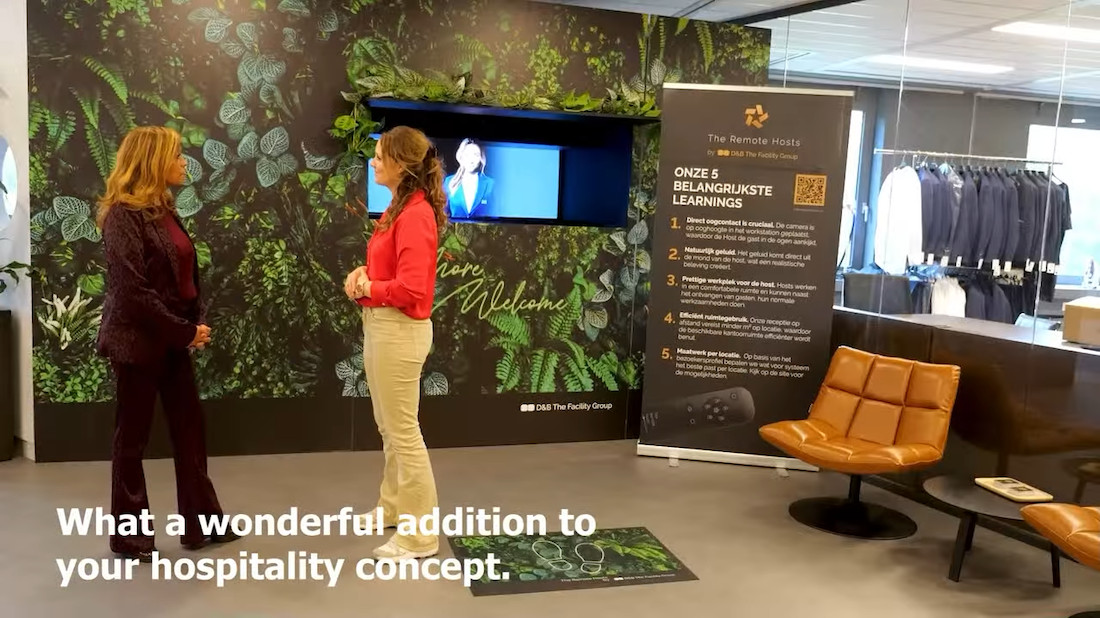
Teleportel makes it possible to connect people by video through a website, kiosk or remote reception point. It can support everyday business communication as well as helping visitors and customers from a distance.
Answers about free conference calls, audio, video, web conferencing and browser-based communication.
A conference call service connects two or more people remotely through audio, video or online web conferencing. Depending on the service, it can also include screen sharing and other collaboration features.
Consider audio and video quality, participant capacity, ease of use, video support, screen sharing, device access and whether you need website or external-user communication.
They can be suitable for occasional or straightforward meetings. Businesses using online meetings every day may need more capacity, meeting controls, integrations or technical support.
Audio conferencing focuses on voice communication. Video conferencing adds a visual connection so participants can see one another during the conversation.
Web conferencing can combine audio and video with browser-based features such as screen sharing, presentations and online collaboration.
Yes. Online conferencing can support individual sessions as well as larger group meetings.
Yes. Video can be used beyond internal meetings to communicate with customers, suppliers, partners and visitors.
Yes. Browser-based video can give people outside an organization a direct way to contact an employee through a website or another digital touchpoint.
It can support remote customer service, virtual reception, consultations and other situations where personal assistance is useful.