01
Audio meetings
For small internal meetings or straightforward conversations, clear and reliable audio may be all that is needed.
Conference call services make it easier to plan meetings and connect with attendees wherever they are. Modern browser-based and cloud solutions can support audio, video, presentations, discussions and collaboration without making every participant install software.
The best conference call solution depends on how you meet: a small internal discussion, a lecture-style presentation, a customer conversation or a larger Q&A session. This guide explains what to look for, when free conference calling is enough, and how live video communication can extend beyond conventional online meetings.
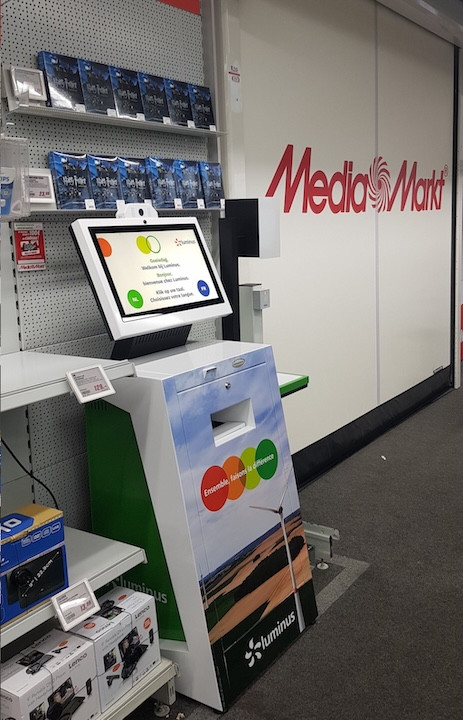
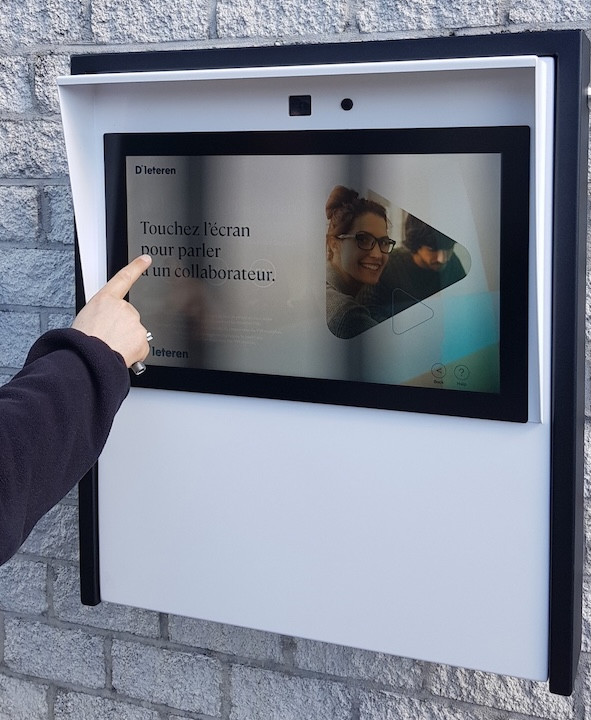
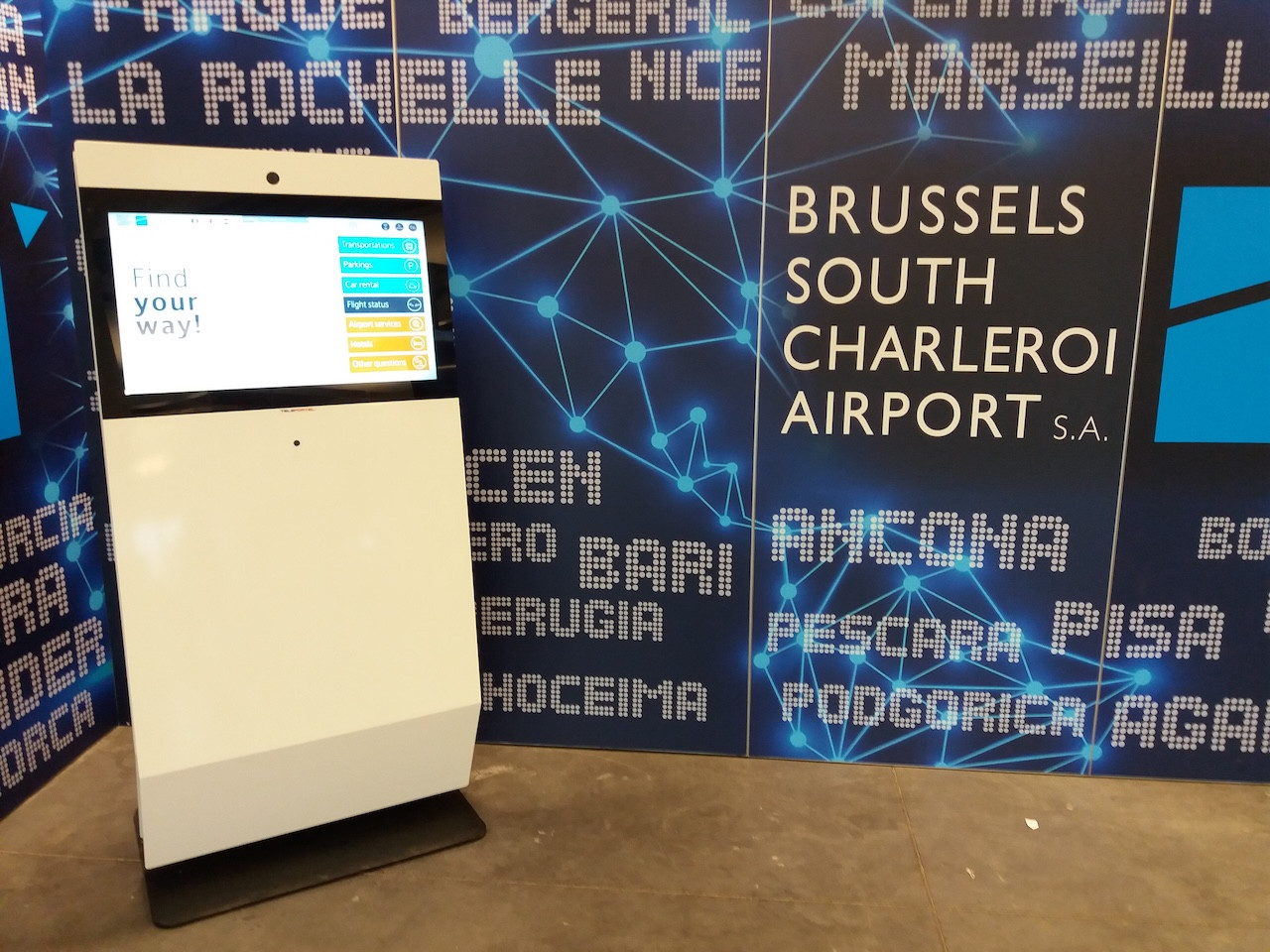


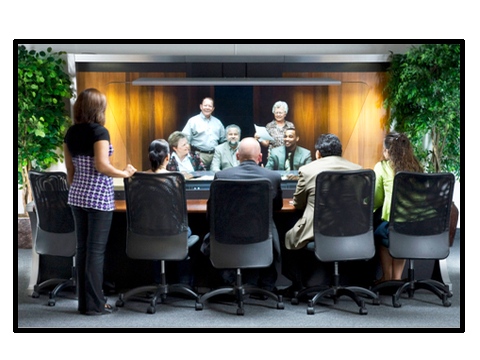
A conference call service lets people communicate remotely through audio, video or both. Cloud and browser-based platforms can also support screen sharing, presentations and different meeting formats, allowing participants to join from a range of connected devices.
For small internal meetings or straightforward conversations, clear and reliable audio may be all that is needed.
Video can add useful visual interaction for presentations, demonstrations and customer conversations.
Participants can present documents, show presentations, demonstrate software and work through information together.
Organizers can support discussion, lecture-style meetings or Q&A sessions with participant mute and speaking controls.
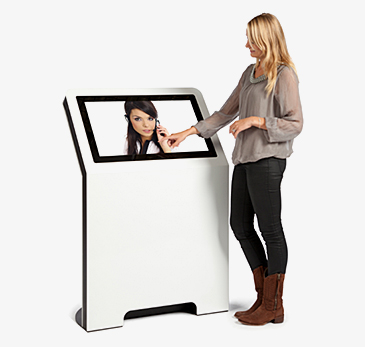
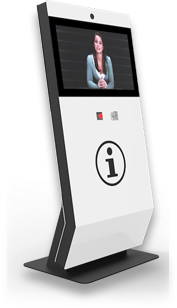
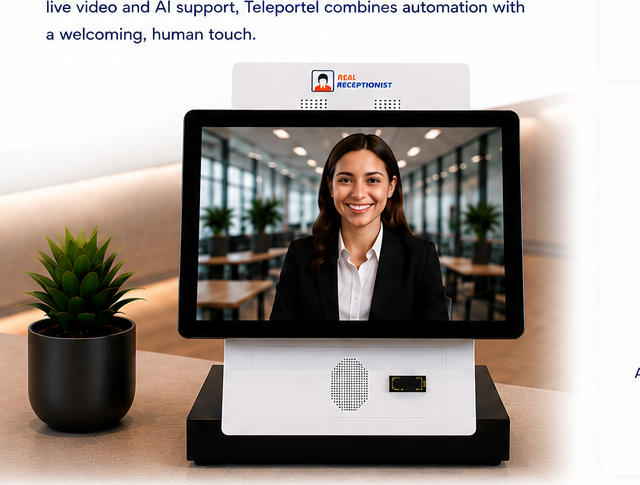
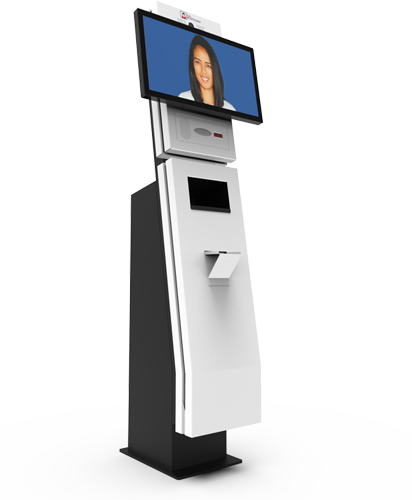
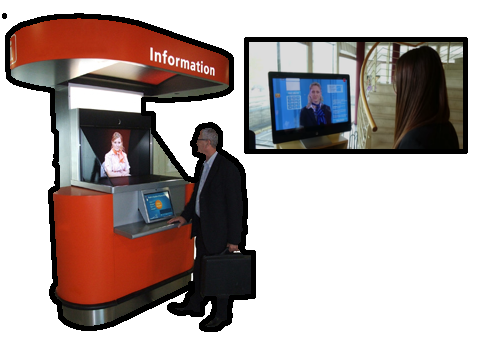
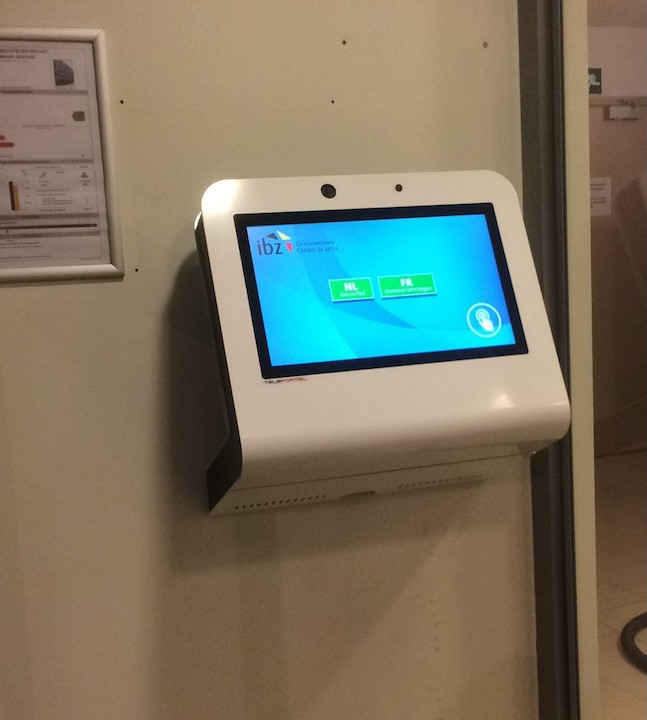
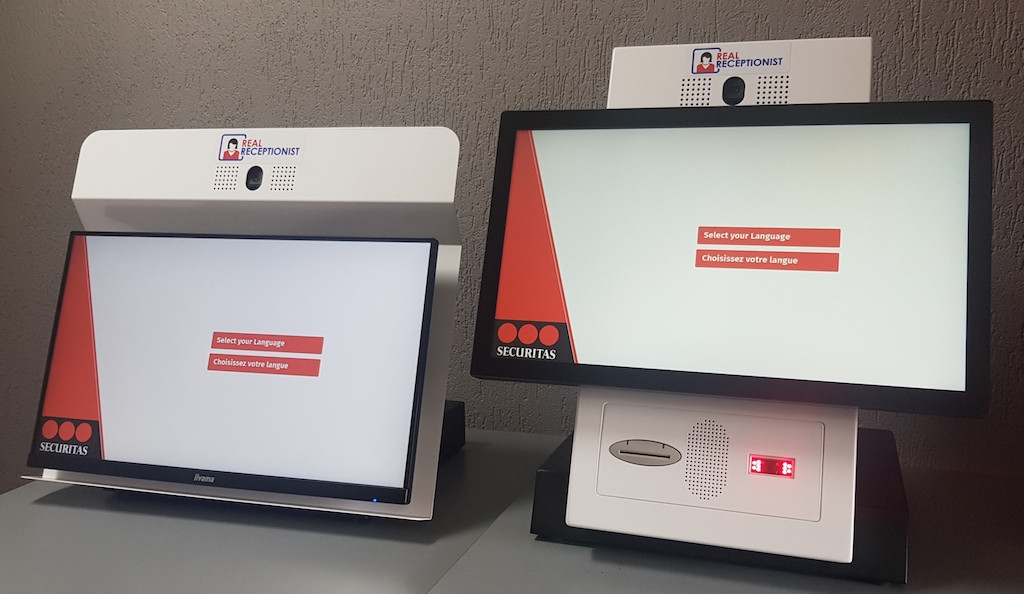
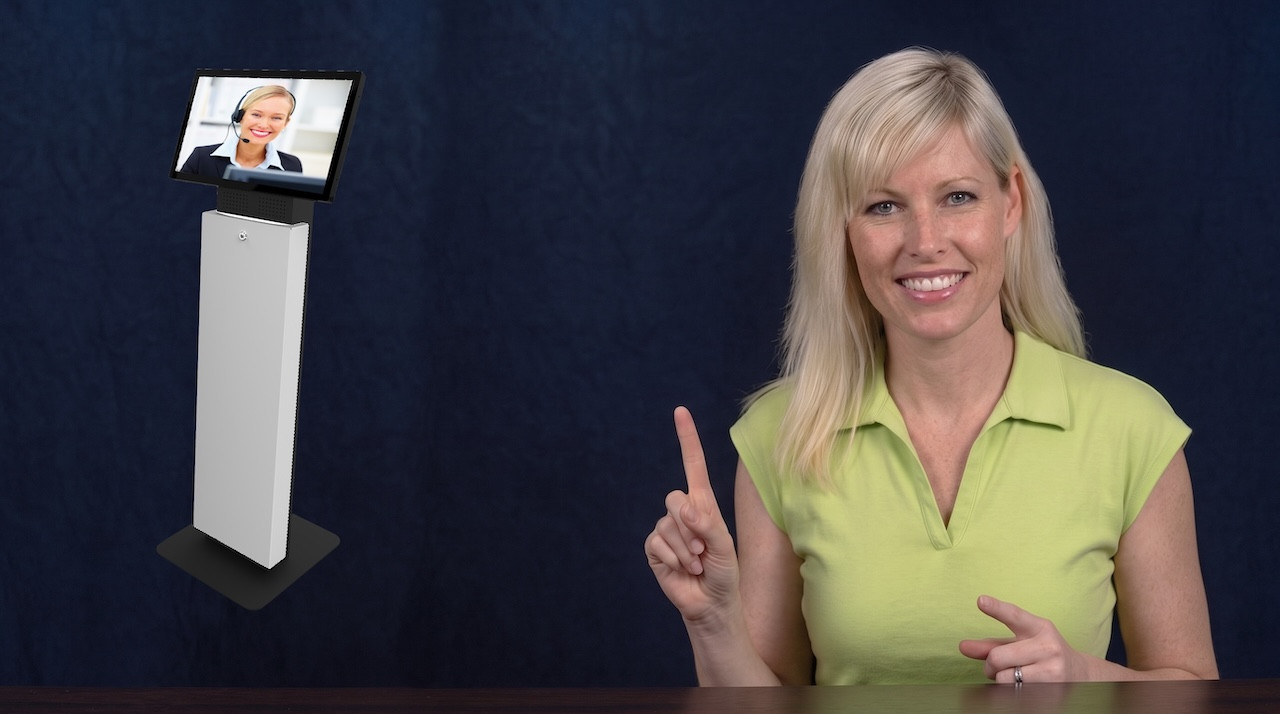
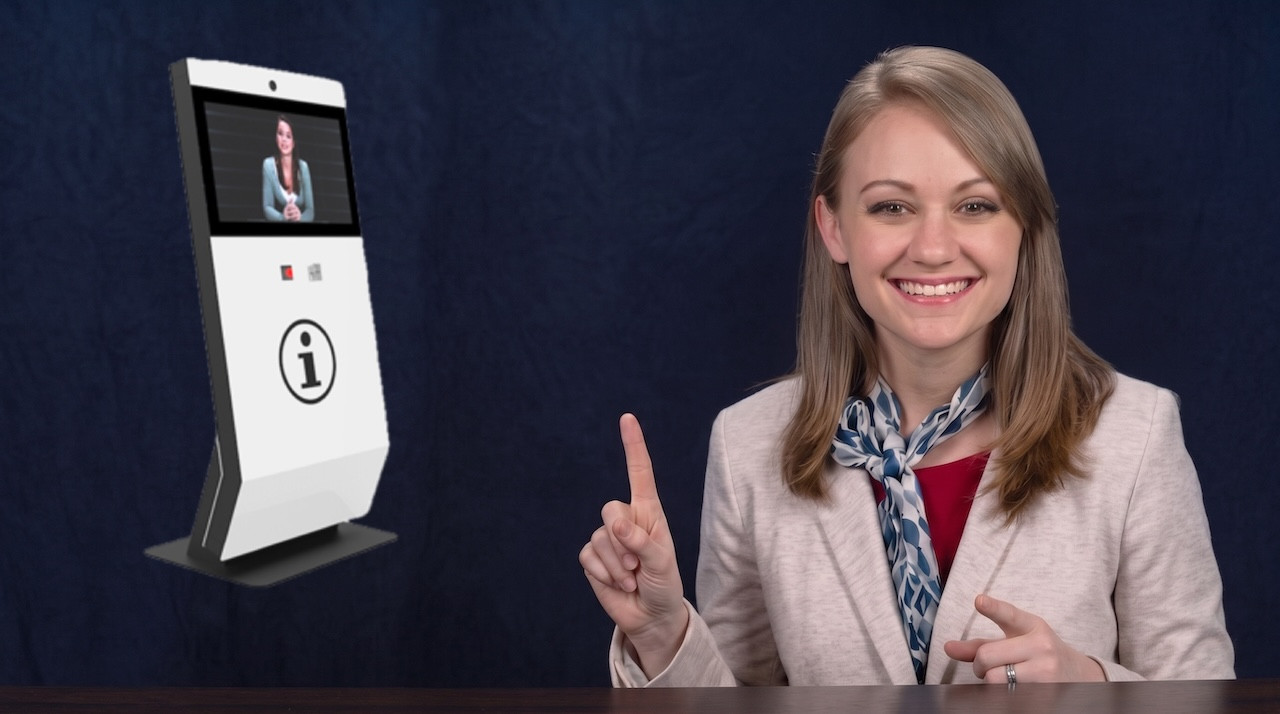
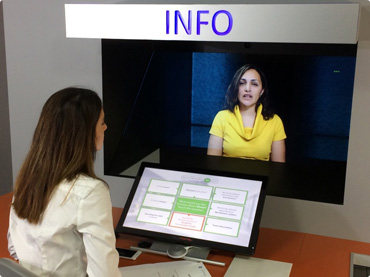
Combine Teleportel software with the touchscreen format that best matches your reception environment and visitor management process.
Reception requirements vary by location. Digital visitor management can support the way guests, patients, contractors and other visitors arrive in different environments.
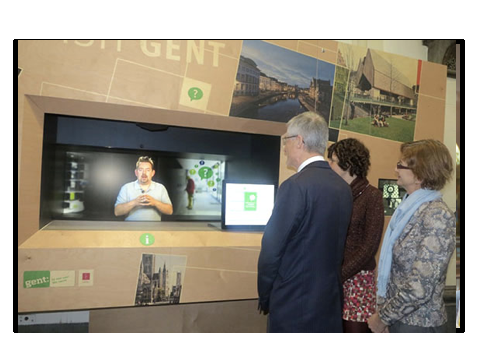
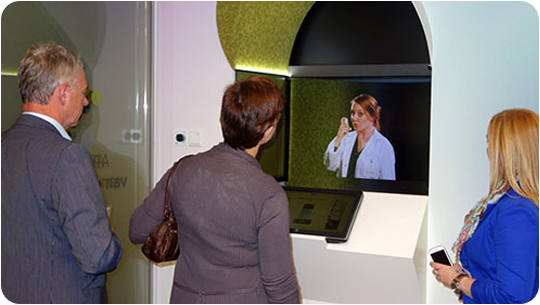
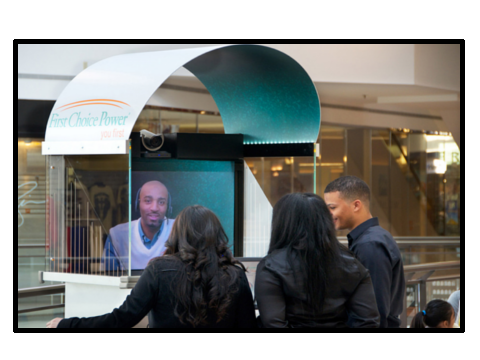
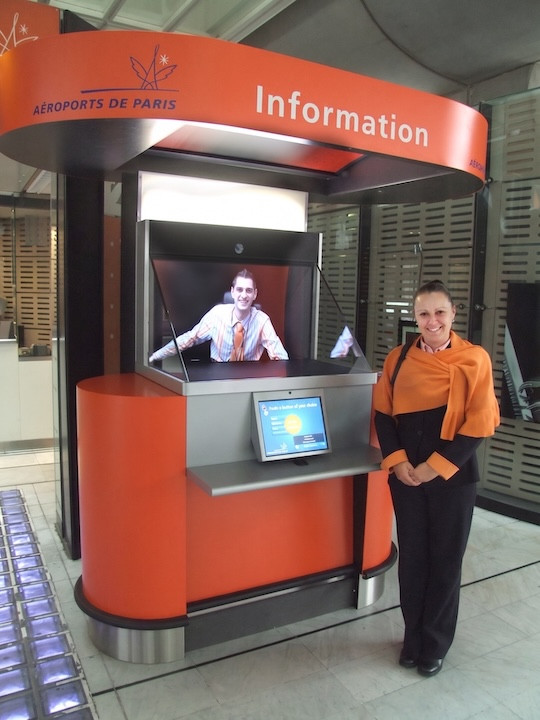
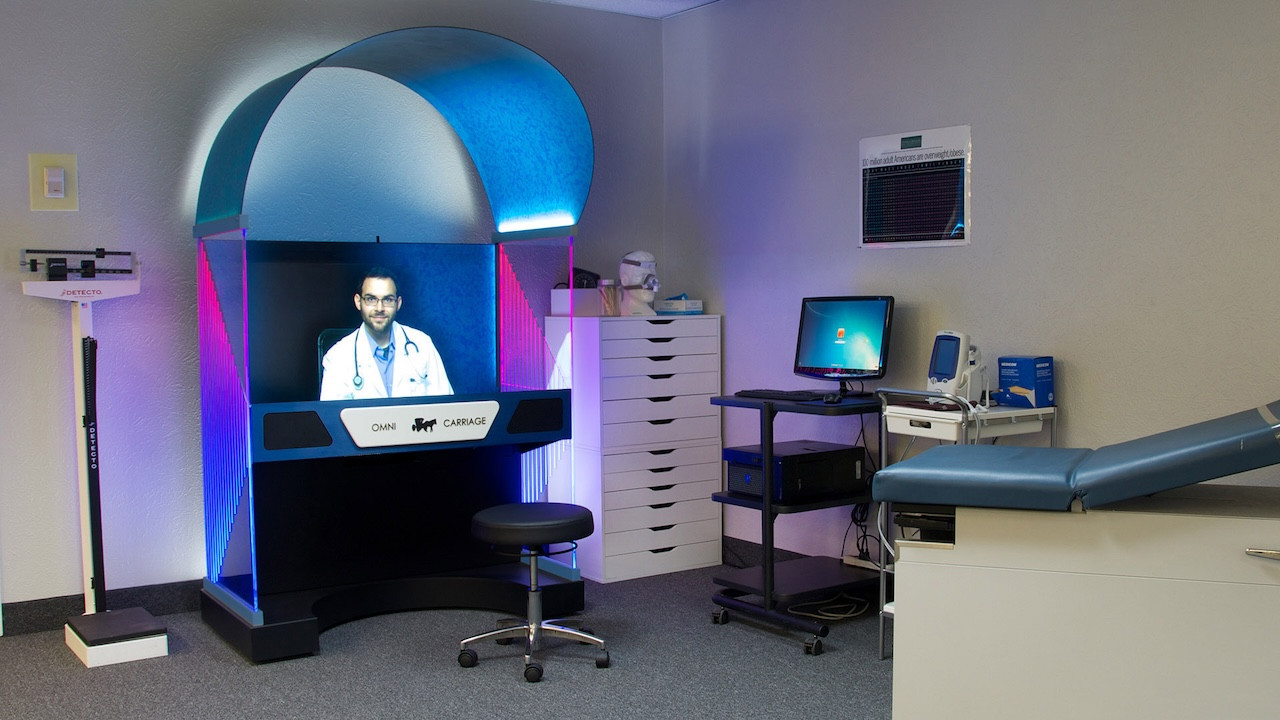
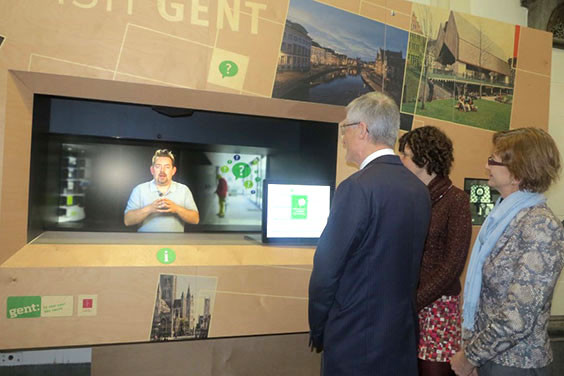
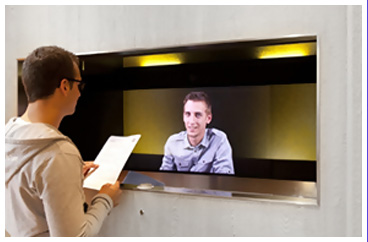
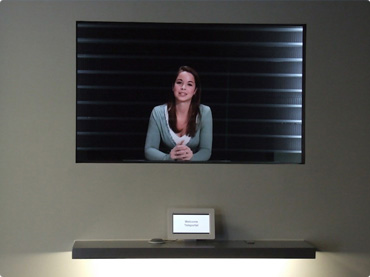
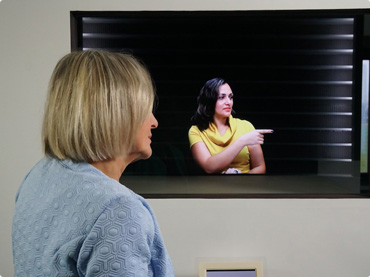
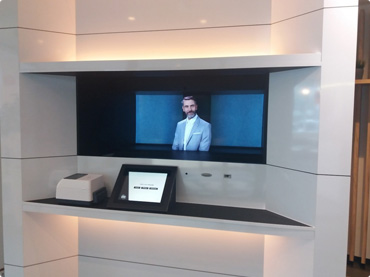
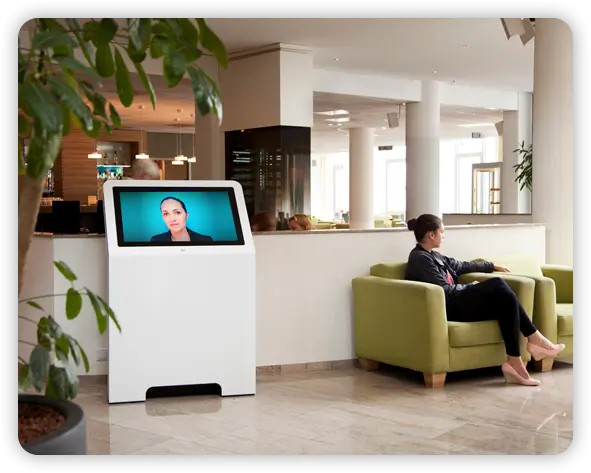
Teleportel's patented 3D Holographical Reality™ is designed around presence rather than simply displaying a remote video feed. The receptionist appears life-sized and in 3D, with aligned eye contact, while the camera and screen remain outside the visitor's view.
The effect is intentionally different from ordinary 2D displays and from consumer “3D TV” concepts that require goggles. No glasses are needed. The objective is an immersive, authentic interaction in which the person on the other side feels much closer to being in the same room.
The sound is also positioned so that it seems to come from the person rather than from an obvious loudspeaker, reinforcing the overall sense of presence.
More About Holographical Reality™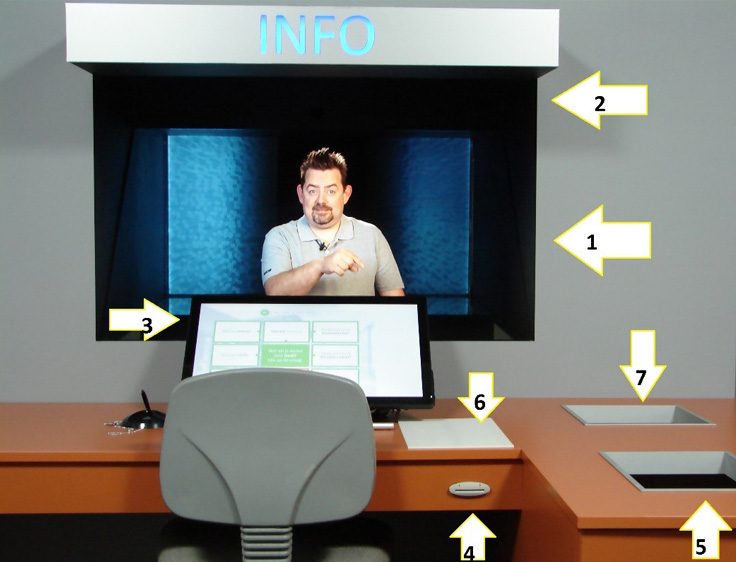
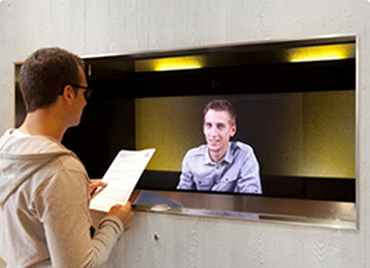
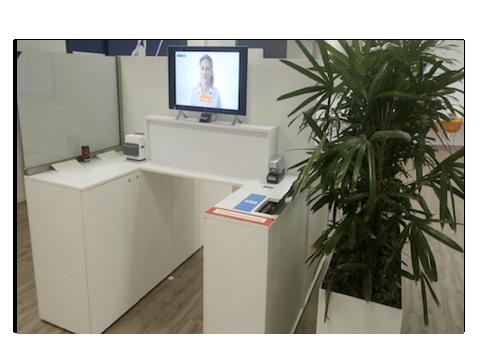
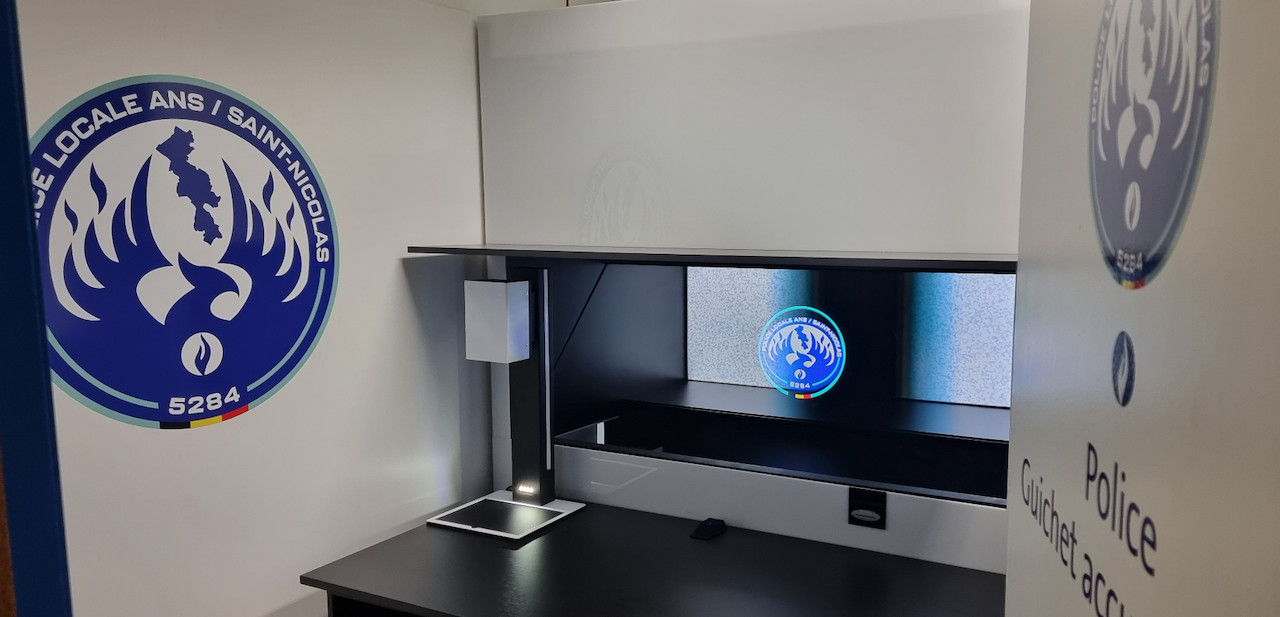
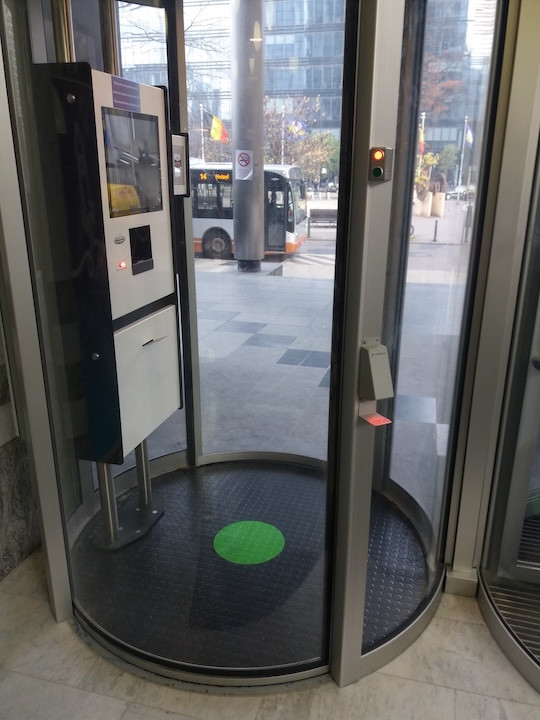
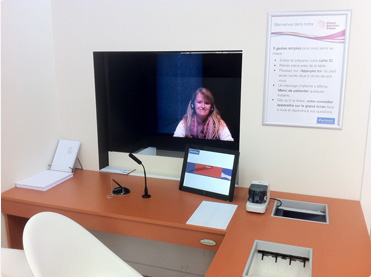
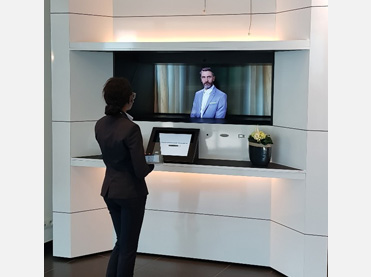
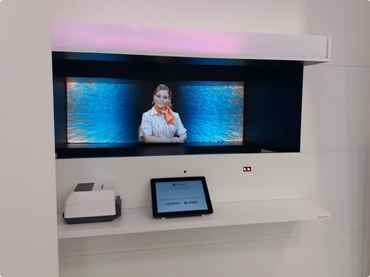
Teleportel In-Wall™ installations can be adapted around the architecture, reception workflow, branding and peripheral equipment required at each site.
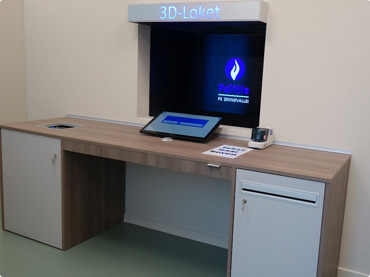
A good conference call service should make remote meetings easier, not more complicated. Participants should be able to join without spending unnecessary time solving technical problems.
Reliable audio and video are essential for professional communication. Freezing video or unclear sound can quickly disrupt a meeting.
Modern meetings often involve documents, presentations, software demonstrations and shared information, not just conversation.
Small teams may want open discussion, while presentations and Q&A sessions may require more control over who can speak.
For many users, they can be. A free service can be practical for occasional meetings, small teams or organizations that want to test online communication without making a major investment.
Businesses should still look beyond the word “free.” A platform that works well for a weekly team meeting may not be suitable once communication becomes part of a larger business process.

Online meetings give organizations another way to communicate when people do not need to be physically present in the same room.
Teams in two locations can meet without either group travelling to the other office.
A specialist can speak with a customer in another city or country through audio or video.
Managers and colleagues can maintain regular communication with employees working from other locations.
Physical meetings still have value. Conference calls simply give organizations a choice: travel when being in the same room matters, and communicate remotely when it does not.
There is no single conference call platform that is right for every organization. Start with how the service will actually be used.
Internal employees may already know the platform. Customers and visitors usually benefit from the simplest possible joining process.
A solution designed for small meetings may not be suitable for larger presentations or events.
Audio may be enough for some conversations, while presentations and personal customer interactions can benefit from video.
Integration becomes more important when communication connects with reception, registration, access control or another business process.
Organizations should consider security, privacy and applicable regulations, including GDPR requirements where relevant.
Administration, recording, reporting and technical support can become more important as communication becomes business-critical.
The move from traditional telephone conferencing to cloud-based audio and video communication has expanded what remote communication can do.
Traditional conference calls connected multiple participants primarily through audio.
Browser-based audio, video, screen sharing and collaboration made remote meetings easier to access from different devices.
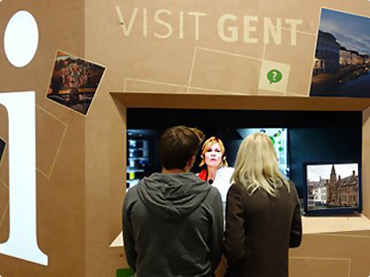
The same communication principle can connect a person at a physical location with a remote receptionist or service agent.
Traditional video meetings normally connect people who are already sitting in front of their own devices. Live video communication can also become part of a physical process.
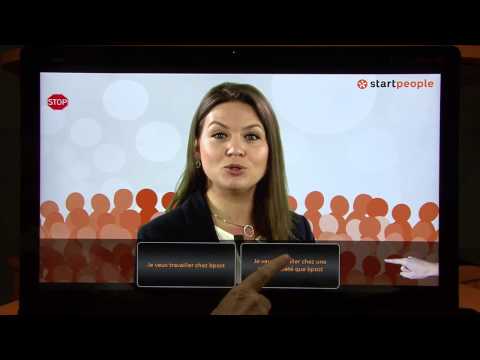
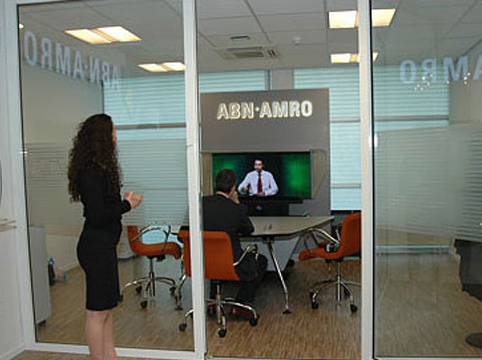
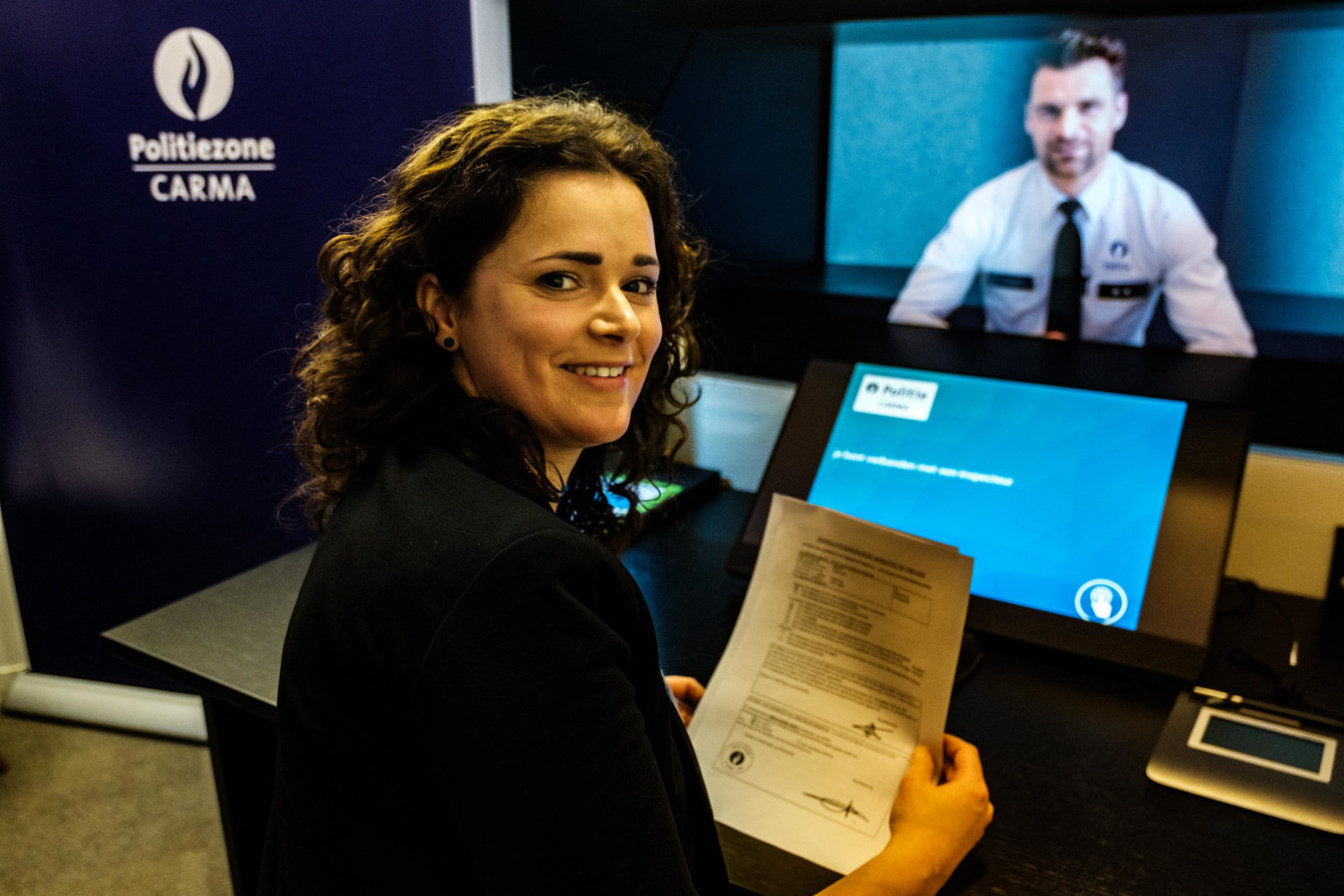
For example, a visitor arriving at a building without an on-site receptionist could use a video reception point to speak directly with a receptionist working remotely. The receptionist can welcome the visitor, provide information and, depending on the setup, assist with registration, identification or access.
Explore Live Video Reception
Automation can handle simple and repetitive tasks, but some visitors and customers still need to speak with a real person.
A remote receptionist can welcome and assist visitors even when no receptionist is physically present at that site.
Live video can provide personal assistance when a customer needs more than static information or self-service.
One receptionist or service team can potentially support several sites from another office or location.
Teleportel also offers intelligent parcel locker systems that automate package delivery, securely store parcels and can combine self-service with live remote assistance. For organizations already thinking about remote communication, reception or customer service, parcel lockers can extend the same digital-service approach into physical deliveries.
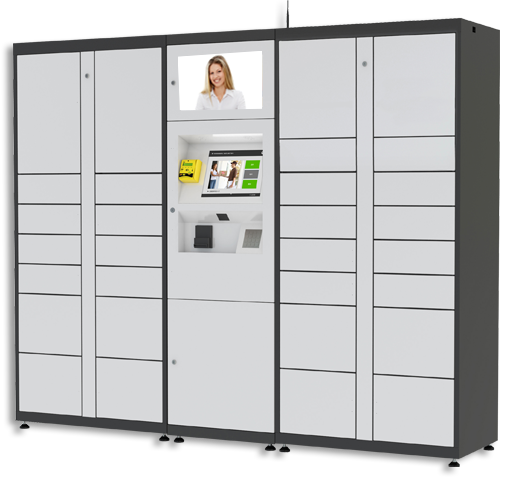
Secure electronic lockers provide a convenient collection point for mail and packages while reducing dependence on direct handover.
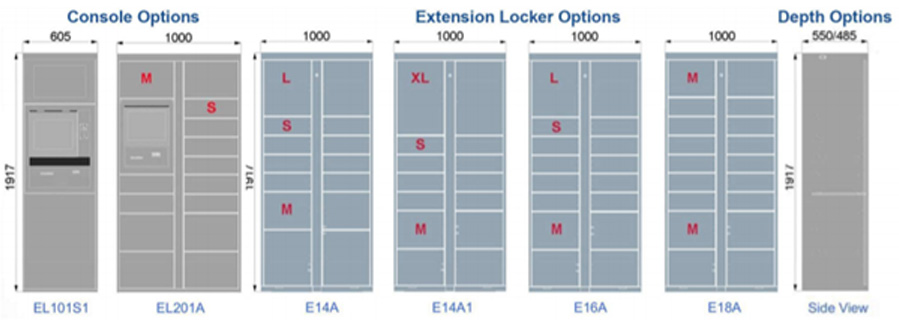
Locker configurations can support different parcel volumes and environments as part of a wider delivery-management process.
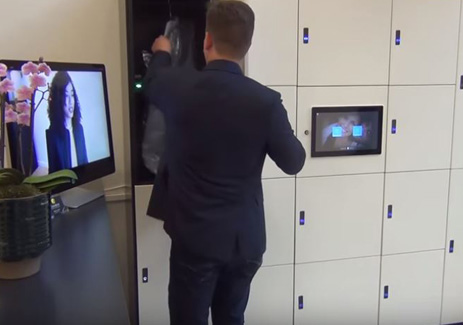
Teleportel's experience in live interaction makes it possible to combine automated service with access to a remote person when assistance is needed.
Parcel delivery can be automated without making service impersonal. Discover Teleportel's intelligent parcel locker technology for secure package storage, collection and digitally assisted customer service.
Teleportel uses live video communication in situations where people need to interact remotely while remaining physically in different locations.
Its solutions can connect visitors or customers with a remote receptionist or service agent and can be combined with functions such as visitor registration, badge printing and other reception processes, depending on the application.
Being remote does not have to mean being impersonal.
The best conference call service is ultimately the one that fits the way your organization works.
A free browser-based platform may be more than enough when the requirement is straightforward team communication.
Organizations may need stronger collaboration, administration, security, recording, reporting or integration features.
When communication must connect a physical location with a remote employee, live video communication can become part of a broader reception or service solution.
Key points for comparing conference call platforms and understanding when a broader live video solution may be appropriate.
It connects multiple participants remotely through audio, video or both, often with collaboration and meeting-management features.
Yes. Browser-based and cloud solutions can allow participants to join through a compatible device without installing dedicated software.
For many internal conversations it can be. Video is more useful when visual interaction, demonstrations or presentations matter.
They can be suitable for occasional or simple meetings, but larger business processes may require administration, security, integrations and support.
Yes. They allow teams, customers and specialists in different locations to communicate without travelling for every conversation.
Live video communication can connect remote employees with people at physical locations, including reception, service and information environments.
The right communication technology depends on the situation: use conference calling for remote meetings, and consider live video communication when a remote person needs to become part of a physical customer, visitor or service process.
Teleportel can help organizations explore live video communication for reception, customer service and remote assistance while keeping personal human interaction available.
Clear answers about online meetings, free conference calling, business requirements and live video communication.
A conference call service allows multiple people to join the same remote conversation using audio, video or both. Modern services may also include screen sharing, presentations, collaboration and participant controls.
Important considerations include audio and video quality, ease of joining, screen sharing, collaboration, meeting controls, participant capacity, security, privacy, integrations and technical support.
They can be enough for occasional meetings and small teams. Businesses with more complex requirements may need administration, integrations, security controls, reporting, recording or technical support.
Not always. Browser-based and cloud conference call services can allow participants to join from a compatible browser and device without installing dedicated software.
Yes. Remote meetings can connect offices, employees, customers and specialists in different locations, reducing the need to travel for every conversation.
Video can be especially useful for presentations, demonstrations, customer conversations and situations where visual or personal interaction improves communication.
Live video communication extends the idea of a video call into physical processes. For example, a visitor at a reception point can speak with a receptionist who is working from another location.
Yes. A remote receptionist can welcome a visitor, provide information and, depending on the setup, support registration, identification, badge printing or access-related processes.
No. Live video communication can retain personal contact while allowing the receptionist or service employee to work from another location.
Businesses should consider where data is handled, their security and privacy requirements, and applicable regulations. For European organizations, GDPR requirements may be an important part of the decision.