01
Camera
Captures the participants so people at other locations can see them during the video conference.
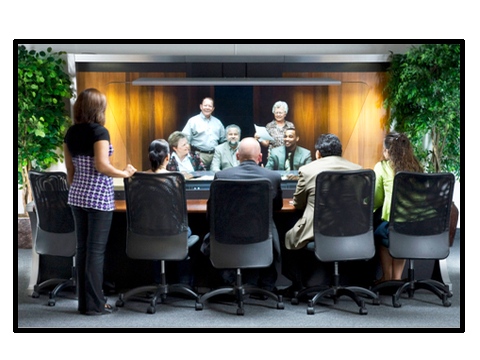
When setting up a video conference, double-check that you have the equipment needed at every participating site. At minimum, a video conferencing setup requires a camera, codec, microphone, speaker and monitor.
Video conferencing is nothing new, but selecting video conference equipment is not always straightforward. The right combination of hardware and software helps people see, hear, communicate and collaborate without requiring unnecessarily complex equipment.
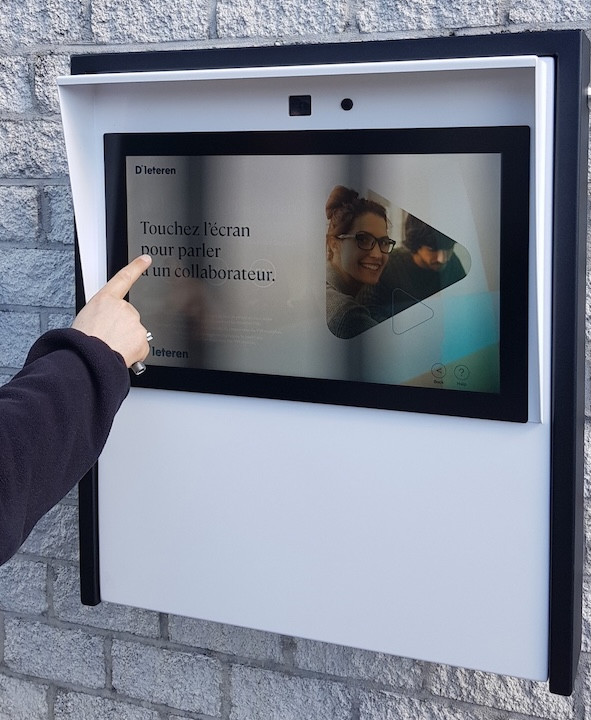
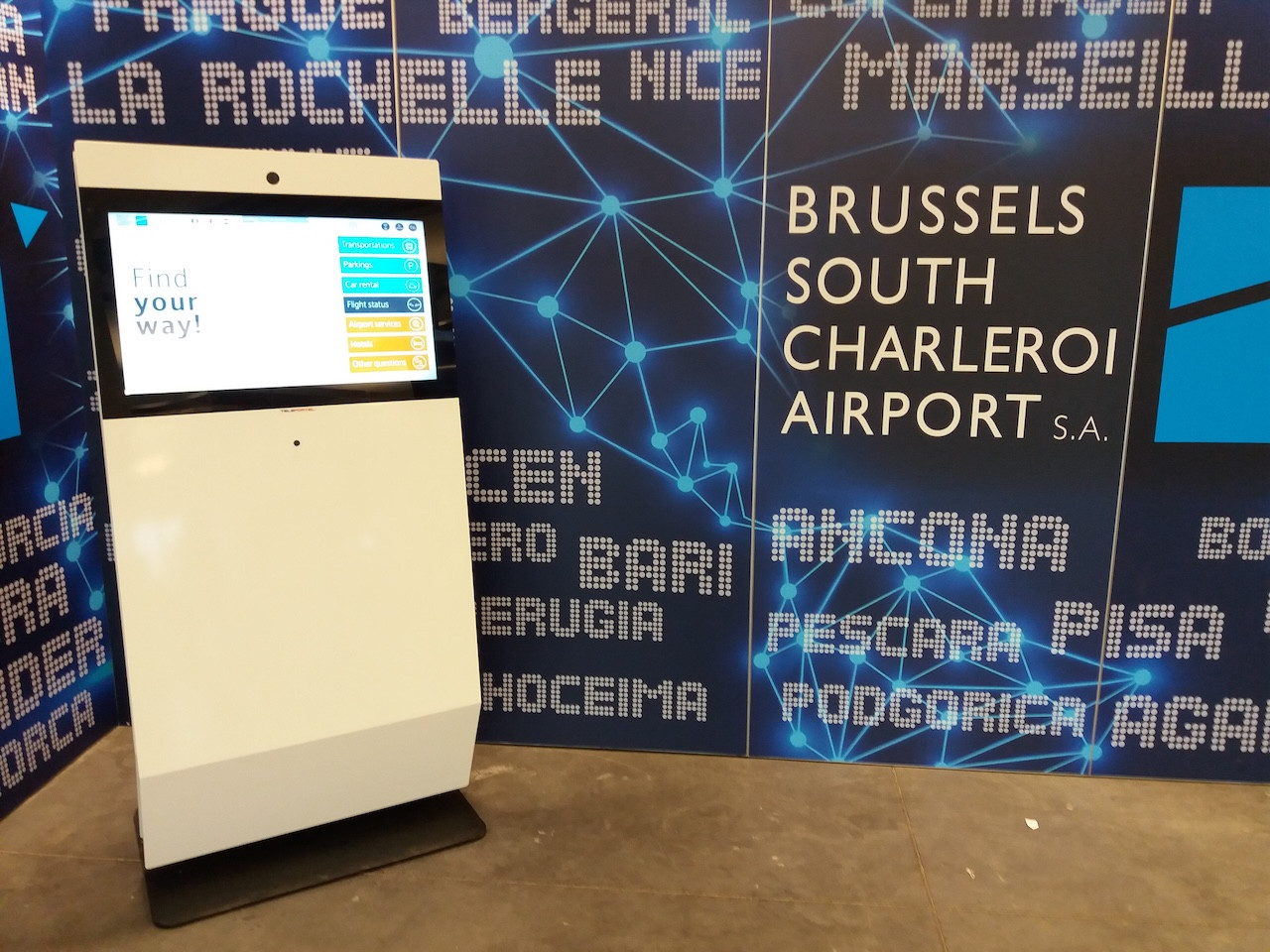
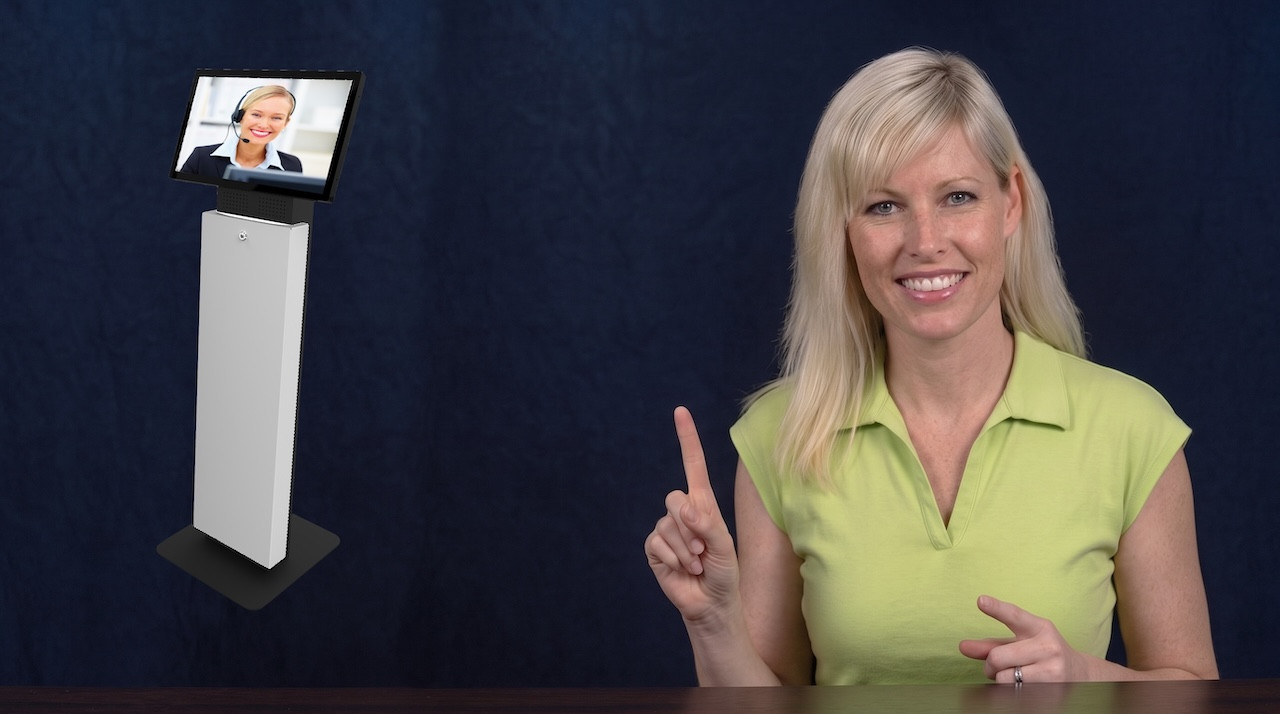
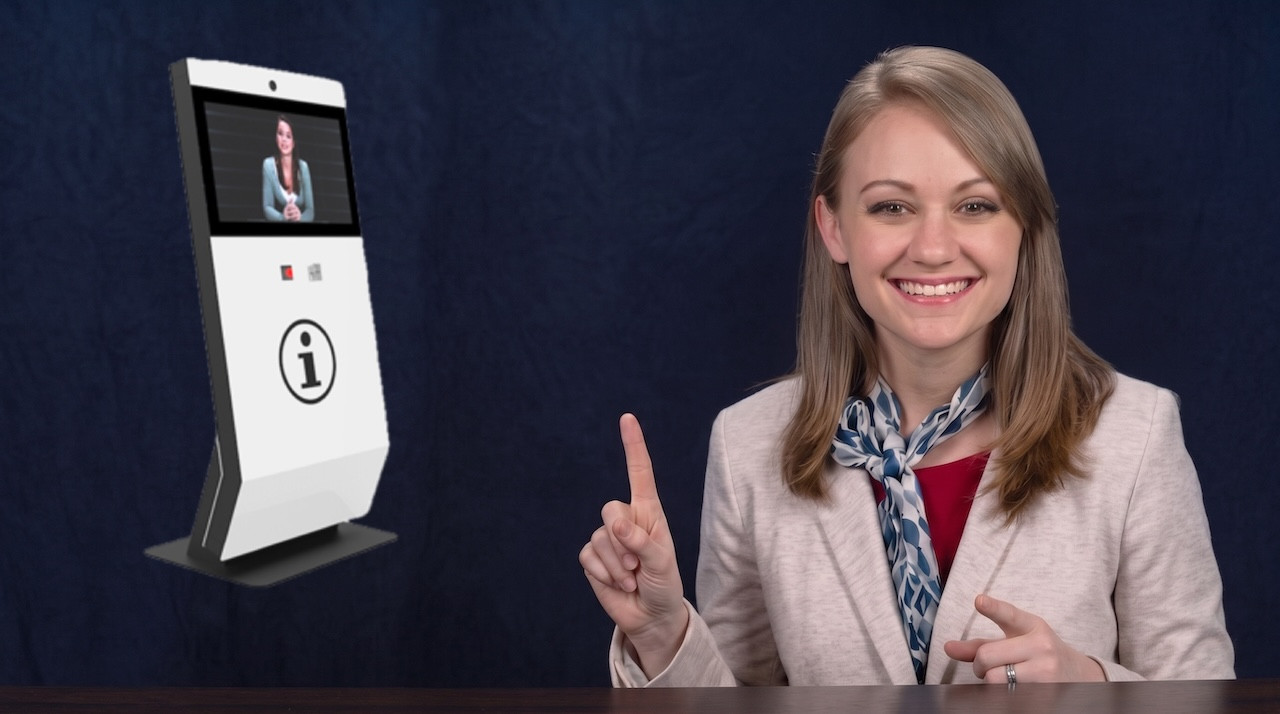
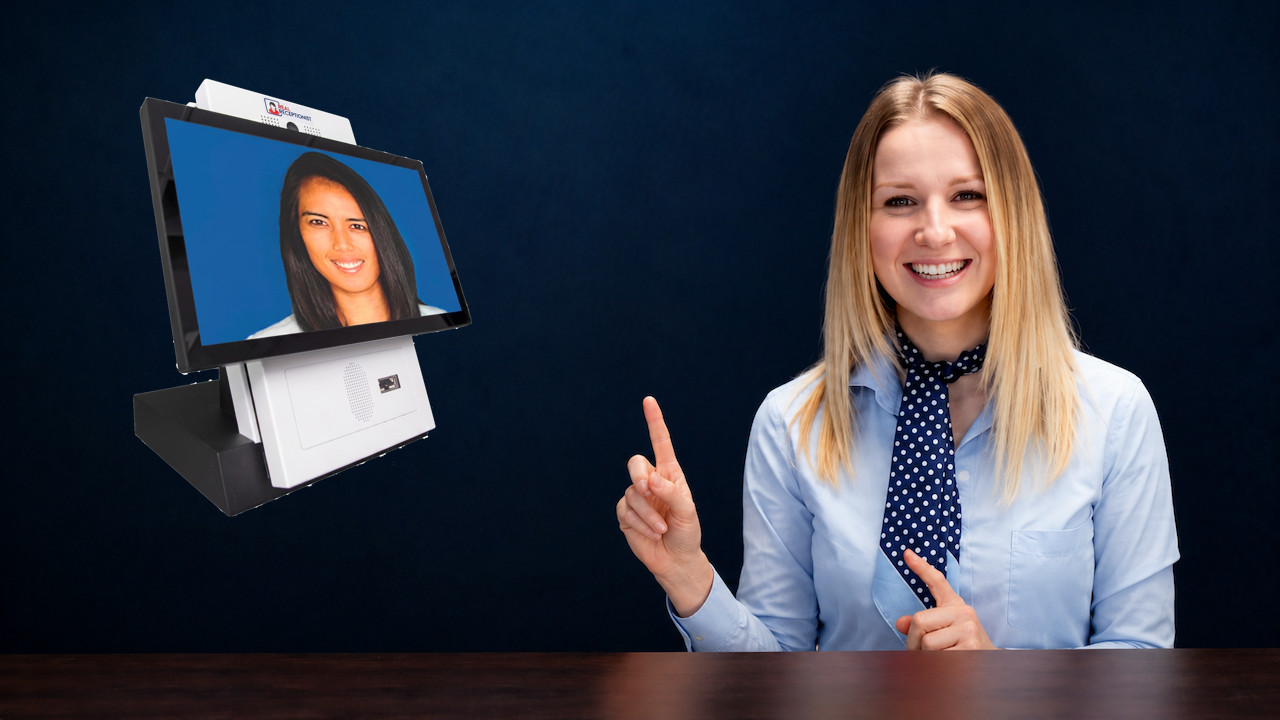

Each site participating in a video conference requires, as a minimum, a camera, codec, microphone, speaker and monitor. Software and connectivity then support the video call, audio communication, collaboration and other communication features.
Captures the participants so people at other locations can see them during the video conference.
Handles the video and audio information required to transmit communication between conferencing participants.
The microphone captures speech while the speaker allows participants to hear people at the other location.
Provides the visual interface for seeing remote participants, shared information and the video meeting.
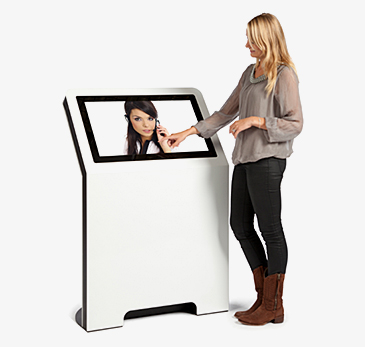
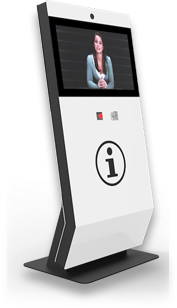
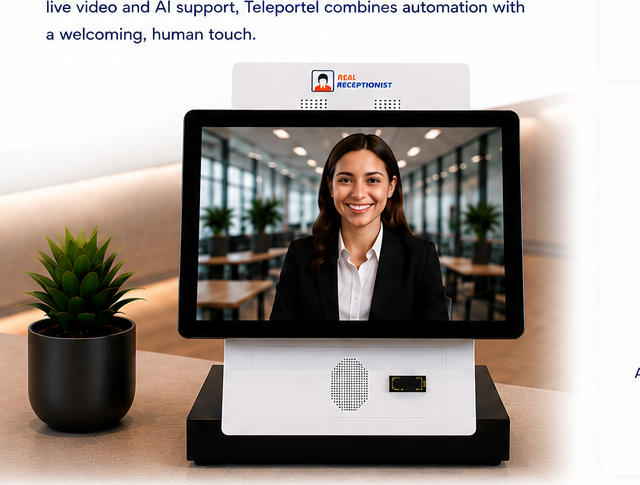
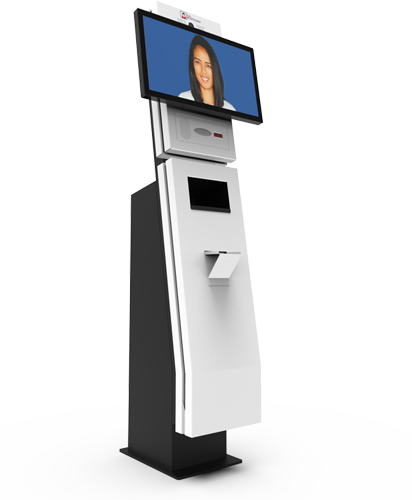
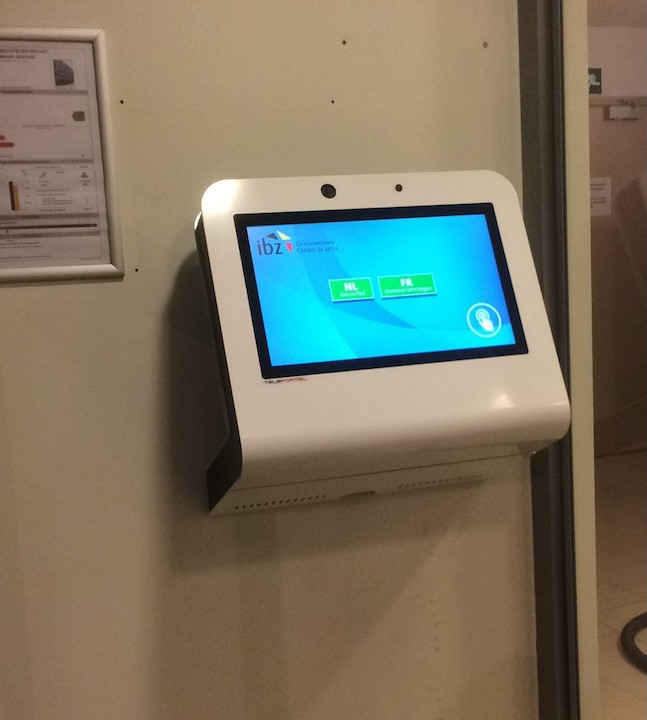
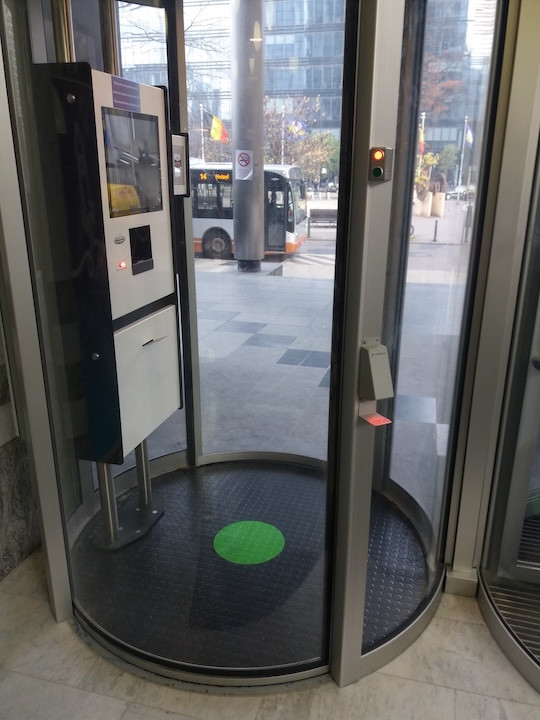
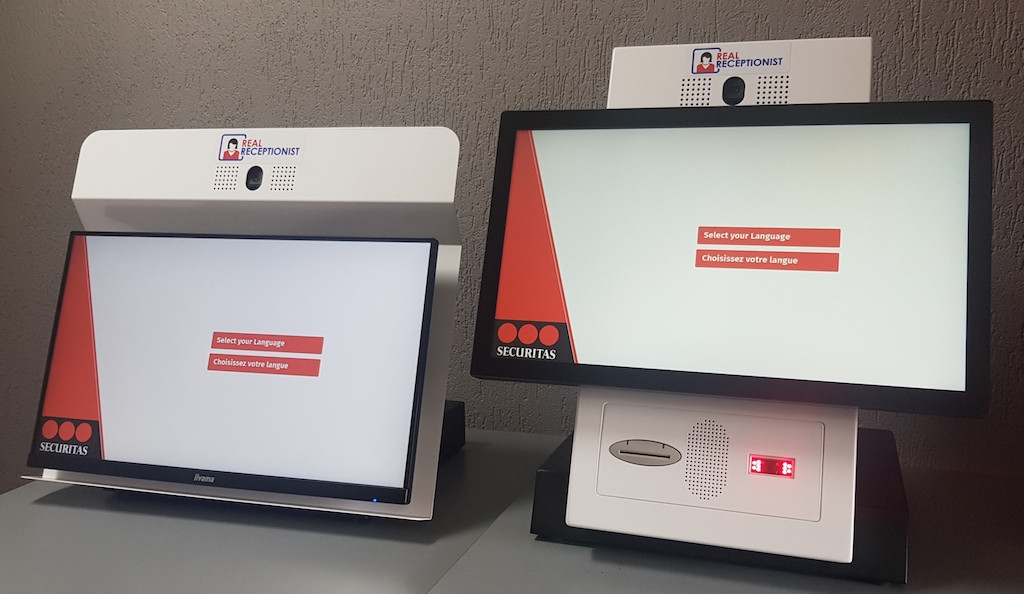
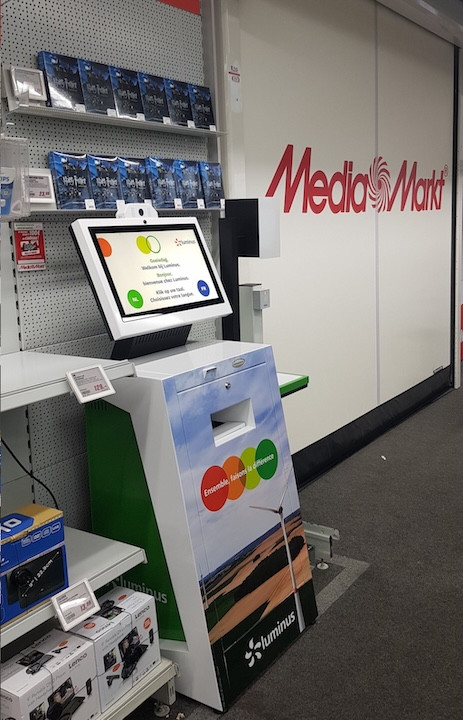
Combine Teleportel software with the touchscreen format that best matches your reception environment and visitor management process.
Reception requirements vary by location. Digital visitor management can support the way guests, patients, contractors and other visitors arrive in different environments.
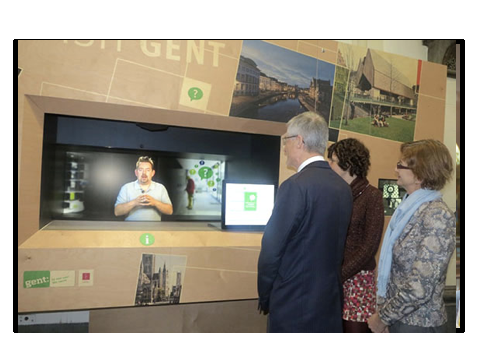
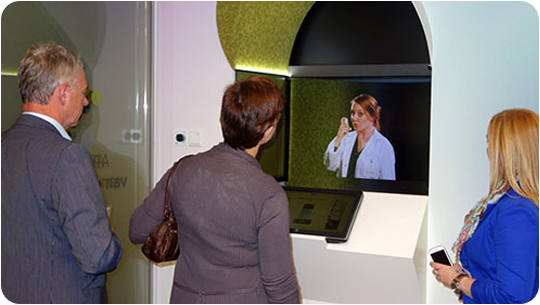
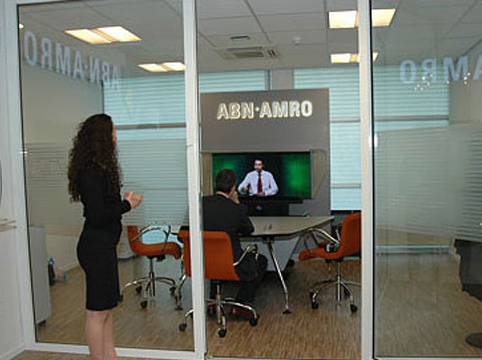
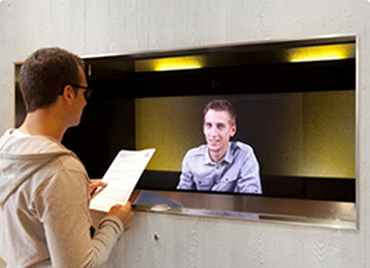
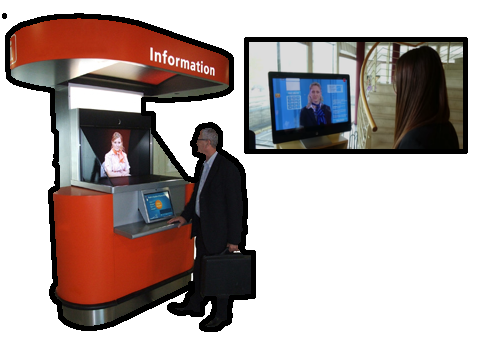
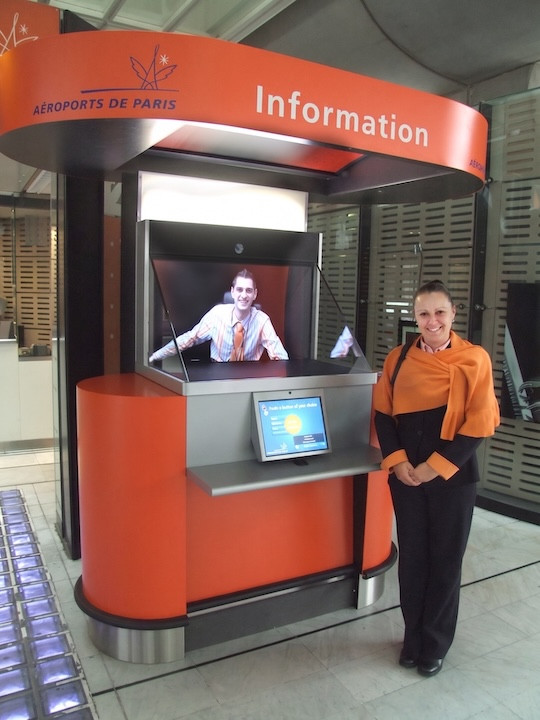
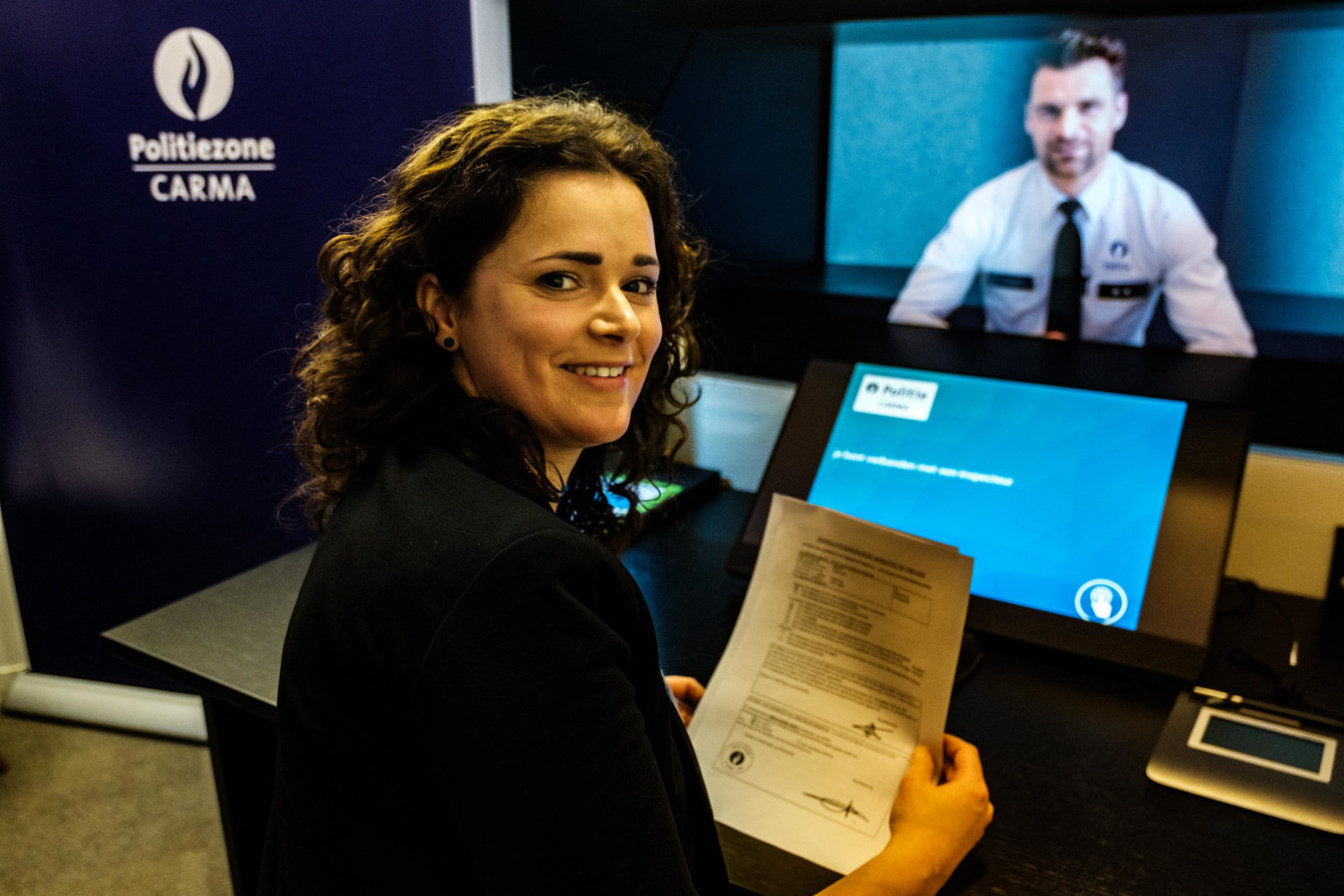
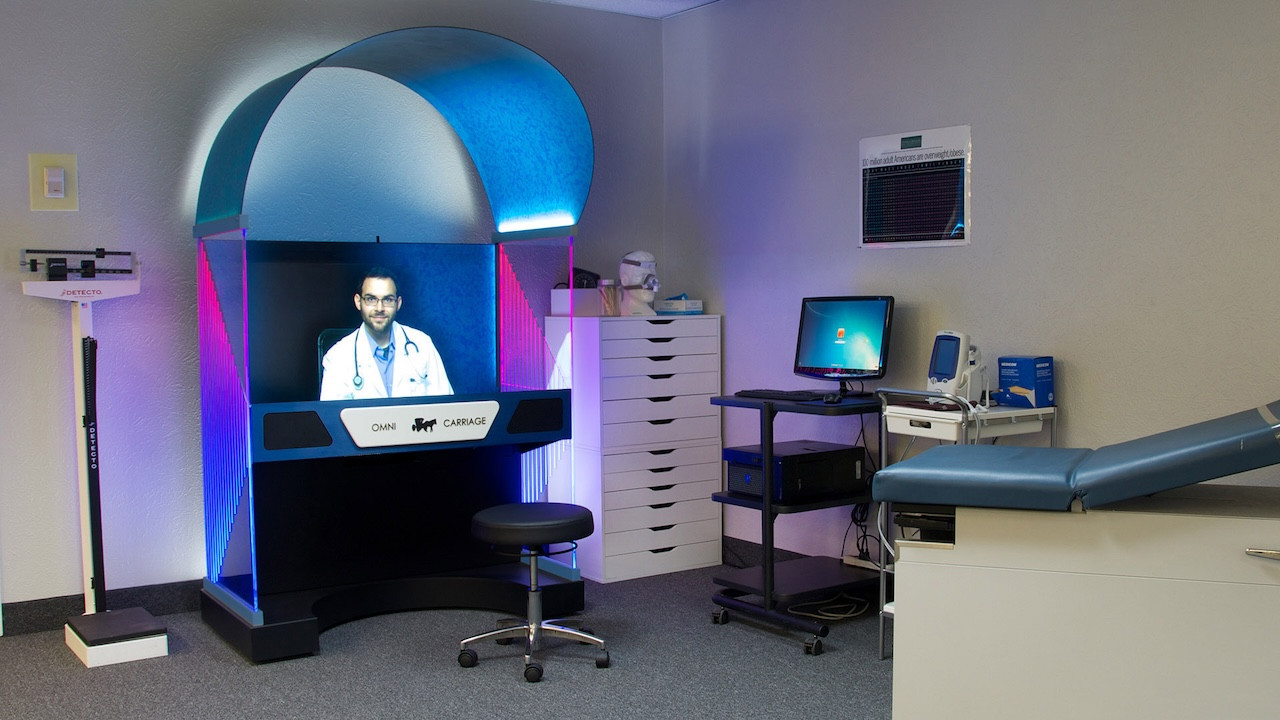
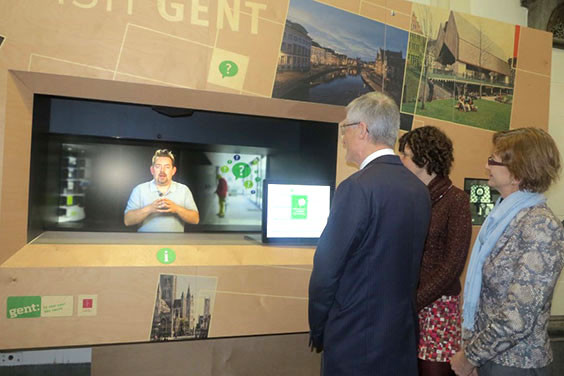
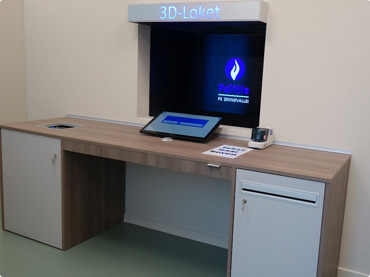
Teleportel's patented 3D Holographical Reality™ is designed around presence rather than simply displaying a remote video feed. The receptionist appears life-sized and in 3D, with aligned eye contact, while the camera and screen remain outside the visitor's view.
The effect is intentionally different from ordinary 2D displays and from consumer “3D TV” concepts that require goggles. No glasses are needed. The objective is an immersive, authentic interaction in which the person on the other side feels much closer to being in the same room.
The sound is also positioned so that it seems to come from the person rather than from an obvious loudspeaker, reinforcing the overall sense of presence.
More About Holographical Reality™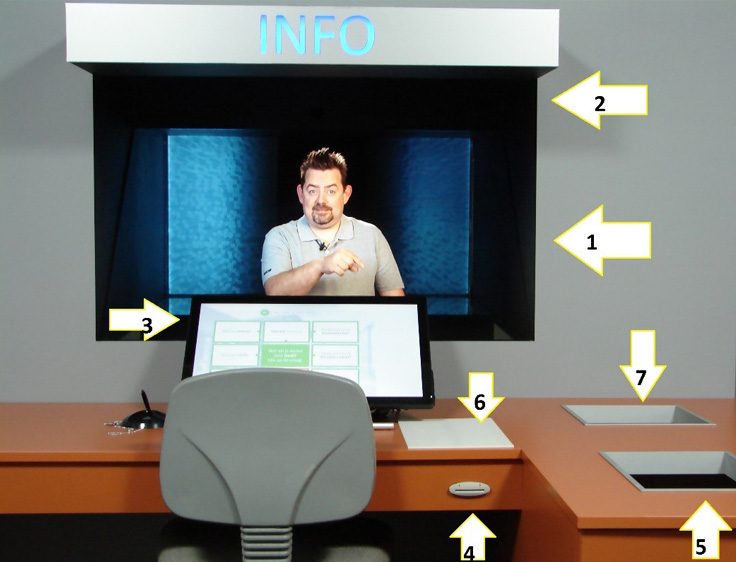
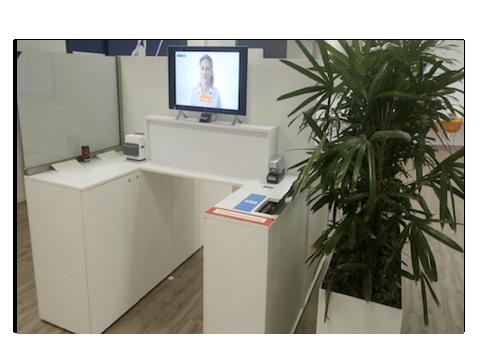
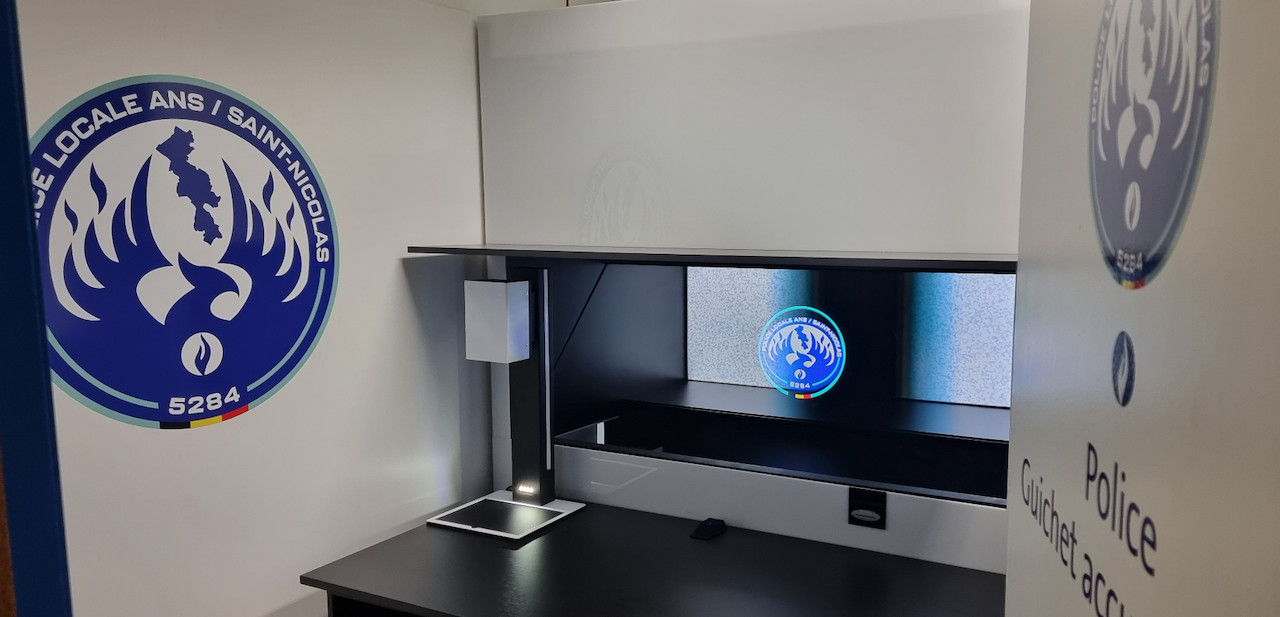
Teleportel In-Wall™ installations can be adapted around the architecture, reception workflow, branding and peripheral equipment required at each site.
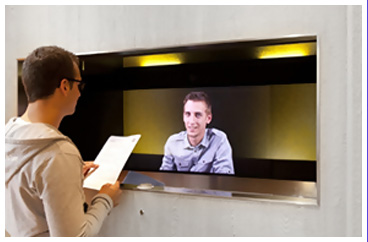
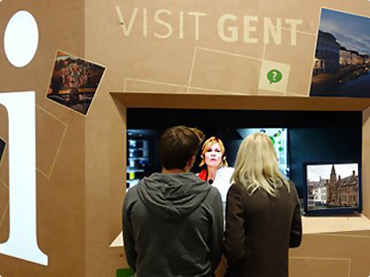
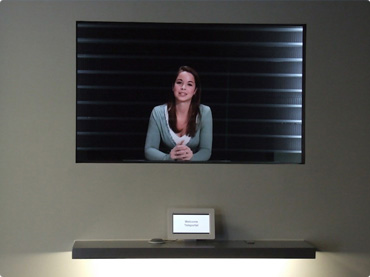
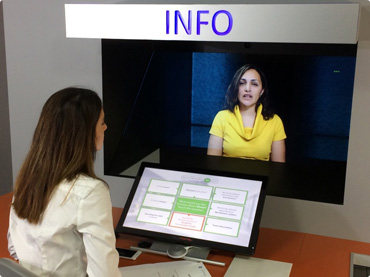
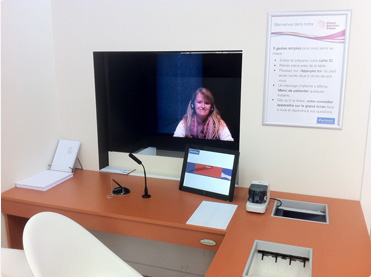
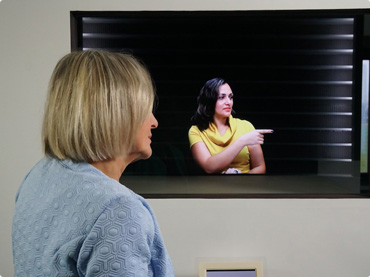
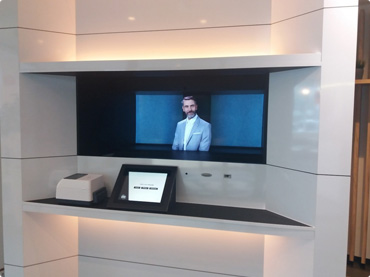
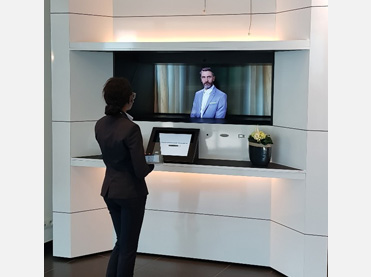
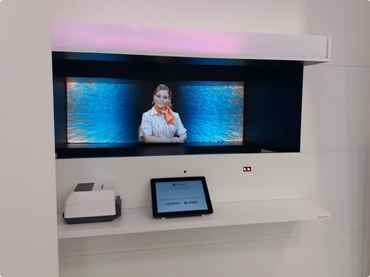
A functioning video conference depends on both visual and audio equipment. Each participating location needs the basic components required to capture, process, display and reproduce the conversation.
A camera provides the visual connection between participants. A low-light sensor can automatically adjust exposure to help produce a clearer image in changing lighting conditions.
A microphone and speaker allow participants to speak and listen. Clear audio is fundamental to effective video conferencing.
A monitor, desktop display, tablet or compatible device gives participants a way to see the people they are communicating with.
A codec is part of the communication process that handles video and audio data so it can be transmitted between participants.
In modern cloud video conferencing, much of the underlying processing can be integrated into the software, device or service. This can make video communication possible without investing thousands in complicated traditional conferencing equipment.

Hardware creates the physical connection, while software can provide the communication, collaboration and integration features used during and around the meeting.
Connect participants through cloud-based video communication and video chats.
Support full data collaboration when participants need to work with information during the conversation.
Give participants an additional written communication channel alongside audio and video.
Use SMS as another communication method where it forms part of the configured workflow.
Combine video communication with conventional telephone communication when appropriate.
Support voice-based conferencing alongside visual communication.
Online language interpretation can support communication where participants need language assistance.
Messaging can complement live communication and help people exchange information.
Integration with agenda and email tools can connect video conferencing with everyday business workflows.
Modern video communication does not have to be limited to a dedicated conference room. Compatible software can allow people to participate using desktops, smartphones and tablets.
This flexibility is useful when employees, customers or other participants are working from different locations and using different types of devices.
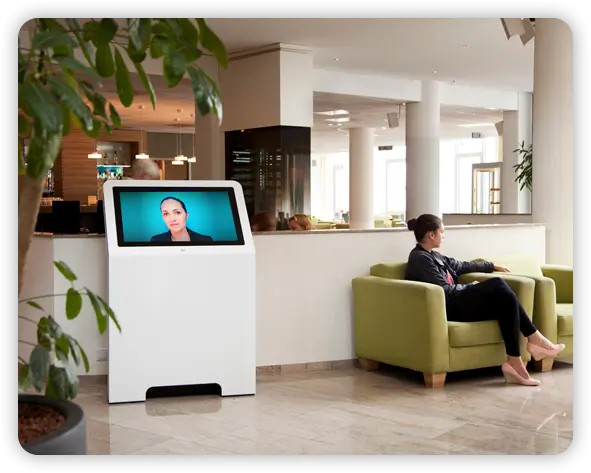
Video conferencing equipment does not necessarily have to mean a room full of specialist hardware. Cloud software and compatible everyday devices can simplify how people connect.
Move more of the conferencing functionality into software and cloud services rather than relying entirely on dedicated equipment.
Use compatible desktops, smartphones and tablets as communication endpoints for different participants.
Bring video, audio, chat, messaging and collaboration together within a broader communication environment.
The goal is not to buy the most equipment. The goal is to have the hardware and software required for clear, reliable and useful communication.
The same basic video communication components can also be used where a person needs to communicate remotely with someone at a physical location.
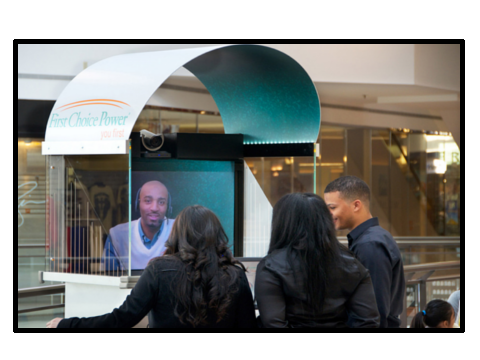
A camera, microphone, speaker, screen and communication software can form the basis of remote reception, customer assistance, consultations and other live video interactions.
View Teleportel Examples
Core hardware and software requirements for setting up practical video communication.
A camera, codec, microphone, speaker and monitor are the minimum hardware components identified for each participating site.
Yes, when visual communication is required. The camera captures participants for the people at the remote location.
Yes. The microphone captures speech while a speaker reproduces audio from the other participants.
A display is needed to see remote participants and visual information during the conference.
Yes. Cloud video conferencing can support video chats and communication without relying entirely on complex dedicated equipment.
Video conferencing can be compatible with desktops, smartphones and tablets, depending on the software and setup.
For each video conferencing location, start with the essentials: camera, codec, microphone, speaker and monitor. Then select the software, collaboration and integration features required by the people using the system.
Teleportel combines video communication with cloud conferencing, collaboration and communication features for desktops, smartphones, tablets and dedicated interaction points.
Answers about cameras, codecs, microphones, speakers, monitors, cloud conferencing and video conferencing software.
At minimum, each participating site needs a camera, codec, microphone, speaker and monitor. Suitable software and connectivity are also required to establish and manage the communication.
The core hardware consists of a camera for video capture, a microphone for audio capture, a speaker for audio output, a monitor for visual output and a codec or equivalent integrated processing capability.
The software depends on the intended use. Features can include cloud video conferencing, video chat, data collaboration, text chat, SMS, telephone, audio conferencing, language interpretation, messaging and agenda or email integration.
A codec handles audio and video information so communication can be processed and transmitted between participants.
Yes. Compatible video conferencing solutions can work with desktops as well as smartphones and tablets.
Yes, provided the video conferencing software supports the device and the device has the required camera, microphone, speaker and display capabilities.
Not necessarily. Cloud conferencing and compatible devices can reduce the need for complicated dedicated equipment, depending on the communication environment and requirements.
Lighting affects camera image quality. A camera with a low-light sensor can automatically adjust exposure to help produce a clearer image under changing lighting conditions.
Yes. Video conferencing software can include data collaboration and text communication alongside live audio and video.
Video communication can be integrated with agenda and email workflows where the selected software supports those functions.