01
Audio conferencing
Bring participants together by voice for quick discussions, scheduled meetings and remote business communication.
For small businesses and start-ups, the cost of web conferencing tools can delay the adoption of online meetings. Free web conferencing platforms provide another way to get started with audio conferencing, video meetings, chat and online collaboration.
Modern cloud communication platforms can support video and audio conferencing across mobile devices, desktops and meeting-room systems. Depending on the platform, businesses can use them for scheduled meetings, instant calls, one-to-one conversations, larger groups and webinars.
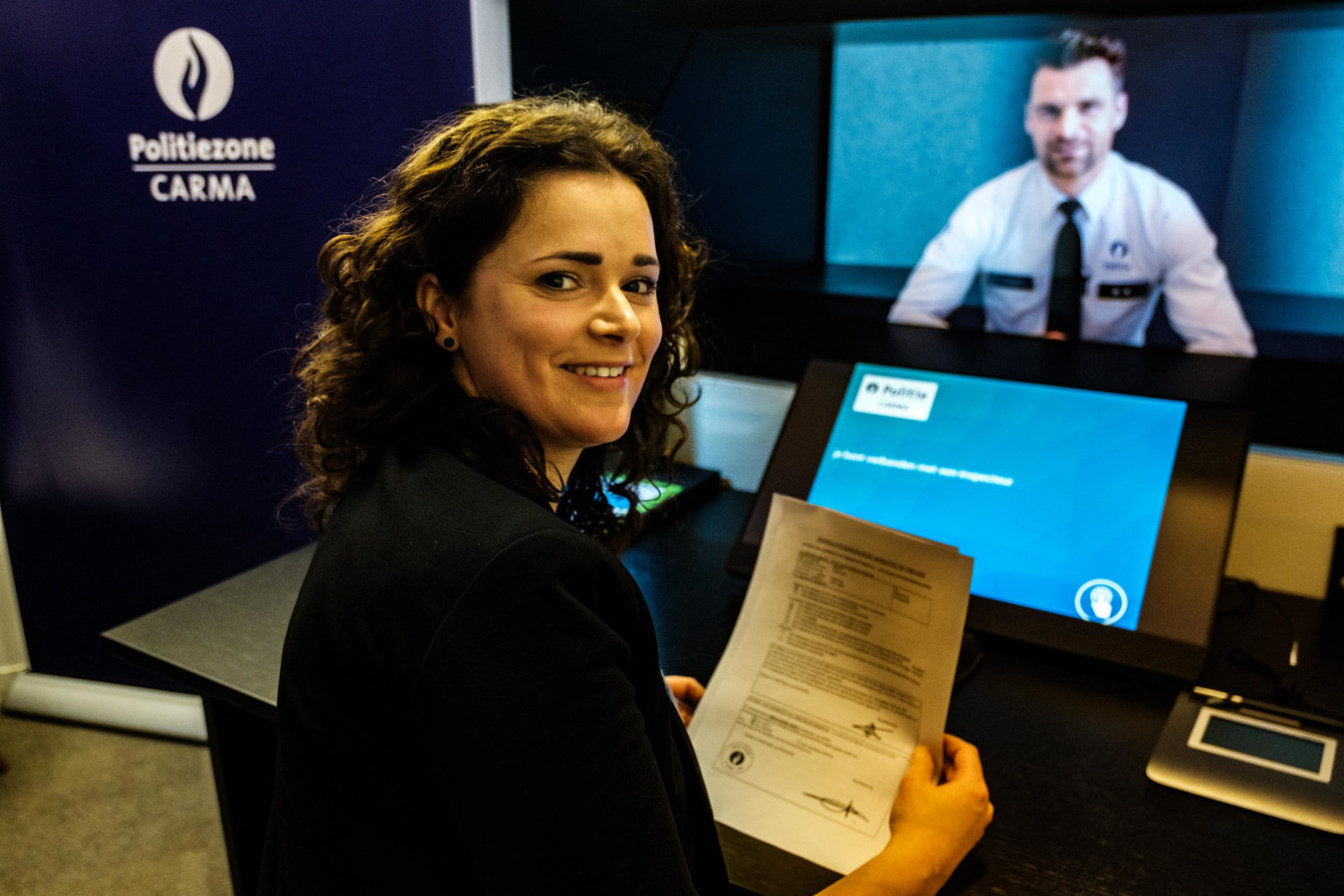
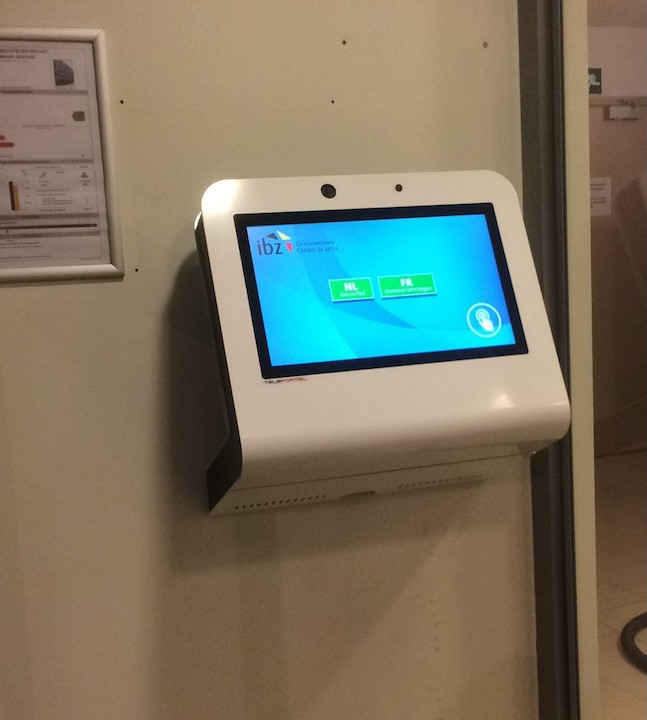
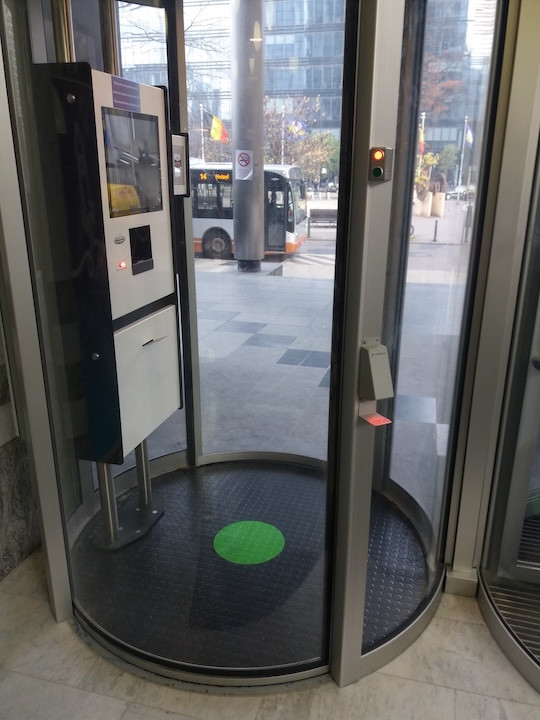
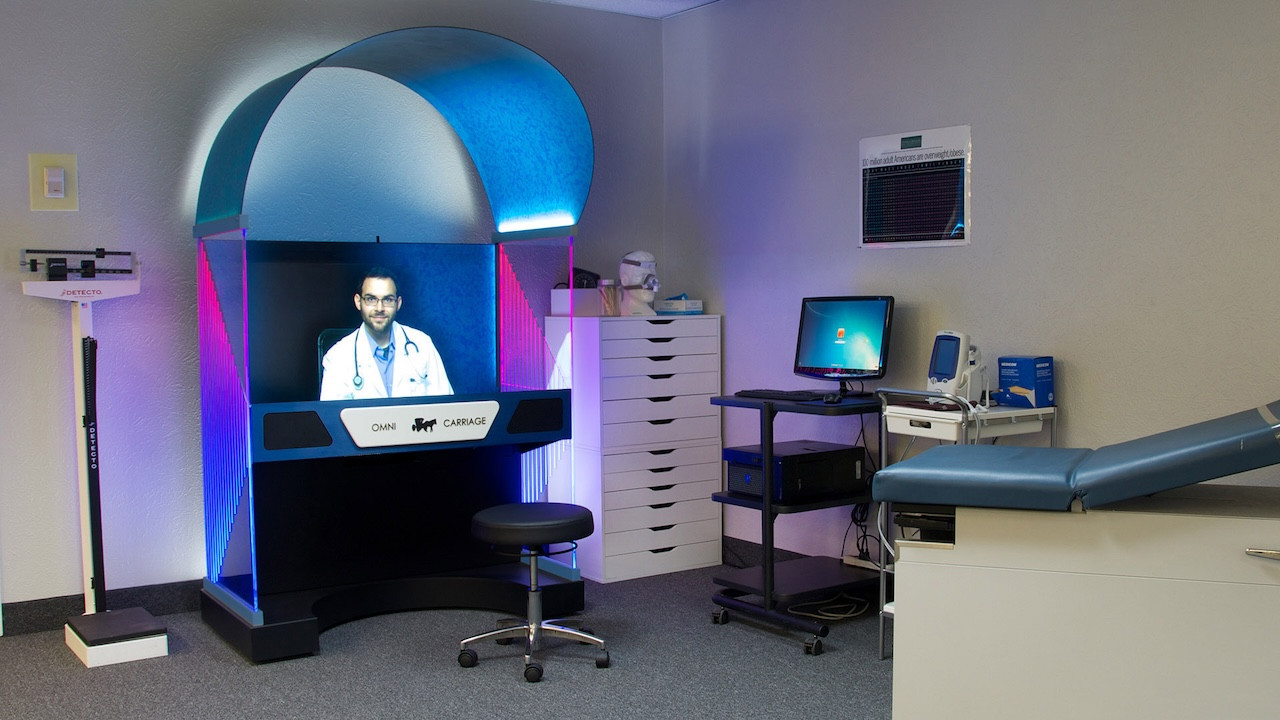


A free web conferencing tool is an online service that allows people to communicate remotely through features such as audio conferencing, video meetings, chat and web-based collaboration without requiring an initial paid conferencing plan.
Bring participants together by voice for quick discussions, scheduled meetings and remote business communication.
Add face-to-face visual communication for one-to-one sessions or larger group meetings.
Host scheduled or instant meetings through a cloud or web-based conferencing environment.
Some conferencing platforms can also support presentation-style online communication for larger audiences.
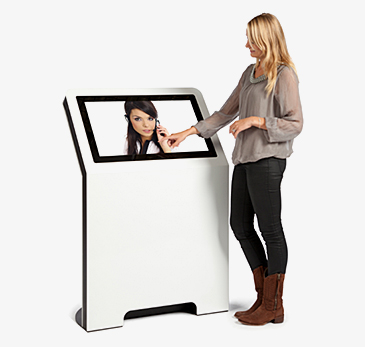
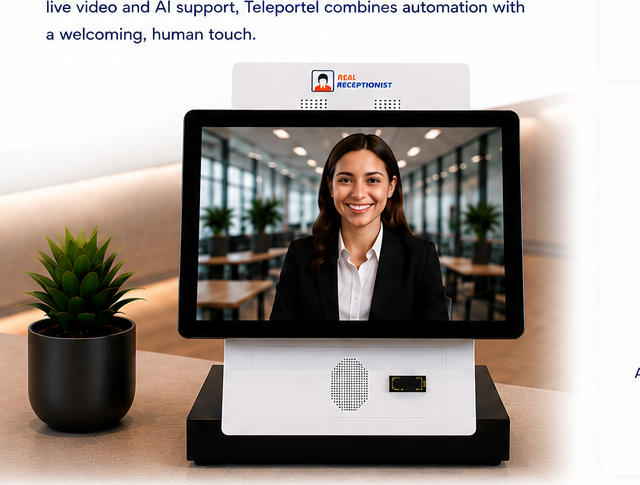
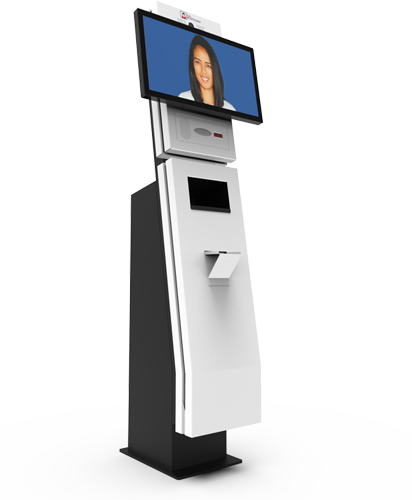
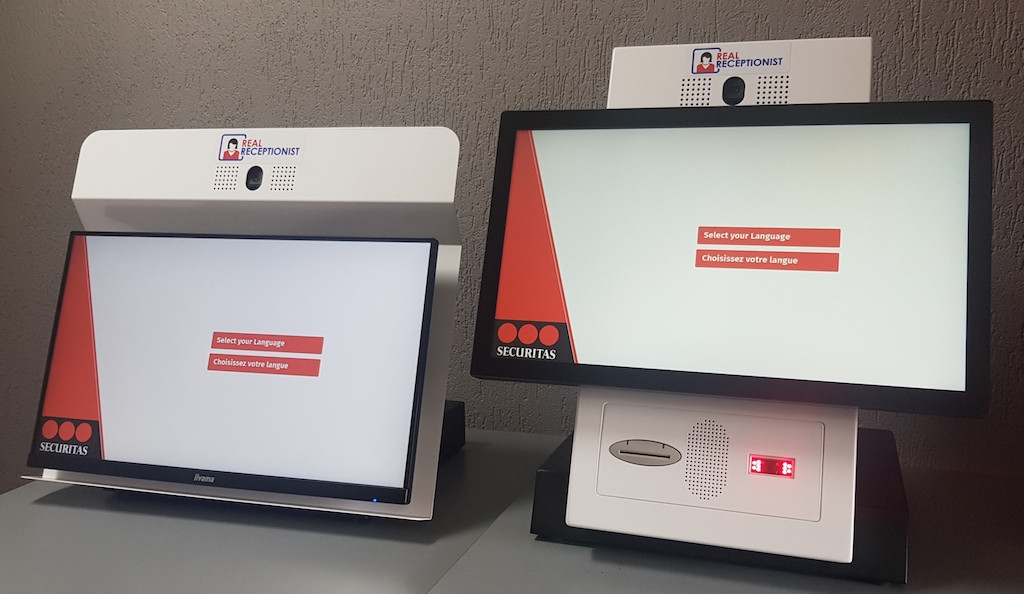
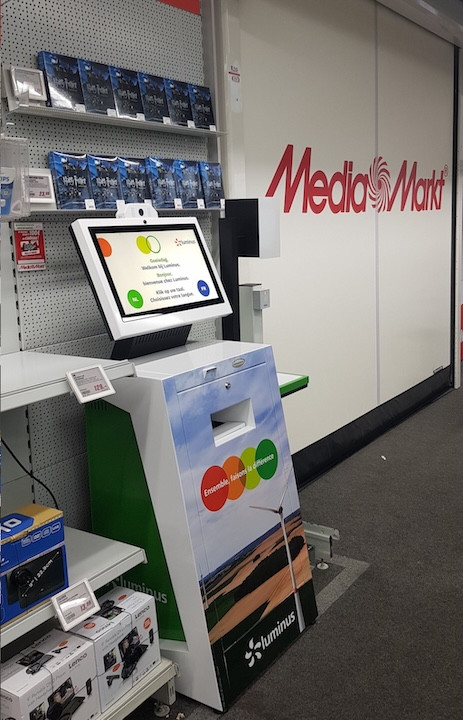
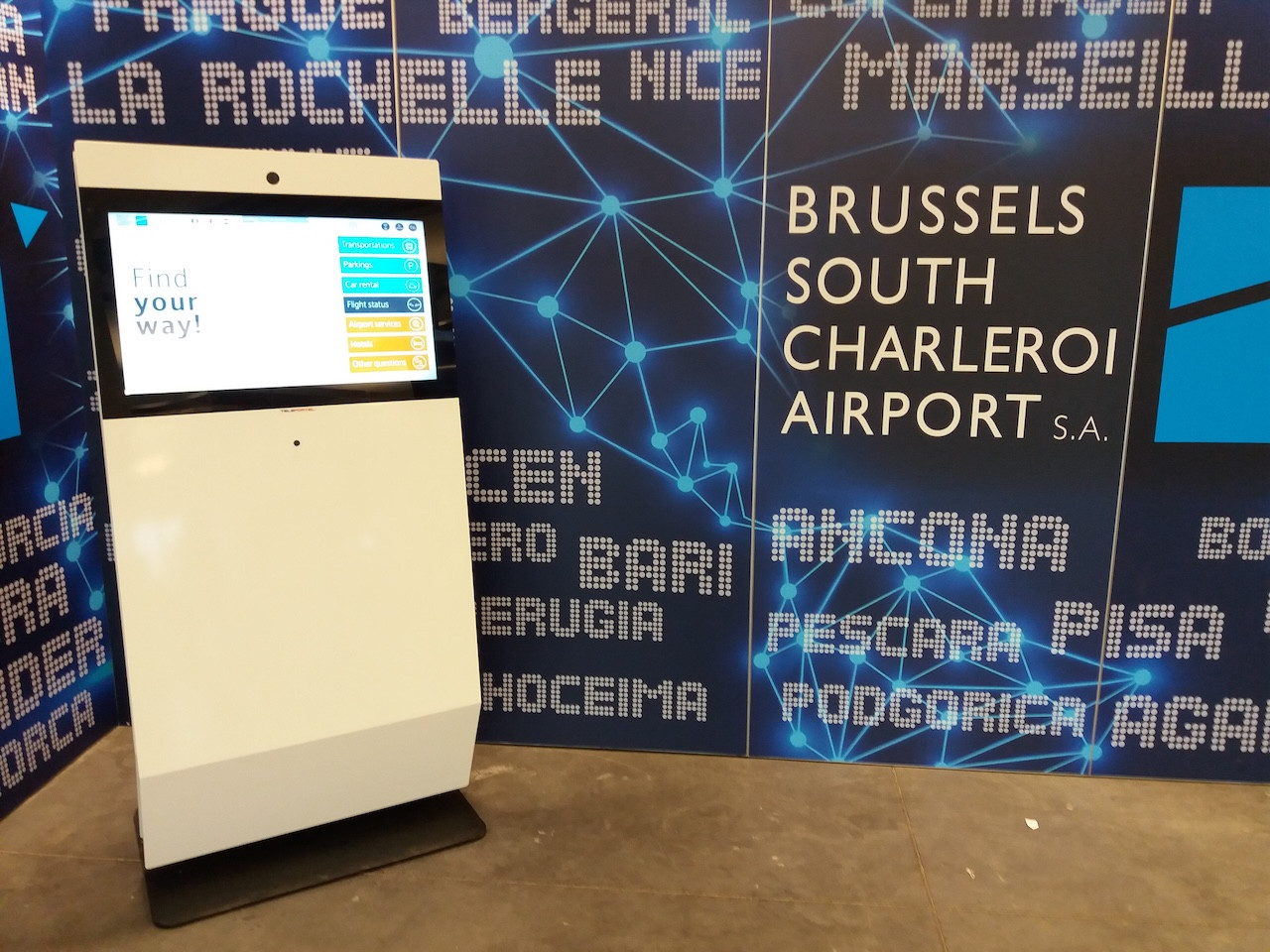
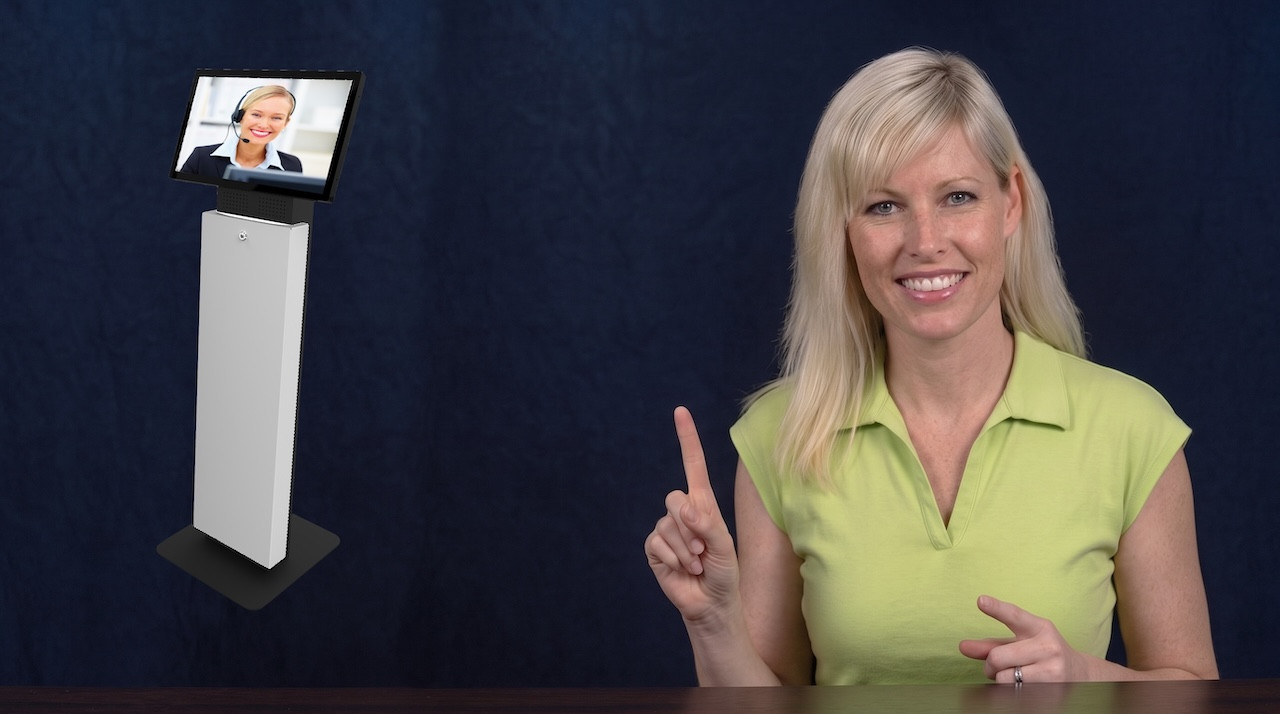
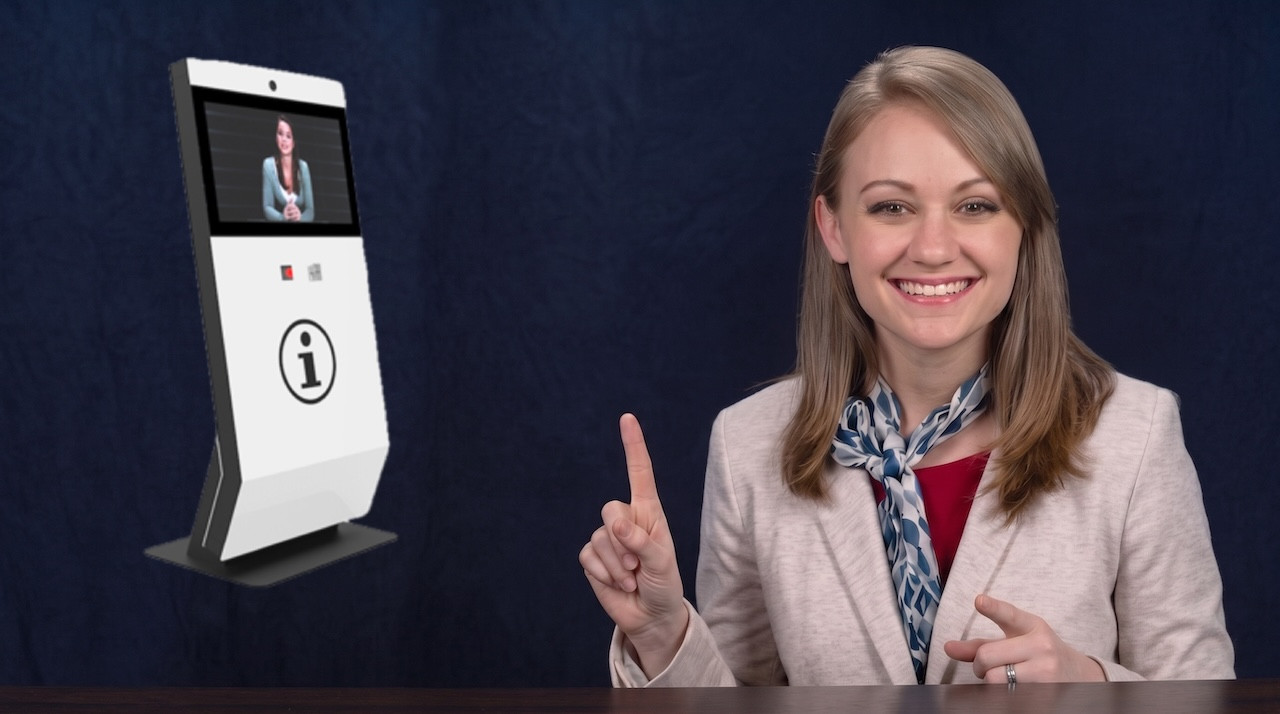
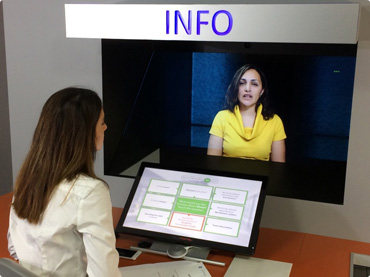
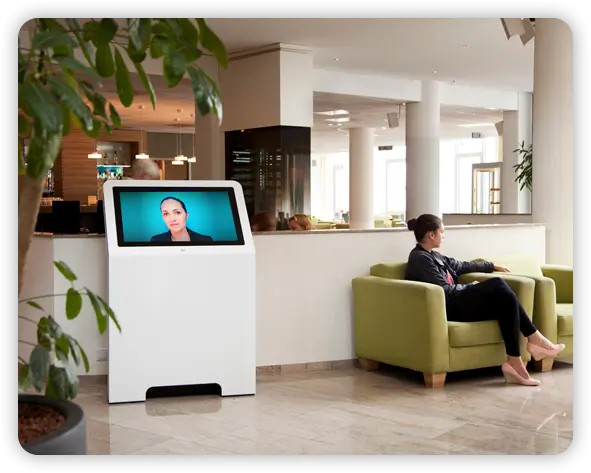
Combine Teleportel software with the touchscreen format that best matches your reception environment and visitor management process.
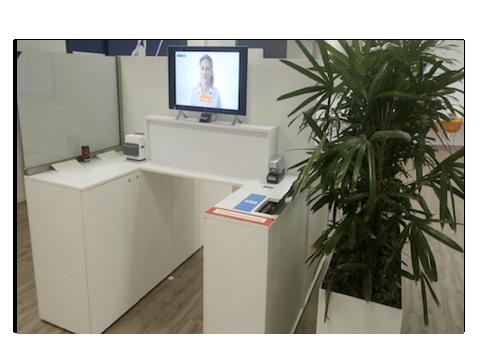
Reception requirements vary by location. Digital visitor management can support the way guests, patients, contractors and other visitors arrive in different environments.
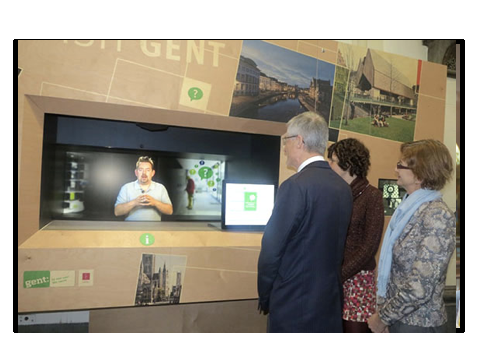
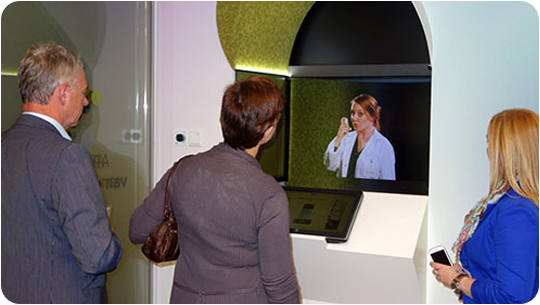
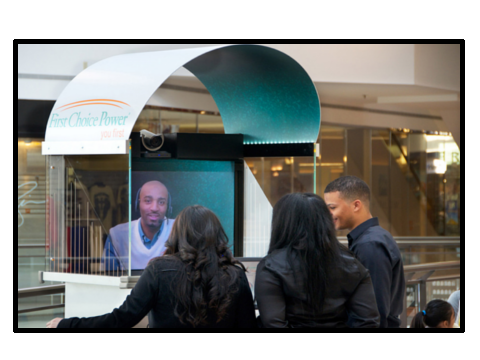
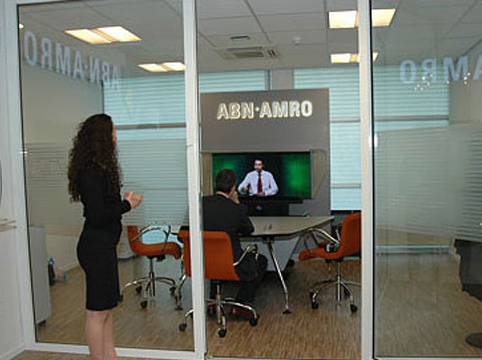
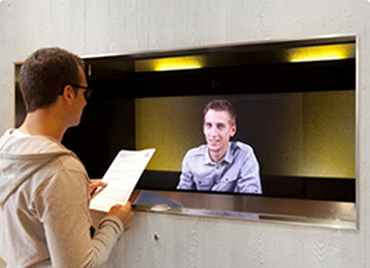
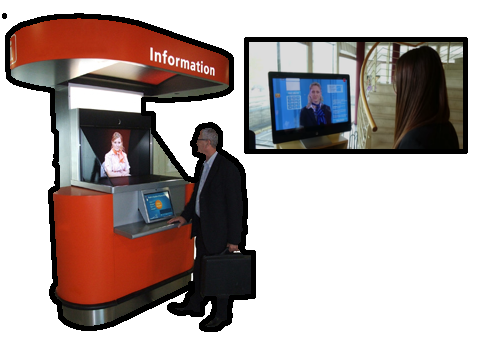
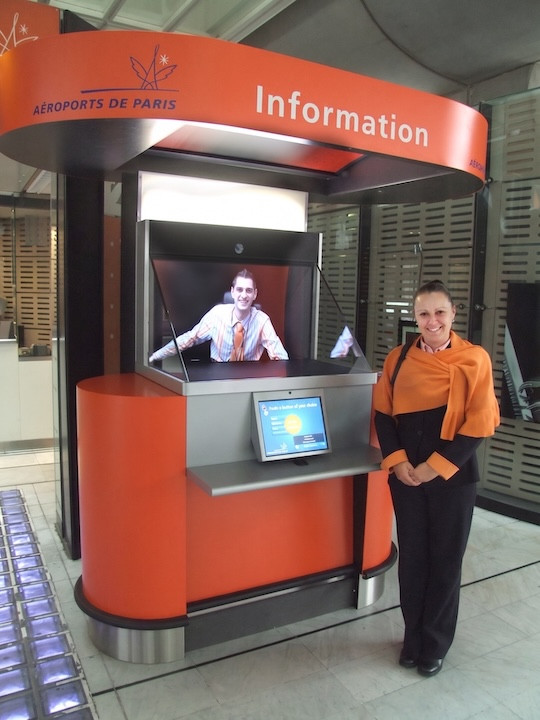
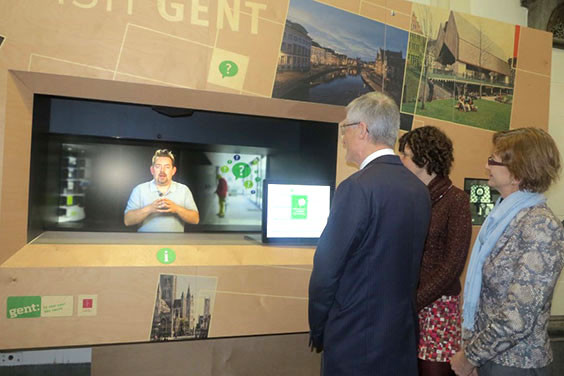
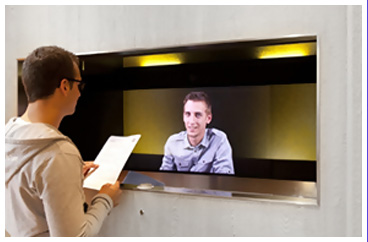
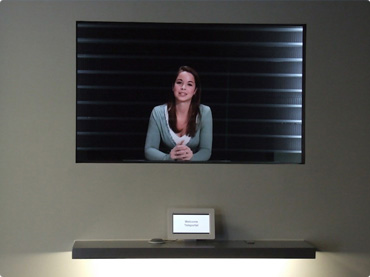
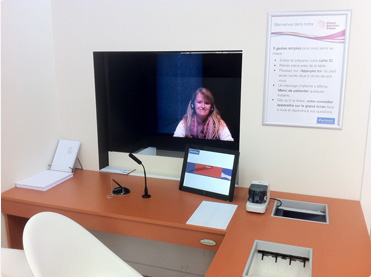
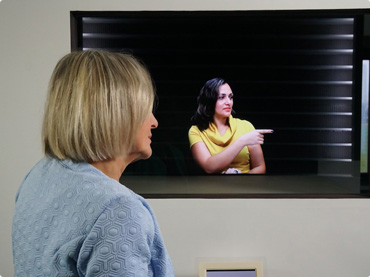
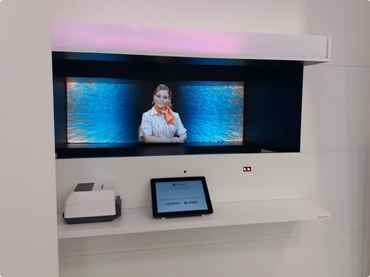
Teleportel's patented 3D Holographical Reality™ is designed around presence rather than simply displaying a remote video feed. The receptionist appears life-sized and in 3D, with aligned eye contact, while the camera and screen remain outside the visitor's view.
The effect is intentionally different from ordinary 2D displays and from consumer “3D TV” concepts that require goggles. No glasses are needed. The objective is an immersive, authentic interaction in which the person on the other side feels much closer to being in the same room.
The sound is also positioned so that it seems to come from the person rather than from an obvious loudspeaker, reinforcing the overall sense of presence.
More About Holographical Reality™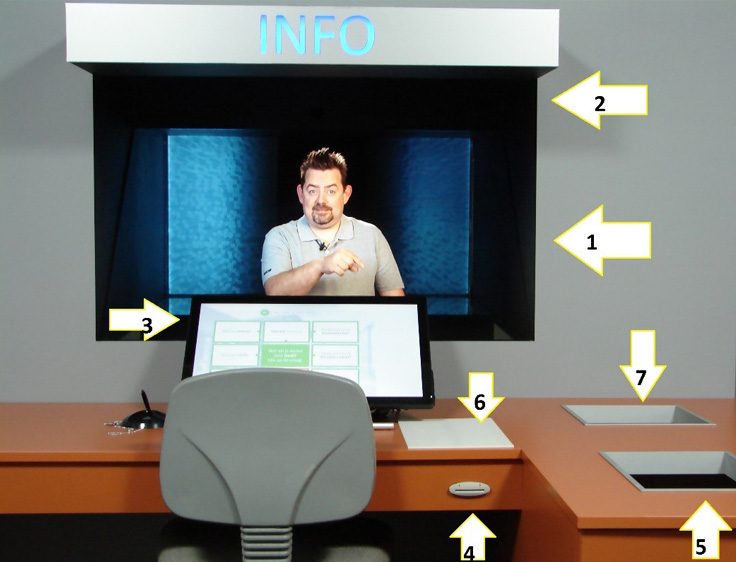
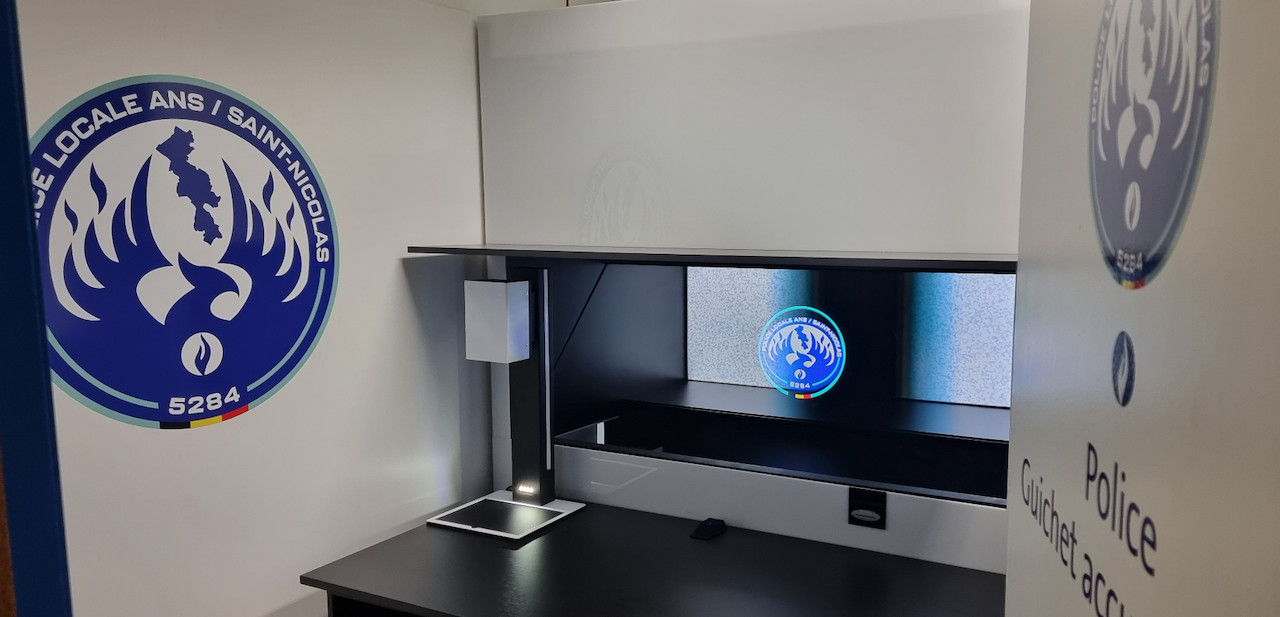
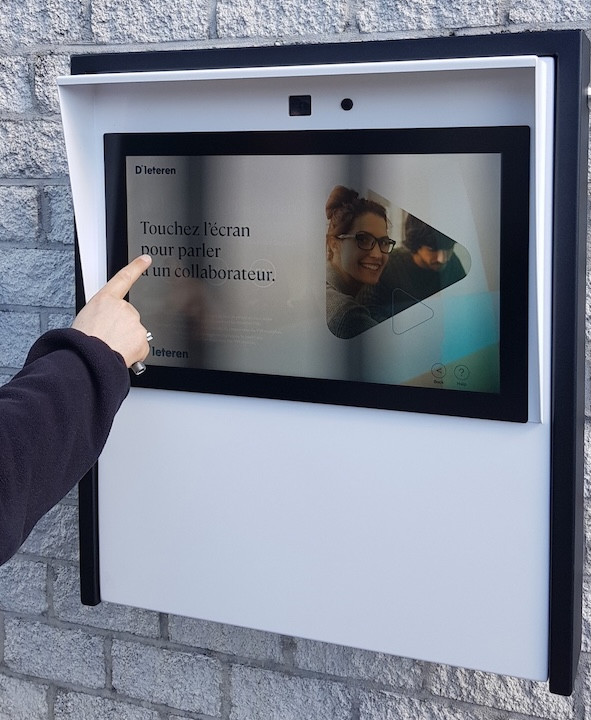
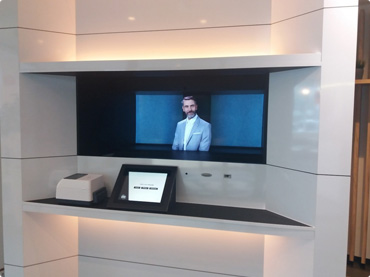
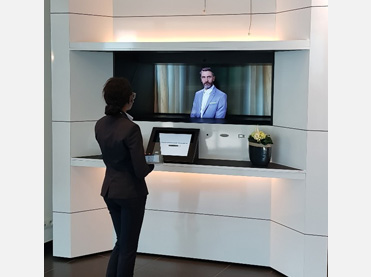
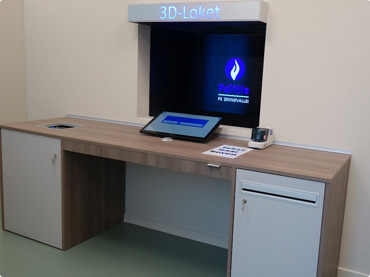
Teleportel In-Wall™ installations can be adapted around the architecture, reception workflow, branding and peripheral equipment required at each site.
Especially for small businesses and start-ups, the cost of conferencing software can be a barrier. Free tools can provide a practical entry point when an organization wants to begin using online meetings without immediately adding another significant expense.
Free conferencing can help smaller organizations begin using online meetings while keeping initial communication costs under control.
Growing teams can use cloud communication to connect people in different locations without immediately investing in complex conferencing infrastructure.
A free platform may be sufficient when online meetings are needed only periodically or involve relatively straightforward communication.
Modern enterprise video communication can combine video conferencing, audio conferencing, chat and webinars through a cloud platform.
Participants may connect across mobile devices, desktops and room systems, making web conferencing useful for distributed teams and people working from different locations.

The most useful platform depends on how your organization communicates, but several capabilities can make online meetings easier and more flexible.
Start an online conversation on the fly when there is no need to schedule the meeting in advance.
Plan online meetings for a specific time and bring participants together remotely.
Use visual communication when seeing colleagues or other participants improves the conversation.
Use web conferencing for direct conversations between two participants.
Bring more participants into the same online communication environment when the platform supports the required capacity.
Complement live audio and video communication with written online messaging.
A free conferencing platform can be useful when a business needs an instant, hassle-free way to host an online meeting without committing to a larger conferencing investment.
It can support scheduled or unscheduled conversations, face-to-face video meetings, individual sessions and group communication depending on the features and limits of the selected service.
Free conferencing can be a strong starting point, but the right solution depends on how frequently the organization communicates and what it expects the platform to do.
When online meetings become part of everyday operations, reliability and administration may become more important.
Larger meetings or webinars may require participant capacity beyond what a free plan provides.
A business may want video, audio, chat and external communication to work together as part of a broader workflow.
Internal meeting tools are not always designed for customers or visitors who need an immediate way to reach the organization.
Organizations may want live video communication to be accessible directly through a website rather than only through scheduled meeting links.
As usage grows, conferencing may need to connect with other communication and operational processes.
The best free conferencing tool is not simply the platform with the longest feature list. Compare platforms against the way your team actually communicates.
Decide whether you mainly need audio calls, face-to-face video, group meetings, online collaboration or webinars.
Consider whether participants will connect from desktops, mobile devices, meeting rooms or a web browser.
Consider whether your requirements may expand from internal meetings to customers, partners, visitors or other external communication.
Online video is not limited to meetings between people inside the same organization. It can also create a communication channel with the outside world.
Use live video to provide personal communication when a customer needs to speak with someone in the organization.
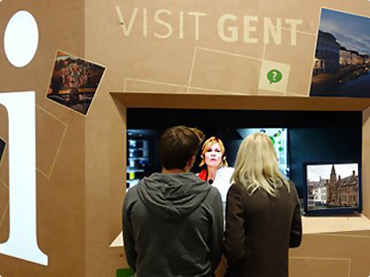
Connect visitors with employees or reception teams through a digital or physical video communication point.
Use online video to communicate face-to-face with suppliers, partners and other external contacts.
A web conferencing platform brings people into an online meeting. Website-based video can also let the outside world come directly to your organization.
The same idea behind face-to-face online meetings can be extended to communication through a company website.
Instead of arranging a traditional meeting first, a customer or visitor can potentially use a website-based video channel to connect with the organization when they need assistance.
This can support customer service, consultations, remote reception and other situations where a real person needs to become available from another location.
Explore Teleportel Examples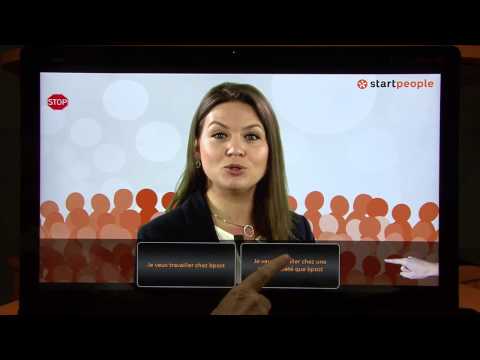
Key distinctions for businesses comparing free online meeting and video communication options.
Web conferencing connects people online and can combine audio, video, chat and other meeting or collaboration functions.
A free conference call lets participants communicate remotely without an initial paid conferencing subscription, subject to the platform's limits.
Yes. Modern web conferencing platforms can include face-to-face video alongside audio and chat.
Some cloud communication platforms include webinar capabilities in addition to meetings and conferencing.
Modern conferencing platforms can operate across mobile, desktop and room systems, depending on the selected service.
Video communication can also be used through a website to connect people outside the organization with employees or service teams.
For small businesses and start-ups, free web conferencing can remove an early barrier to online meetings. Choose the platform that matches your real communication needs, then expand when audio, video, webinars or external communication become more important.
Teleportel can extend face-to-face video communication beyond internal online meetings and create ways for customers, visitors and other people outside your organization to connect through digital touchpoints.
Answers about free conference calls, video conferencing, web meetings, webinars and website video communication.
It is an online conferencing service that provides meeting and communication features without requiring an initial paid plan, subject to the service's free-plan features and limits.
They can reduce the initial cost of adopting online meetings, making it easier for small businesses and start-ups to begin using remote communication.
Depending on the platform, web conferencing can include video conferencing, audio conferencing, online meetings, chat and webinar functionality.
Some conferencing services support instant or on-the-fly meetings as well as meetings scheduled in advance.
Yes, some free conferencing platforms support face-to-face video communication, although features and participant limits vary by service.
Yes. Online conferencing can be used for direct one-to-one conversations as well as larger group sessions where the platform supports the required capacity.
Modern cloud conferencing platforms can support mobile devices, desktop computers and room systems, depending on the platform.
Web conferencing commonly focuses on interactive online meetings, while webinars are typically more presentation-oriented and may be designed for larger audiences.
A company may need a broader solution when it requires more participants, more frequent use, additional administration, webinars, integrations or communication with customers and visitors.
Yes. Website-based video communication can create a direct channel for customers, visitors or other external users to connect with a business.