01
Live video
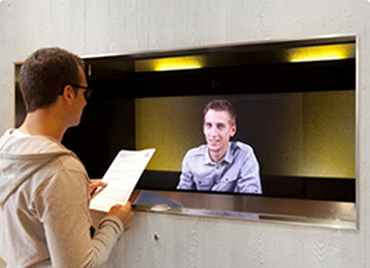
A camera captures participants so people in another location can see them during the conversation.
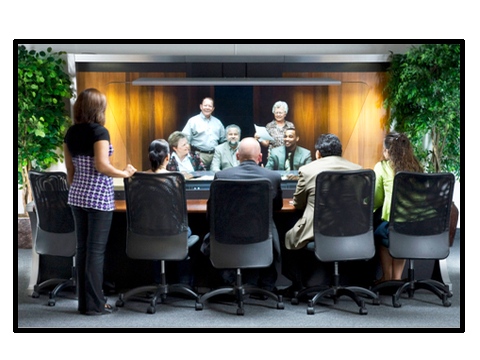
Video conferencing uses technology to create a visual connection between people in separate locations. By transmitting live video and audio over computer networks, two or more geographically distributed participants can communicate face to face without meeting physically.
A computer, camera, microphone, screen and network connection can support interactive video communication. But video is no longer limited to scheduled meetings: it can also connect employees, specialists, customers, visitors and remote receptionists exactly where human interaction is needed.


Video conferencing, also called a video conference or videoteleconference, enables two or more participants at different sites to communicate using computer networks that transmit audio and video data. Instead of traveling to meet physically, participants can hold live face-to-face conversations across distance.
A camera captures participants so people in another location can see them during the conversation.
Microphones and speakers allow participants to speak and listen naturally during the same interaction.
Computer networks or Internet connectivity carry the audio, video and collaboration data between locations.
Seeing expressions, gestures and visual context can make remote communication feel more direct and personal.
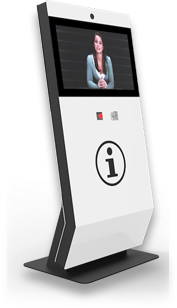
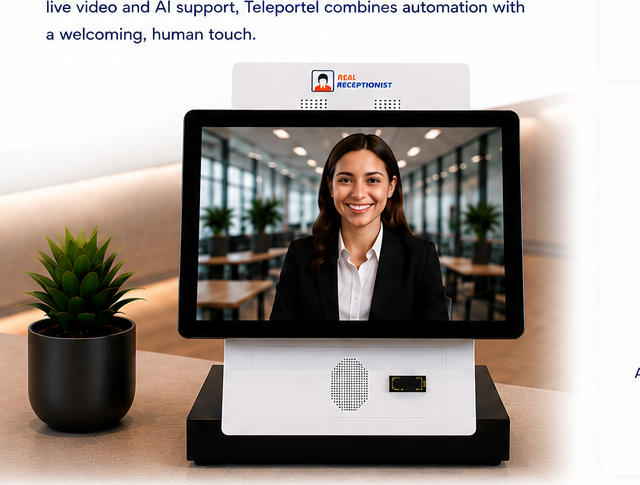
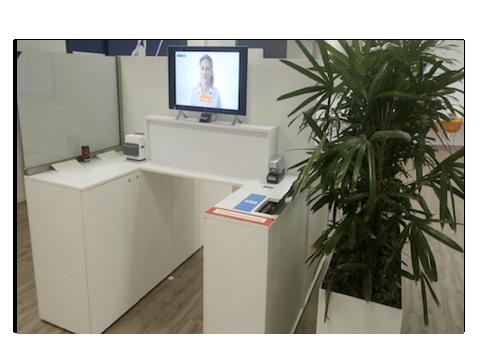
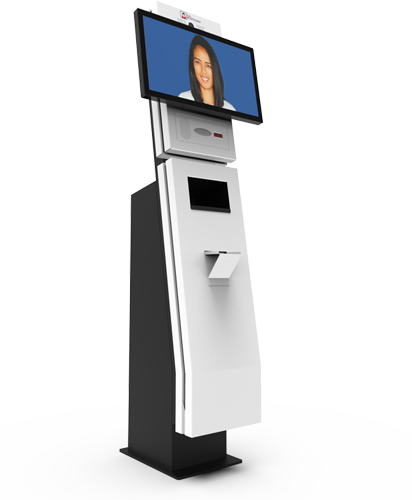
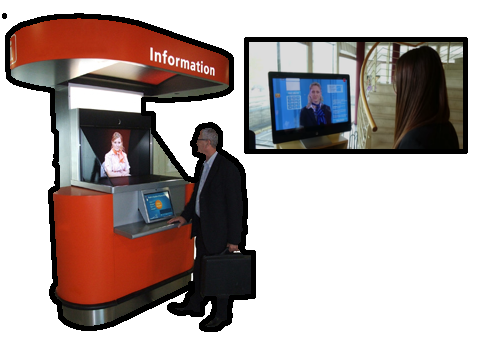
Combine Teleportel software with the touchscreen format that best matches your reception environment and visitor management process.
Reception requirements vary by location. Digital visitor management can support the way guests, patients, contractors and other visitors arrive in different environments.
When people hear “video conferencing,” they often imagine employees sitting in front of laptops, sharing a presentation and joining from different offices or homes. That remains an important use, but video communication has evolved beyond the traditional meeting.
Today, the same underlying technology can connect employees across offices, let specialists assist customers remotely and allow visitors to interact with staff who are not physically present.
The context changes, but the principle remains the same: people can communicate visually and directly while being in different places.
A telephone call carries the voice. Email exchanges information asynchronously. Video adds the visual dimension that helps remote interaction feel closer to being physically together.
Participants can see reactions and expressions that are absent from an audio-only conversation.
Body language and visual surroundings become part of the communication rather than being lost across distance.
Presentations, documents, screens and other visual information can become part of the interaction when required.
Video is not simply a telephone call with a camera attached. It creates a different form of remote communication by combining conversation with visual presence.
Video conferencing was once associated mainly with expensive dedicated meeting-room equipment. Today, a camera, microphone, screen and suitable network connection can be enough to establish a video connection.
A small business can use video to communicate directly with remote employees, clients or partners.
Organizations can connect offices and teams in different cities or countries without requiring routine travel.
Specialists can assist customers, employees or visitors from another location when their knowledge is needed.
A person no longer has to be physically present at a site to participate directly in what is happening there. This is one of the most useful consequences of live video communication.
A specialist or manager can communicate with employees at another office without traveling there.
Customers and employees can reach someone with the right knowledge even when that person works elsewhere.
Direct visual communication can replace some physical trips while retaining a personal face-to-face interaction.
Video conferencing is commonly associated with several participants joining at a scheduled time. Yet video can serve an even simpler purpose: connecting one person directly with another.
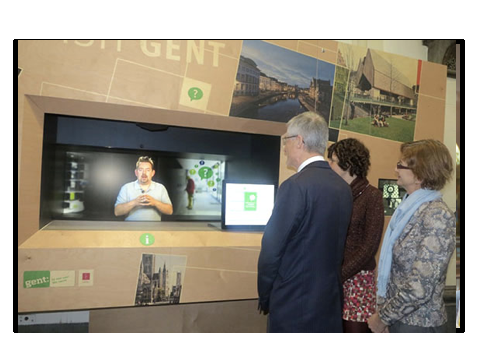
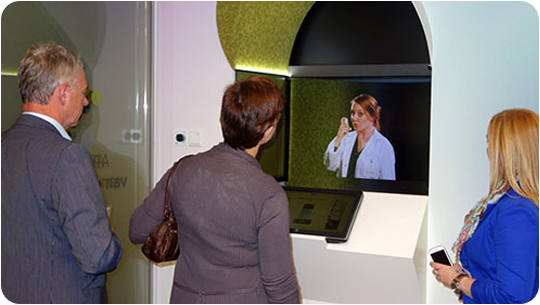
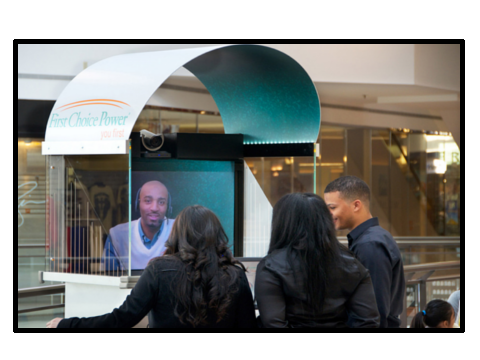
A visitor can connect face to face with a receptionist who works from another location.
A customer can reach a specialist visually when a more personal interaction is useful.
An employee or visitor can speak directly with the appropriate person without creating a formal group meeting.
There may be no invitation, meeting room or group of attendees. It can simply be two people communicating face to face from different locations.
Consider a visitor arriving at a building where no receptionist is physically stationed at the desk. Instead of searching for assistance or making a telephone call, the visitor can use a screen or kiosk to connect directly with a remote receptionist.
This moves video beyond the meeting room and makes it part of everyday business interaction. The same principle can support reception, customer assistance and remote specialist services.
Explore Teleportel Remote Reception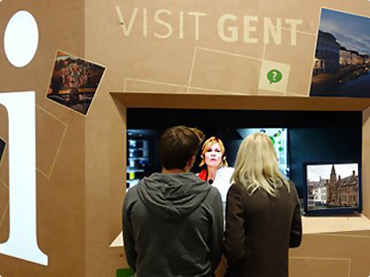
A business does not necessarily have to choose between a fully automated process and a traditional staffed reception desk. Video communication can work alongside digital self-service to create a hybrid experience.
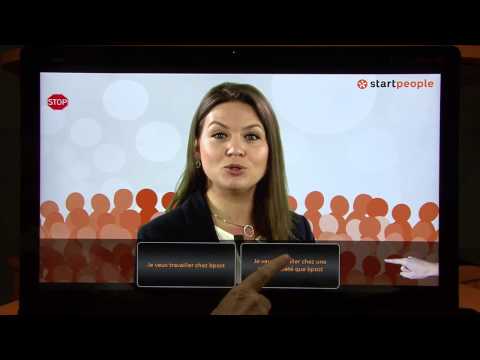
A visitor can enter details, scan a QR code, follow instructions or complete suitable registration steps independently.
If a question or exception occurs, a live video connection can bring a remote employee or receptionist into the interaction.
Organizations with multiple sites can provide human assistance remotely without placing a receptionist physically at every location.
Automation for routine tasks, human communication when it matters.
An organization using video for internal meetings may need something very different from a business using video for customer service, visitor reception or remote assistance.
Define whether users are employees, customers, visitors, specialists or a combination of these groups.
Determine whether communication stays inside the organization or must also be accessible to people outside it.
Consider whether people will connect from their own computers and phones or through dedicated screens and kiosks.
Decide which interactions require a person and which routine steps can be handled automatically.
Determine whether users will join planned meetings or need immediate access to someone when a situation occurs.
Consider hosting, business-data management and whether a dedicated cloud environment is appropriate for the application.
Teleportel's video communication approach can support deployment options beyond a shared generic conferencing service.
A business can use its own server environment in the cloud rather than sharing the same server setup with other companies.
The application can be used under white label so the communication experience can be presented within the organization's own context.
The solution is designed to keep deployment costs low without requiring large upfront investments.
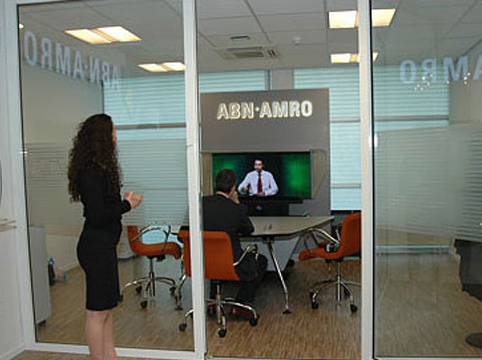
The screen can be on a laptop, in a conference room, at a reception desk or inside a dedicated kiosk. The location changes; the underlying purpose remains direct communication between people who are physically apart.
Connect colleagues and teams for conventional scheduled business meetings and collaboration.
Give customers access to specialists or service employees from another location.
Welcome and assist visitors through a remote receptionist or a combination of self-service and live video.
Make specialized employees available to more locations without requiring them to travel between every site.
Use people more efficiently across geographically distributed offices, branches or service points.
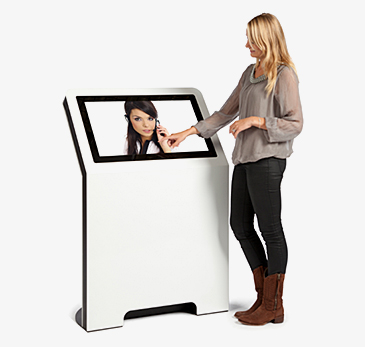
Place live human communication into physical environments through purpose-built video and reception kiosks.
Video conferencing began by making remote meetings practical. Its broader role is making human communication available wherever an organization needs it.
That might mean colleagues working together on a project, a customer speaking with a specialist, or a visitor being welcomed by a receptionist working remotely.
The situation changes each time, but the purpose is consistent: making communication feel more direct despite physical distance.
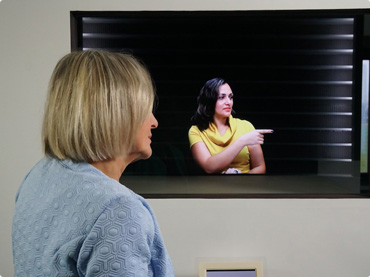
Video is no longer simply a way to hold meetings. It is a way to bring people closer, wherever they are.
Core concepts for organizations considering video meetings, customer communication, remote reception and other forms of live visual interaction.
Video conferencing is live communication between people in different locations using network technology to transmit video and audio.
A video conference can connect two people for a direct conversation or multiple participants for a group meeting, depending on the system.
A typical setup uses a camera, microphone, speaker or audio output, screen and network-connected device.
No. Video can also support customer assistance, remote expertise, visitor reception and direct one-to-one communication.
Yes. Routine steps can be automated while live video provides access to a person when human assistance is required.
Yes. Dedicated kiosks can bring live remote employees or receptionists into physical customer and visitor environments.
Teleportel combines live human video interaction with digital and remote reception processes, connecting physical locations with people working remotely.
Answers about video meetings, remote communication, private cloud deployment, white label and video beyond the meeting room.
Video conferencing means conducting a live conference between people in different locations using computer networks to transmit video and audio.
A telephone call primarily provides voice communication. Video conferencing adds visual presence, allowing participants to see expressions, gestures and visual information during the conversation.
No. Video can be used from computers and mobile devices as well as dedicated meeting rooms, reception points and kiosks.
Yes. Video communication can connect two people directly and does not have to involve a large scheduled meeting.
It allows employees, specialists, customers and other participants to communicate face to face without being physically in the same location.
Yes. A visitor can interact with a receptionist working from another location through a screen or dedicated reception kiosk.
Yes. Routine visitor steps can be handled digitally while a live remote employee or receptionist becomes available when assistance is needed.
Teleportel's described deployment model can use a personal server environment in the cloud rather than a server shared with other companies.
Yes. The supplied Teleportel product information states that the application can be used under white label.
Start with the intended use: who communicates, whether users are internal or external, which devices they use, whether communication is scheduled or on demand, how much automation is appropriate and how the solution should be hosted.